Task template
MiniMax H3 whip-pan prompts: join two separate shots by direction
Prepare two original single-shot inputs for a manually selected whip-pan cut. Keep screen motion consistent and distinguish camera blur from an automatic scene morph.
MiniMax-H3 · image-to-video · Original task method; generation has not been independently verified.
Start generating video →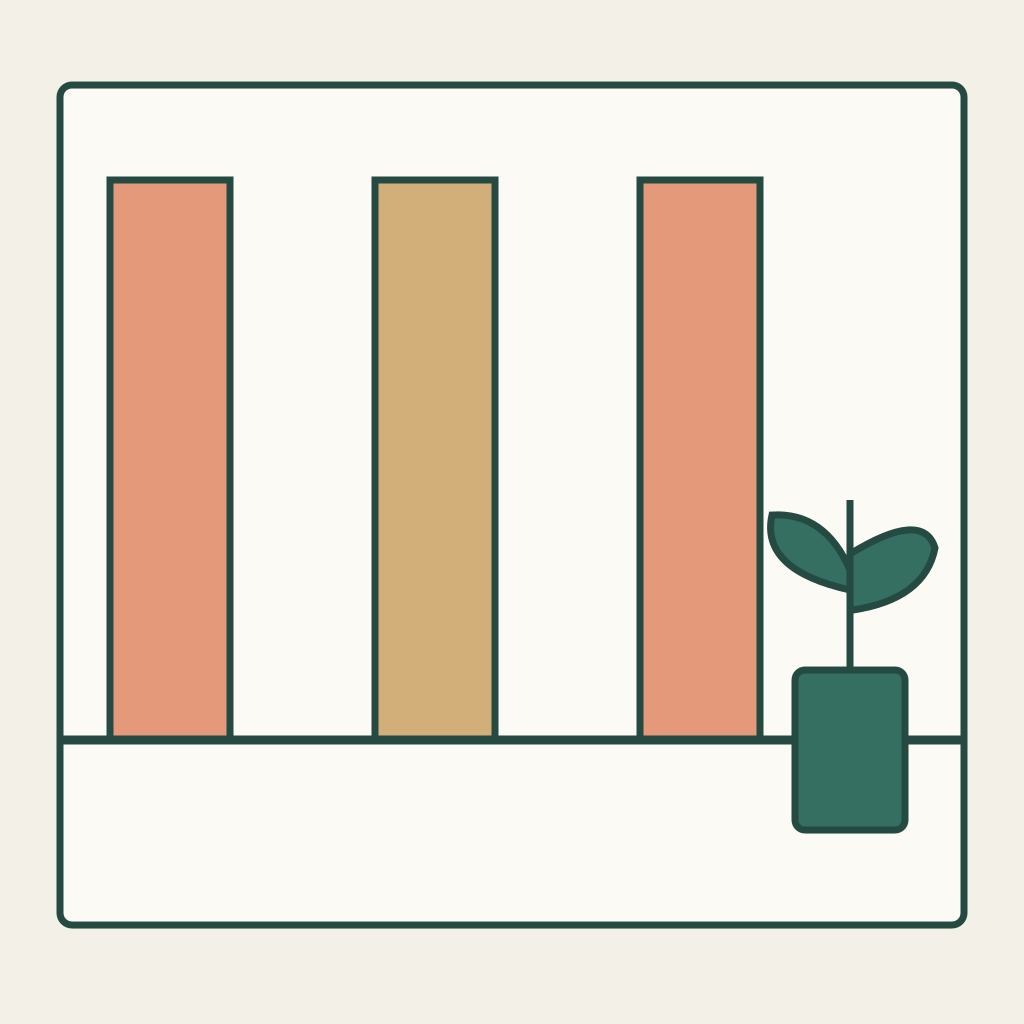
MiniMax H3 whip-pan prompts: join two separate shots by direction
Prepare two source shots that can later be evaluated for a directional whip-pan join. The camera pans right in each brief, so the depicted background should move toward screen left. The edit remains a separate human choice between actual source frames.
Original practice input and untested method. No model generation, completed edit or output review has been performed.
Read the original input and define the outcome
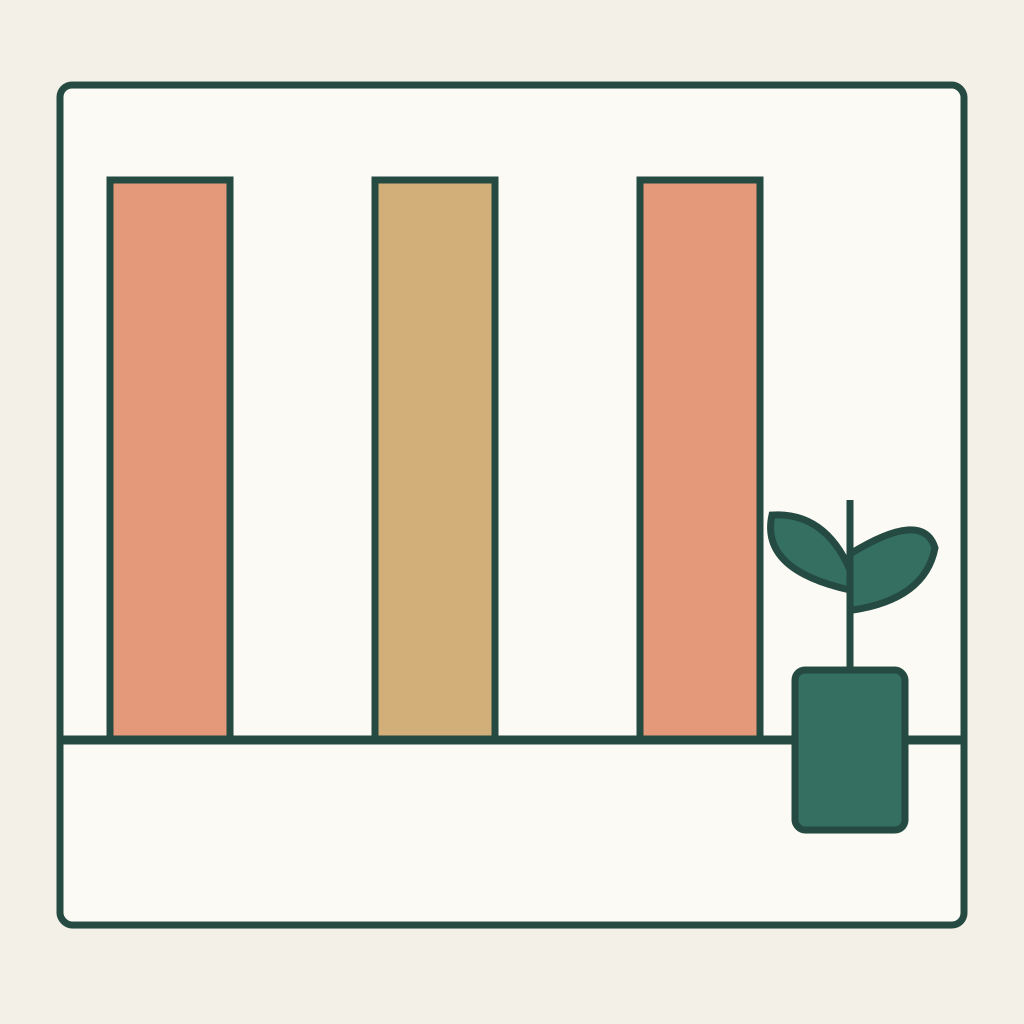
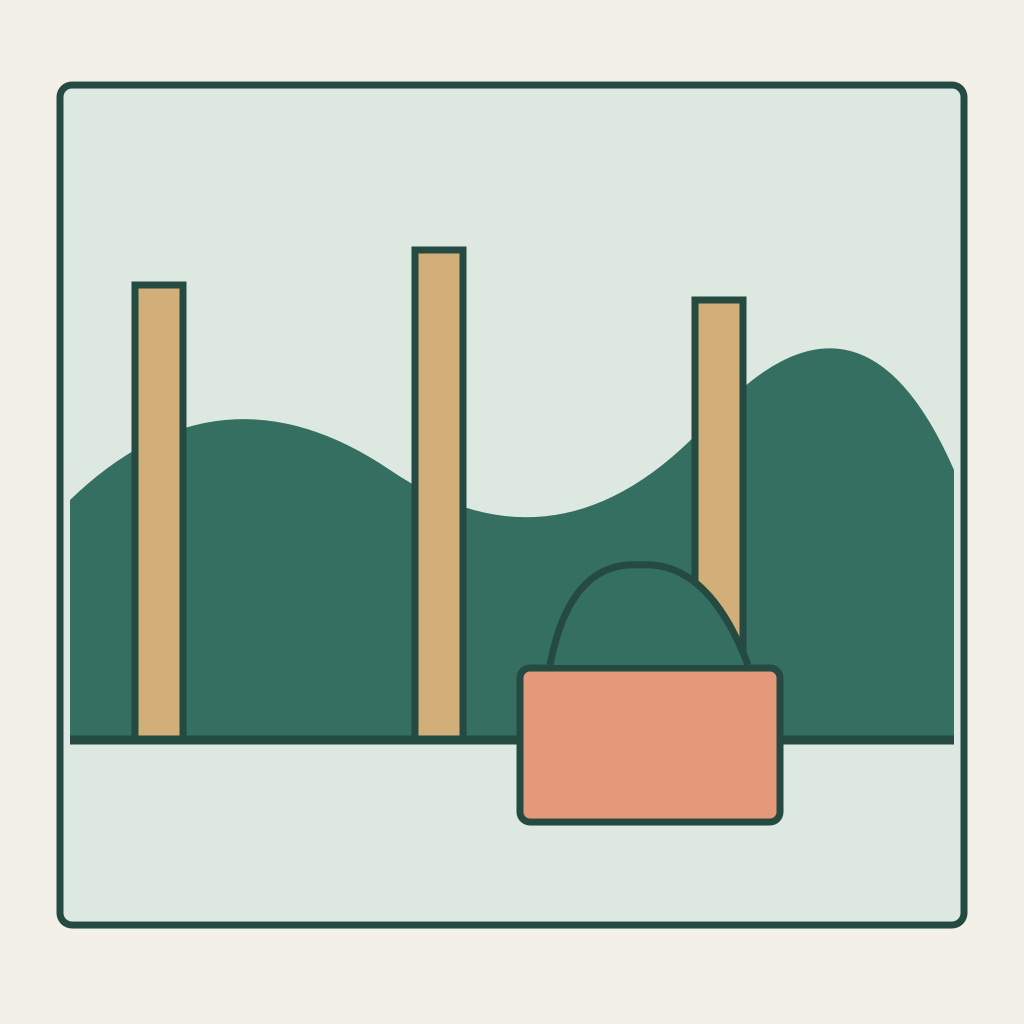
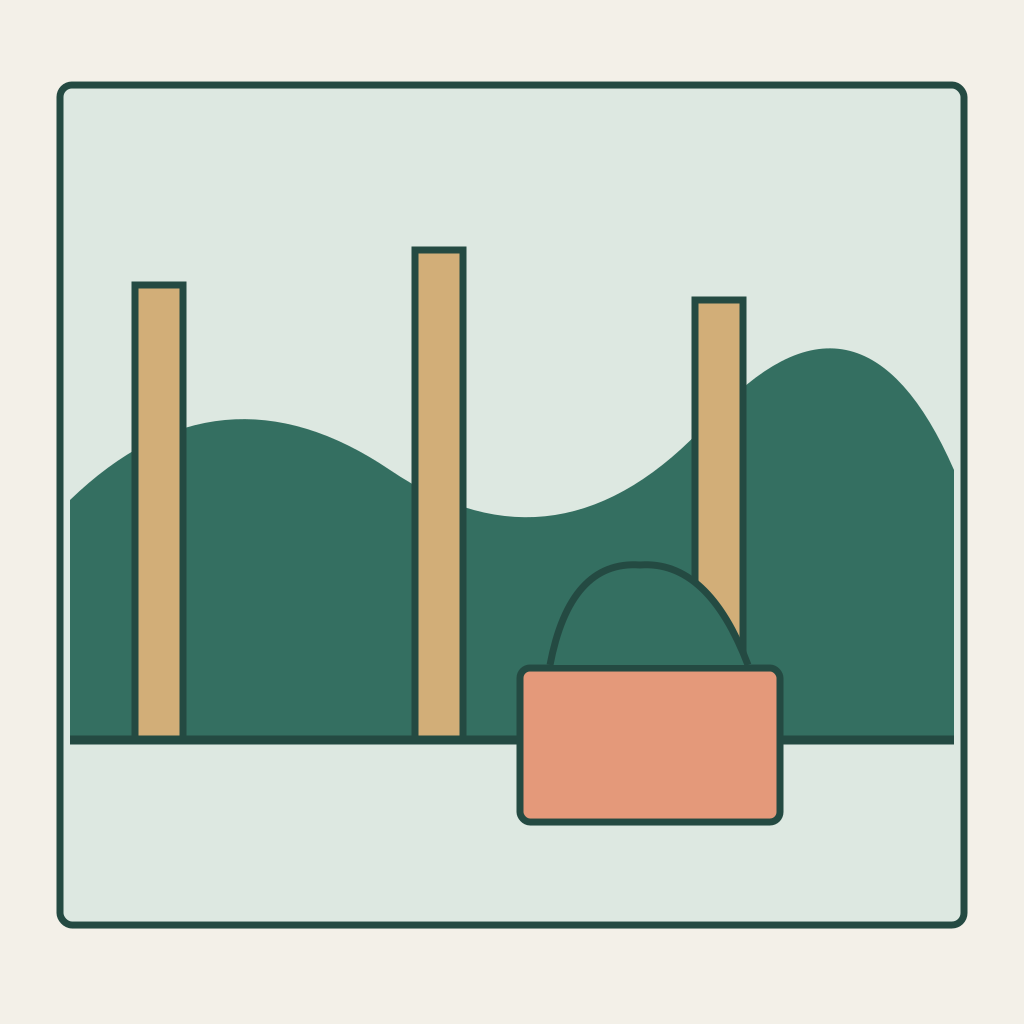
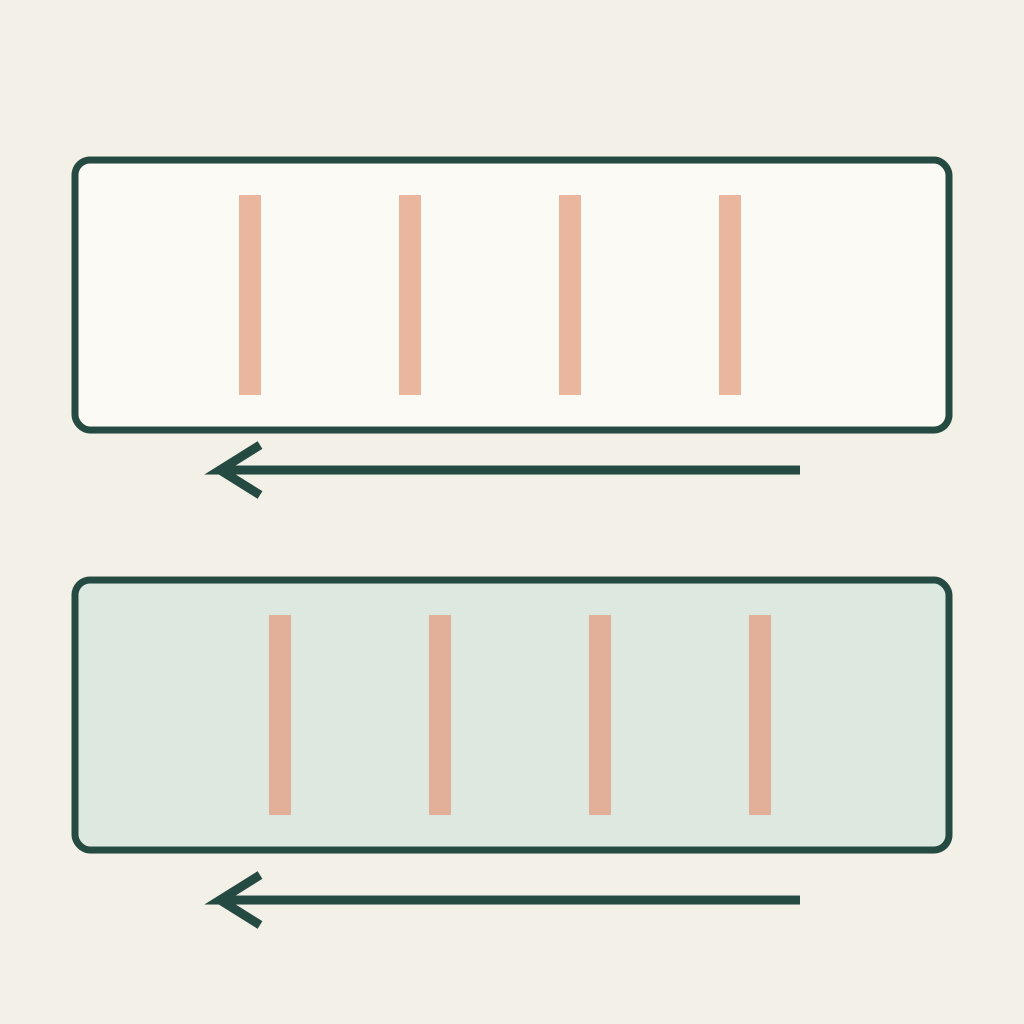
S01 shows a quiet fictional interior with three tall panels and a potted geometric plant. S02 is a separately drawn garden view with three posts and a planter. Both PNGs are clear starting compositions, not pre-blurred results or panels in a storyboard grid. Each belongs in its own first-frame slot. The guide contains leftward arrows only to explain the expected image motion; it is not an input and cannot prove that either generated shot will contain suitable blur.
Authored review guide, not an output
Assign motion and preserve the named relationships
Camera direction and screen flow are different descriptions of the same pan. When the camera turns right, fixed features generally sweep left across the frame. Use the vertical panels or posts as recognizable features and compare actual motion, rather than matching a color patch at one instant. S01 and S02 need not depict one continuous physical room. They are intentionally different fictional scenes. A cut between them is therefore honest; calling a generated morph an uninterrupted camera passage would change the task.
Drawing landmarks and role definitions
Prepare the manual single-shot task
Prepare S01 as one manual base task with its own PNG and prompt. Save the untrimmed source. Start a new task for S02 and replace both the image and prompt. Its clear opening precedes its own rightward pan; the later blurred interval is what may be useful for joining. The default draft only covers S01. If actual shots are later made, inspect both before opening an editor, then select compatible leftward-moving intervals and make a direct cut. Do not reverse a source or silently mirror it merely to hide a direction error.
Use MiniMax H3 Base image-to-video. In the documented controls, enable Add end frame to expose First Frame, upload only the current shot PNG there, and leave Last Frame empty. This does not use Fast, which requires paired frames. Recheck the actual controls and current credit estimate before manual submission. The download and draft button do not upload or pay for a generation. SVGs, the separate review guide and drawing-coordinate JSON stay local; they are not extra uploaded frames or special camera commands. No fixed duration, numeric lens control or exact ending is implied.
Download the complete practice kit
Use the complete original prompt
S01 — Interior: pan out (the only default draft)
Use this original interior image as the first frame of one independent shot. Briefly establish the three tall panels and the geometric potted plant. Then pan the camera briskly toward screen right so the fixed scene features sweep toward screen left, allowing natural horizontal motion blur during the pan. Keep the panels and plant as the same rigid scene elements; do not transform them into a garden, add people, mirror the image, zoom, cut or insert a transition. Continue the same pan direction rather than reversing. This is only the first source clip. A human editor will later compare an actual moving interval with a separate garden clip; do not generate that edit here.S02 — Garden: pan then settle
Start a new independent shot from this clear original garden image. Preserve the three posts, planter and existing plant shape. After a short steady opening, pan the camera briskly toward screen right so the fixed garden features sweep toward screen left with horizontal motion blur, then ease the pan to a stable view of the same fictional garden. Do not reverse direction, mirror, zoom, introduce people, morph the garden into the previous interior or add a dissolve. A human editor may select an actual leftward-moving interval after this shot is generated and cut to it from another source clip. This task produces only this separate garden shot, not an automatic two-scene transition.S02 is a new manual task with its own image and prompt. The default button contains only S01 and cannot assemble the two shots.
Inspect actual phases with the blank sheets
Record each actual source filename and retained boundary in the blank edit log. Compare several frames before and after the proposed cut, noting feature travel and how readable the scene is at that moment. You need compatible motion direction and a plausible motion phase, not an arbitrary timestamp copied from a prompt. The join must still be inspected at normal speed. A still pair that looks similarly streaked cannot establish that the moving clips join cleanly. Keep uncertainty visible when motion is too blurred to determine.
- S01 and S02 remain separately identified inputs and actual source clips.
- At the chosen join, fixed scene features travel in compatible screen-left directions.
- The transition is a documented cut, with no mirror, reversal, opacity morph or hidden scene replacement mislabeled as camera continuity.
- S02 settles in its own original garden scene without added subjects or an unreviewed second transition.
Blank acceptance sheet · Blank source-shot log
Change one failed relationship at a time
If a take pans left instead, simplify that shot instruction and inspect its feature travel again; do not declare the requested direction solely from the prompt text. If one source remains sharp and the other is strongly blurred, choose a different interval or another take rather than hiding a mismatch with a dissolve. If S02 invents a person or changes its scene into the interior, reject that source. If neither take contains a useful join, keep them as separate experiments; adding a flash does not make this directional task pass.
Keep the materials and state the limits
The possible final deliverable is two identifiable unedited source clips and a manually chosen cut with its direction notes. This package supplies original inputs, complete shot prompts and blank records only. It has not generated footage, made a transition or established a seamless result.
The existing unboxing exercise plans separate action beats, while tracking walk assigns camera and subject travel. This task plans a camera-motion cut across two distinct scenes. It does not guarantee blur strength, camera speed, automatic assembly or unseen scene geometry.
Related files
- nc02-S01-first-frame-png
- nc02-S02-first-frame-png
- nc02-README-en-md
- nc02-README-zh-md
- nc02-RIGHTS-REVIEW-txt
- nc02-S01-first-frame-svg
- nc02-S02-first-frame-svg
- nc02-acceptance-blank-csv
- nc02-package-files-json
- nc02-practice-kit-zip
- nc02-prompt-S01-en-txt
- nc02-prompt-S01-zh-txt
- nc02-prompt-S02-en-txt
- nc02-prompt-S02-zh-txt
- nc02-review-guide-svg
- nc02-scene-roles-json
- nc02-shot-log-blank-csv
- nc02-task-definition-json