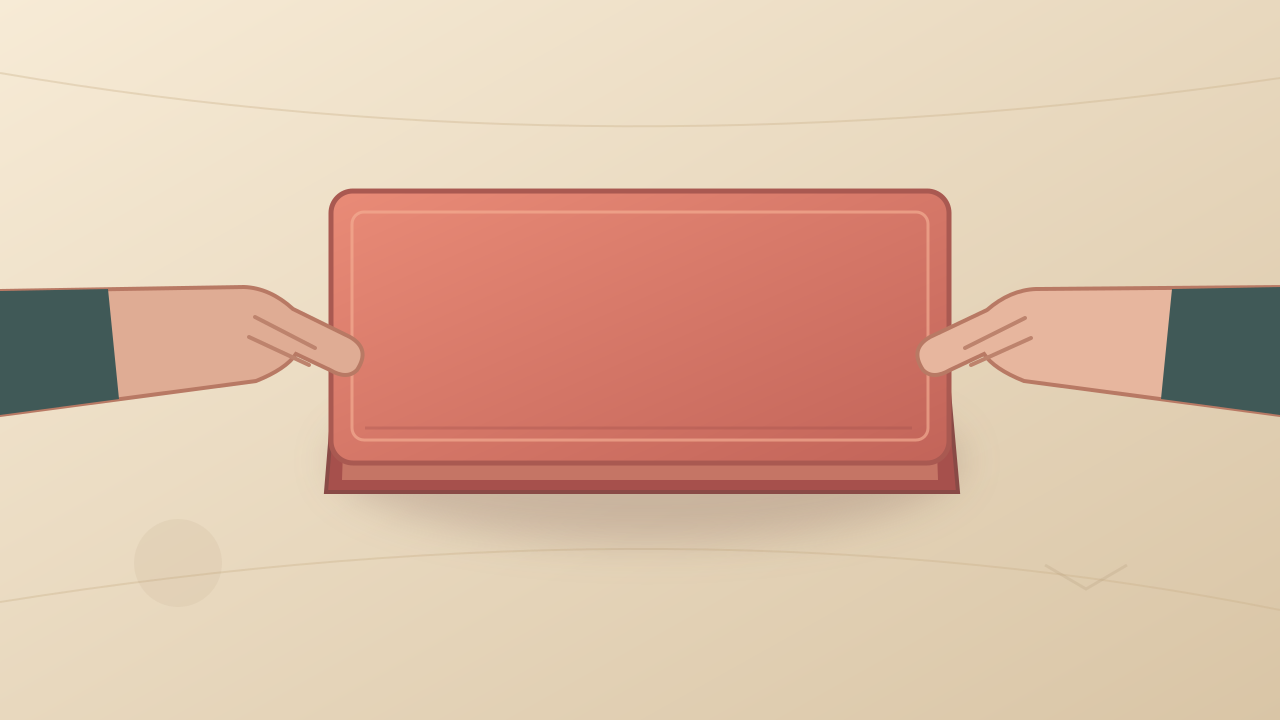
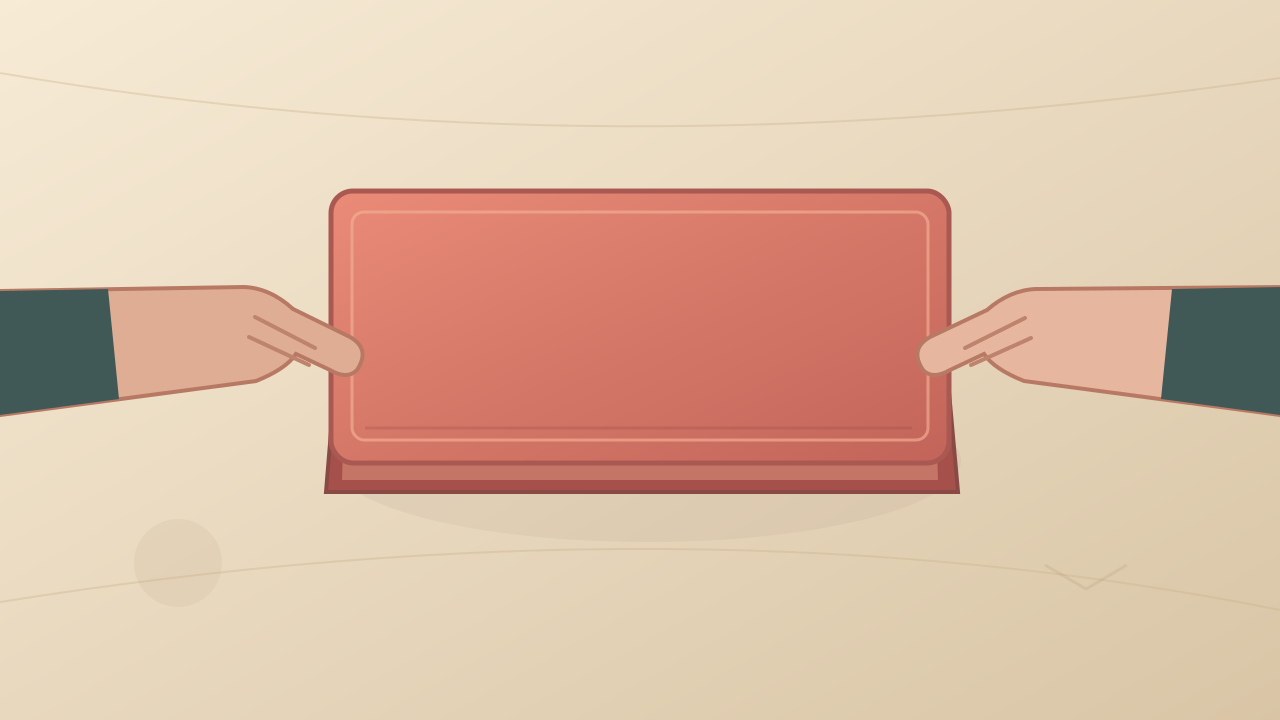
The closed box changes directly into an unrelated product.
Generate the opening beat by itself and explicitly exclude a product reveal. Use a separate first frame showing the actual item for the last shot.
MiniMax H3 · Original practice template
Build a silent opening, uncovering, and product reveal sequence with separate first frames. Use the supplied illustration for the opening beat and avoid asking one shot to invent hidden contents.
Make a three-beat unboxing edit: open the lid, uncover the item, then hold a clear reveal. Each beat is a separately prepared shot with one main action, rather than a single transformation of a closed box into a finished product.

Opening beat only. A fixed overhead view of an illustrated coral presentation box on a pale warm tabletop. Preserve the original illustrated style, box shape, and camera position. Two simple stylized hands are already placed at the sides of the lid. Both hands lift the lid slightly upward in one slow action, keeping it aligned with the box, then hold it above the opening. The box base remains still. Do not reveal or invent a product inside; this is only the lid-opening shot. No camera movement, no additional hands, no new objects, no logos, no text. A quiet visual rhythm intended for a silent edit.Download the prompt text
Label the shots: 1, lift the lid; 2, move aside one wrapping flap; 3, hold the actual product reveal. Record the start and end state of each shot so every action can be checked separately.
Use the supplied practice frame for image-to-video with the opening prompt. Inspect lid alignment and hand contact. Do not request the product reveal until a first frame showing the actual product is available.
For beat 2, use a frame that already shows the opened box and one accessible wrapping flap. Ask for that flap to move aside while the base stays still. Simplify or omit this beat if folds and contact are unstable.
For beat 3, start with the actual item visible. Use a still hold or a very small movement that does not obscure identifying details. Generated footage should not substitute for factual product shape, color, branding, or package contents.
Cut the usable shots together at stable positions, matching the box placement across cuts. Add your own captions in editing if needed. Remove audio and play the exported file to confirm it is silent.
Generate the opening beat by itself and explicitly exclude a product reveal. Use a separate first frame showing the actual item for the last shot.
Reduce the lifting distance and make the first-frame lid edges and hand contact clearer. If contact still fails, use a shorter opening or begin the next shot after the lid is already removed.
Use one simple flap movement and a source frame with visible separation. Omit the uncovering shot or make it from real footage if the interaction remains unstable.
Match crop, camera angle, and box placement in the prepared frames. Align the clips in editing; do not add morphing to conceal incompatible starting materials.
Remove or mute all clip and timeline audio tracks, export again, and listen to the actual exported file.
Use the supplied illustration to practice the opening beat. A complete product unboxing needs your own opened-box and real-item source frames, plus an edited sequence; three separate shots give you clear places to inspect and replace a failed interaction.
This page provides an original prompt, input illustration and review method. A corresponding generated result has not been independently produced. The illustration is a practice input.