Tracking a walk: one direction, two coordinate systems
Practice a rightward side-following shot while checking the adult’s screen position separately from the background’s motion.
1. Goal and page examples
Describe the adult and camera traveling toward frame right so the adult stays near center and fixed background posts drift toward frame left. This is a shot brief, not a calibrated camera trajectory.
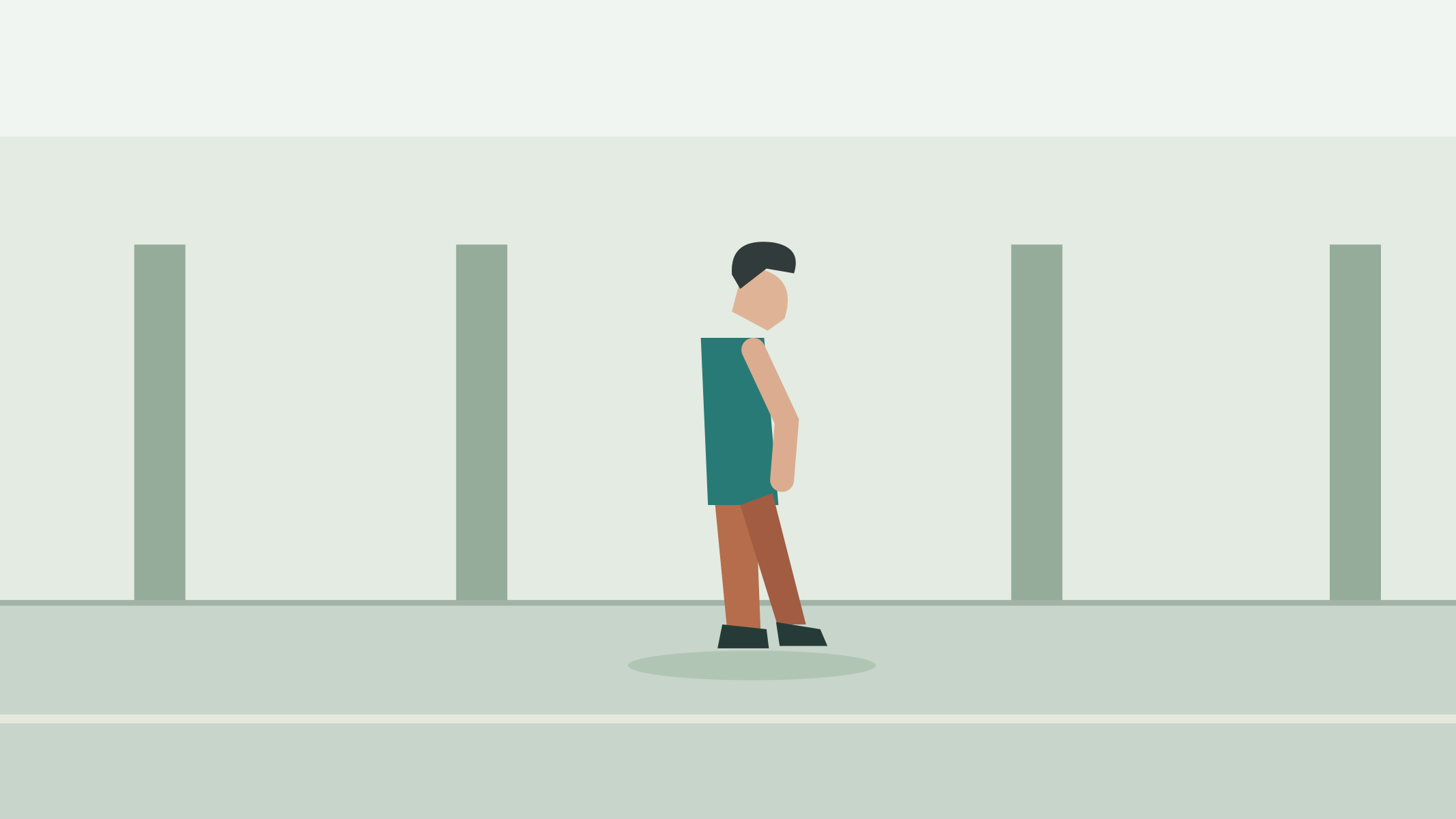
Original authored illustration for reading and comparison; not a generated result.
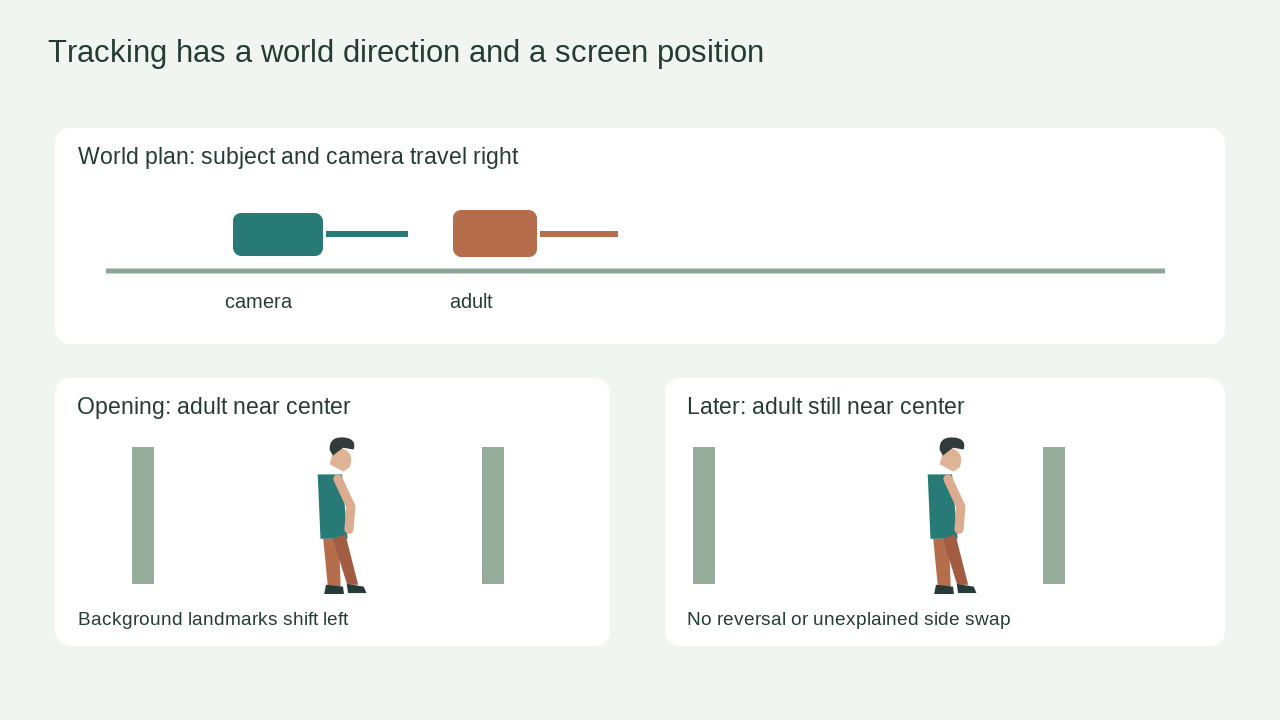
Original authored illustration for reading and comparison; not a generated result.
2. Prepare your own inputs
- Prepare one authorized medium-wide side view of an adult facing frame right on a level path. Keep head and both shoes in frame, leave travel space ahead, and include distinct stationary background posts for comparison.
- Define “rightward” as the travel direction in the scene, then separately define the adult’s desired position near the screen center.
- Keep a medium-wide side view with full shoes and head visible. Avoid zoom, orbit, overtaking or a turn at the same time.
- Choose a short continuous walk with space beyond the starting position. The diagram explains coordinates and should remain outside the upload.
3. Set up a manual task
Open the image-to-video workspace and select MiniMax H3 base mode if available. If First Frame is hidden and the interface offers Add end frame, enable it to reveal the frame roles. Upload only your prepared authorized image to First Frame, leaving the optional Last Frame empty. Copy the full prompt from this page manually and match its appearance details to your image. Inspect current controls and the actual estimate; stop if the mode or first-frame role is unavailable or a second image is required. The link does not upload an image or insert a prompt. Keep annotated review diagrams out of the input slots.
The full prompt below describes the page example. For your own image, match appearance, colors and role names to the actual visible source while retaining the action order and review goal. The example is not automatically supplied to the workspace.
4. Complete prompt
Begin from the uploaded side-view scene. The adult walks steadily toward frame right along the path. The camera travels parallel in the same direction, following from the side so the adult stays near the center at a similar full-body size. Fixed background posts pass gently toward frame left behind the adult. Keep the path level, the coat and trousers unchanged, and the camera height steady. Do not orbit, zoom, overtake or reverse. End while the walk continues in the same direction with the adult fully framed.
5. Inspect the action in order
1. Separate scene travel from framing
Write two independent observations: the adult progresses rightward in the scene, and the adult remains near center on screen. Do not interpret screen-center framing as the adult standing still.
2. Use posts as the camera check
Follow two fixed posts behind the adult. Leftward background drift supports the requested side-following composition; posts moving with the adult may indicate the whole image is sliding.
3. Inspect feet against the passing ground
Watch shoe contacts and steps as the background moves. Reject a stationary walking cycle pasted onto a moving backdrop if the shoes visibly skate or never meet the path.
4. Keep the direction through the ending
Review the start, middle and final interval for side swaps, sudden zoom or a reverse walk. Record the earliest direction change before revising the prompt.
6. Record actual observations
| Check | Actual timecode | Outcome | Notes |
|---|---|---|---|
| The adult remains generally near center with head and shoes visible. | |||
| The adult keeps walking toward scene right without turning back. | |||
| The fixed posts move left relative to the screen during the follow. | |||
| The background does not stretch or acquire duplicate posts. | |||
| Foot contacts read as steps along the path rather than continuous skating. | |||
| Body size and camera height remain close to their opening values. | |||
| The ending continues the same walk without an orbit, zoom or overtake. |
Use these in-page rows or copy them into your own notes. Enter actual observations only after reviewing a result; use pass, fail or not-observable. Keep the image you actually submitted, complete prompt, selected settings, real task reference and result location with those observations. Hidden or blurred contact remains not-observable.
7. Change one issue at a time
| Issue | One change |
|---|---|
| The adult walks out of the right edge | Change only the camera clause to a parallel side follow retaining the adult near center. Keep the world direction unchanged. |
| The adult appears to walk backward | Clarify only the facing and travel direction toward frame right, then compare shoes and coat movement before adjusting camera speed language. |
| The entire scene slides like a flat card | Remove only extra camera terms and retain a simple parallel follow with fixed posts. Recheck subject-to-background movement instead of asking for more speed. |
8. Keep the ending evidence
End with continuous rightward walking. Save separate notes for scene direction, screen position and landmark drift; none alone fully describes a tracking shot.
Related reading
- Small camera arc around a chair: trace all four floor contacts
- Character three-view reference: separate front, side and back files
- Cloud drift: hold the horizon and foreground still
- Curtain breeze: move the cloth, fix the window
- Desk lamp tilt: move one head around its visible joint
- Doorway push-in: stay within the visible space