Task template
MiniMax H3 paper-cut prompt: move separate picture layers without an orbit
Prepare an original three-layer paper landscape and assign one small screen movement to each layer. Check layer identity and occlusion order with a blank review sheet; no model result is included.
MiniMax-H3 · image-to-video · Original task method; generation has not been independently verified.
Start generating video →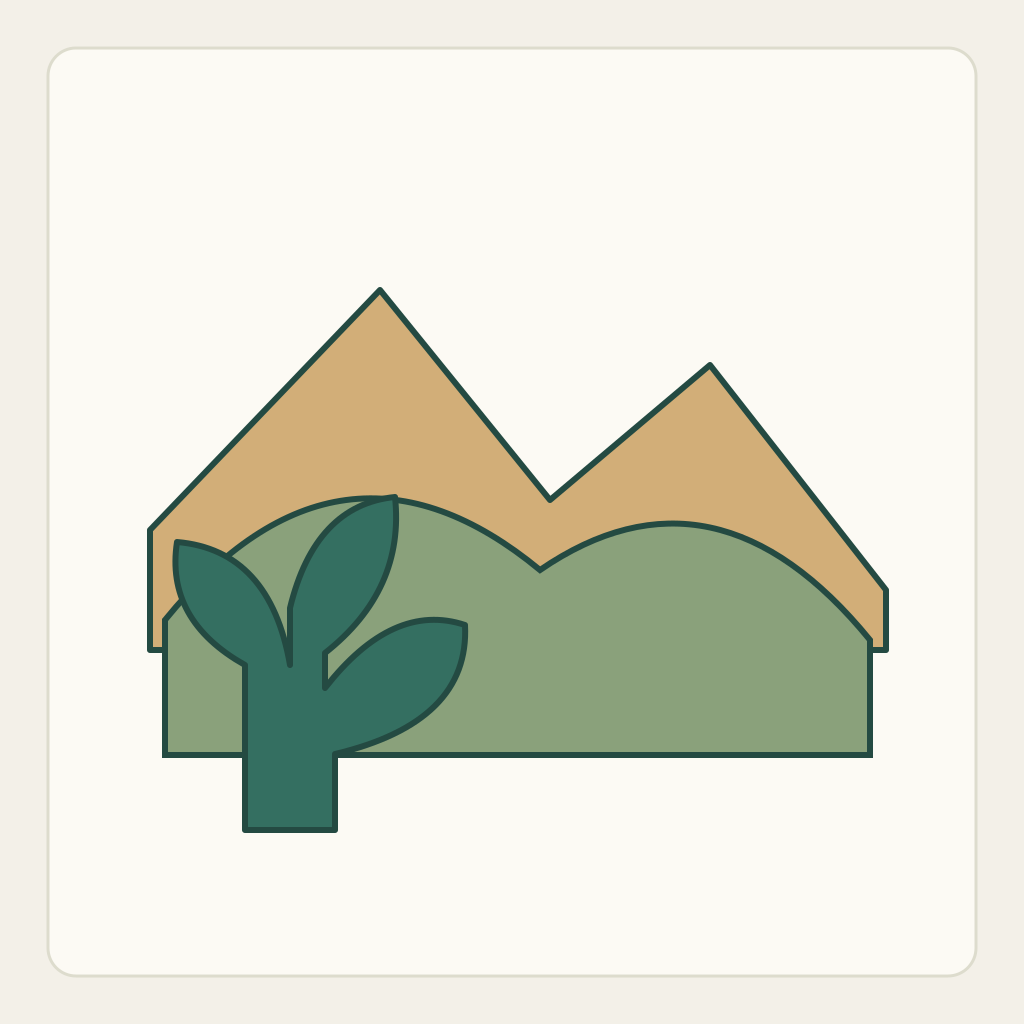
MiniMax H3 paper-cut prompt: move separate picture layers without an orbit
Create a shallow paper-scene movement by giving existing flat layers different screen positions. The scene is a deliberately illustrated construction, not an optical test of a real camera or transparent vessel.
Original practice illustrations and an untested method. No H3 task has been submitted and no generated result is included.
Establish the authored starting state
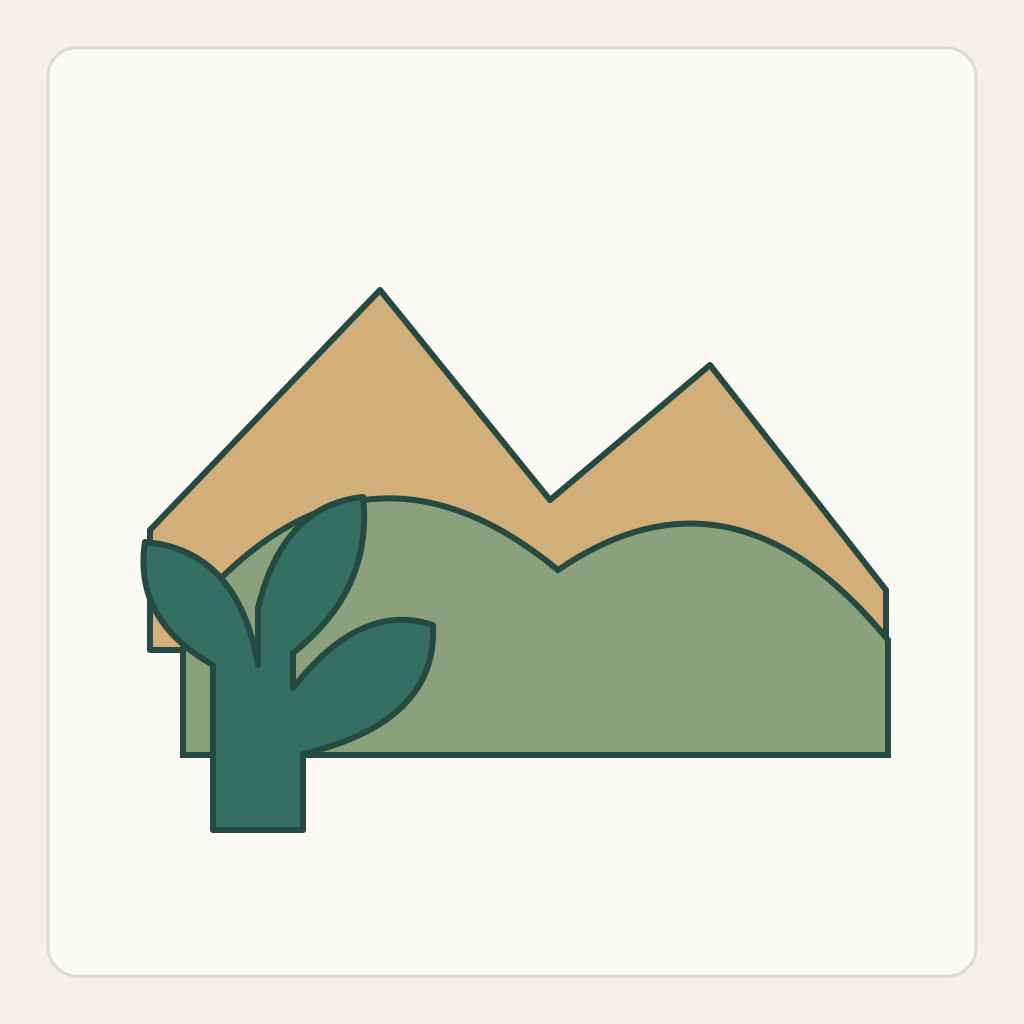
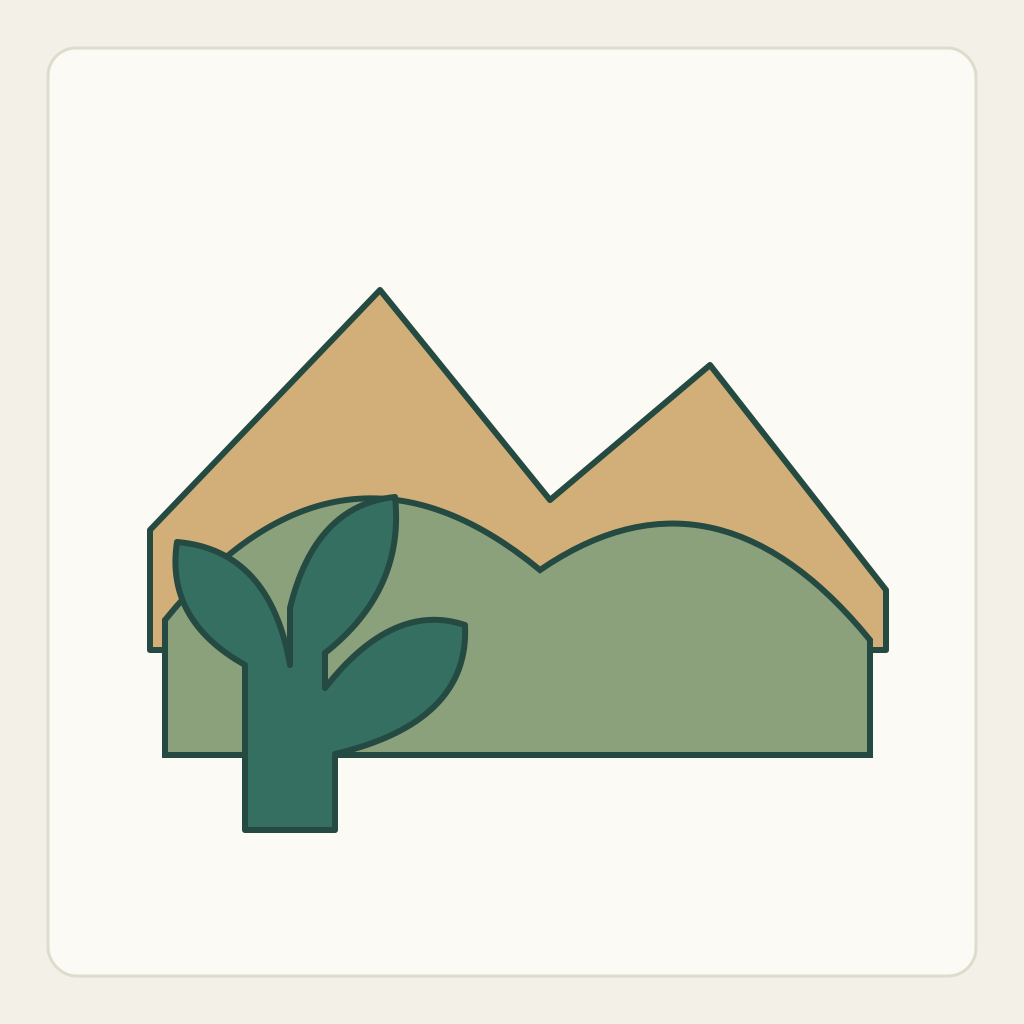
The original PNG combines ochre background mountains, a green middle hill and a darker teal foreground plant shape. The SVG stores those as three separate authored groups. Their overlaps establish a back-to-front order, but importing that SVG as a layered project is not a capability claimed for H3.
Download the actual input PNG · Editable design SVG
Assign the moving and fixed roles
Treat mountain, hill and foreground plant as persistent silhouettes. Mountains remain fixed. The middle hill may drift slightly toward frame right; the foreground plant may drift slightly toward frame left. They keep their existing order and do not become different scenery.
- Identify the three silhouettes in the PNG and compare their original SVG groups. The uploaded file is the single combined PNG; the editable layers remain local preparation material.
- Assign one direction to each moving layer and keep the mountain fixed. Begin with very small displacements so edge reveals and the overlap boundary can be inspected.
- For a future output, follow the foreground/hill boundary first, then compare mountain position and individual silhouettes. A general sense of depth is insufficient if the layer identities change.
Prepare one manual generation attempt
Use the current MiniMax H3 base image-to-video controls. Under the currently documented site workflow, enable Add end frame to expose First Frame, upload only first-frame.png there and leave Last Frame empty. This draft does not use Fast, which needs a paired input. Recheck the actual available controls and credit estimate before any manual submission; these files neither upload themselves nor start generation. SVG files and the separate review guide stay local as design/review materials. No duration, resolution or endpoint capability is promised by this method.
Download the practice package · Blank observation sheet
Use the complete original draft
Start from the supplied original paper-cut landscape first frame. Keep the camera fixed, the warm canvas unchanged and all shapes flat, with the original paper illustration style. Hold the ochre mountain layer still. Slide the existing green middle hill a very small distance toward screen right, and the existing dark teal foreground plant a slightly larger small distance toward screen left. Preserve every layer silhouette, colour and back-to-front order. The foreground plant continues to cover the middle hill wherever they overlap; the middle hill remains in front of the mountains. Do not orbit the camera, create a 3D room, replace the landscape, add clouds or generate new objects at the edges. Stop all layers after this one short relative movement and hold. This is an untested illustrated-layer exercise, not a claim that separate SVG layers are uploaded or controlled automatically.The copyable generator draft is the English version; the paired Chinese draft is included for review.
Inspect the actual result in sequence
Do not fill a pass from the input or from the intended ending. Enter observations only after examining actual result frames. The downloadable sheet has empty observation and result fields.
- The ochre mountains and camera stay fixed.
- The same middle hill moves slightly right while the same foreground plant moves slightly left.
- Back-to-front order remains mountain, hill, foreground plant at every overlap.
- The three authored silhouettes stay recognisable without new landscape elements or stretching.
- The final frame holds the layers rather than resetting or claiming a seamless loop.
Repair one failure without changing the task
- The camera circles the landscape: remove orbit/depth-camera wording and keep the instructions in screen directions.
- A plant passes behind the hill: restate only the existing overlap order and reduce travel before adding visual effects.
- New terrain grows at an edge: reduce displacement and compare against the complete local SVG; do not accept invented scenery as a necessary repair.
Save the ending and choose the right next task
Record the relative positions and overlap order at the ending. The SVG is a source for checking authored shapes, while any later model clip remains a separate result needing review.
No H3 generation has been executed. These directions are not a multilayer-project API, exact pixel-motion guarantee, optical parallax benchmark or proof of hidden-scene reconstruction.
The transparent-object task moves a viewpoint through a fixed vessel and inspects background relationships. This exercise instead treats the picture as authored flat layers and assigns their screen motion directly.