Task template
MiniMax H3 match-on-action prompts: prepare two shots of the same push
Use two original shot inputs to plan a medium-to-close cut during one block push. Keep direction and contact readable; two manual single-shot tasks and an external edit are required.
MiniMax-H3 · image-to-video · Original task method; generation has not been independently verified.
Start generating video →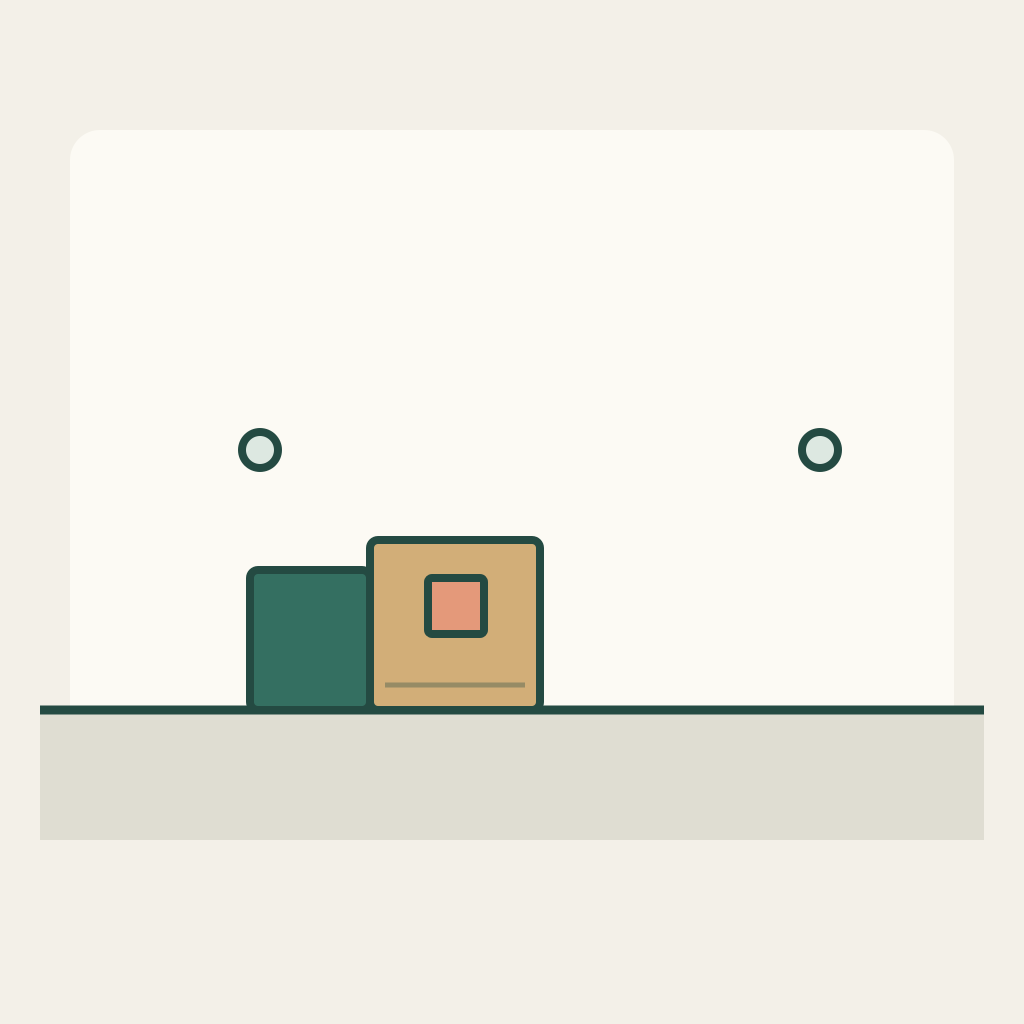
MiniMax H3 match-on-action prompts: prepare two shots of the same push
Prepare a cut from a medium view to a closer view while one plain block is being pushed to the right. The task is to compare an action phase across two shots, rather than to ask one generation to invent a complete edit.
Original practice inputs and an untested method. No H3 generation or finished edit has been executed. All PNGs below are separate input illustrations, not generated outputs.
Define the shot roles and download separate inputs
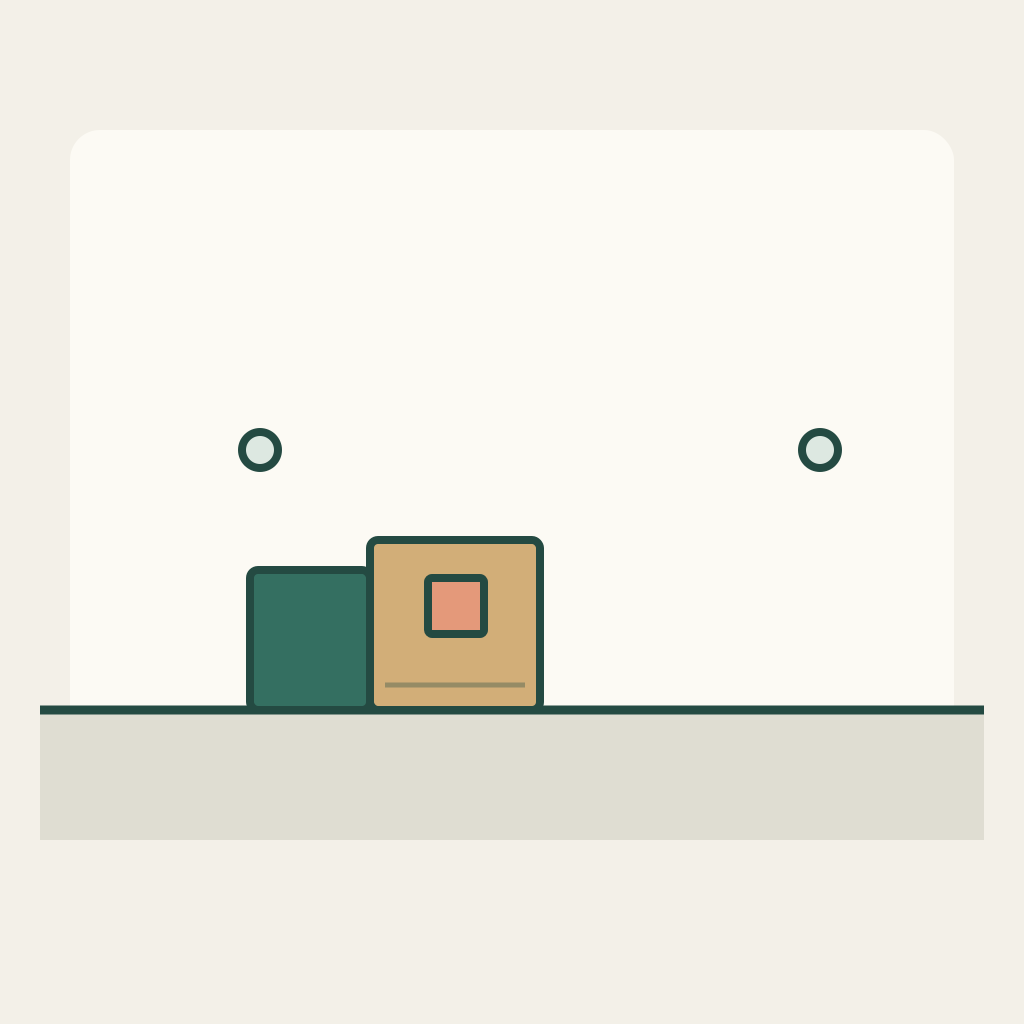
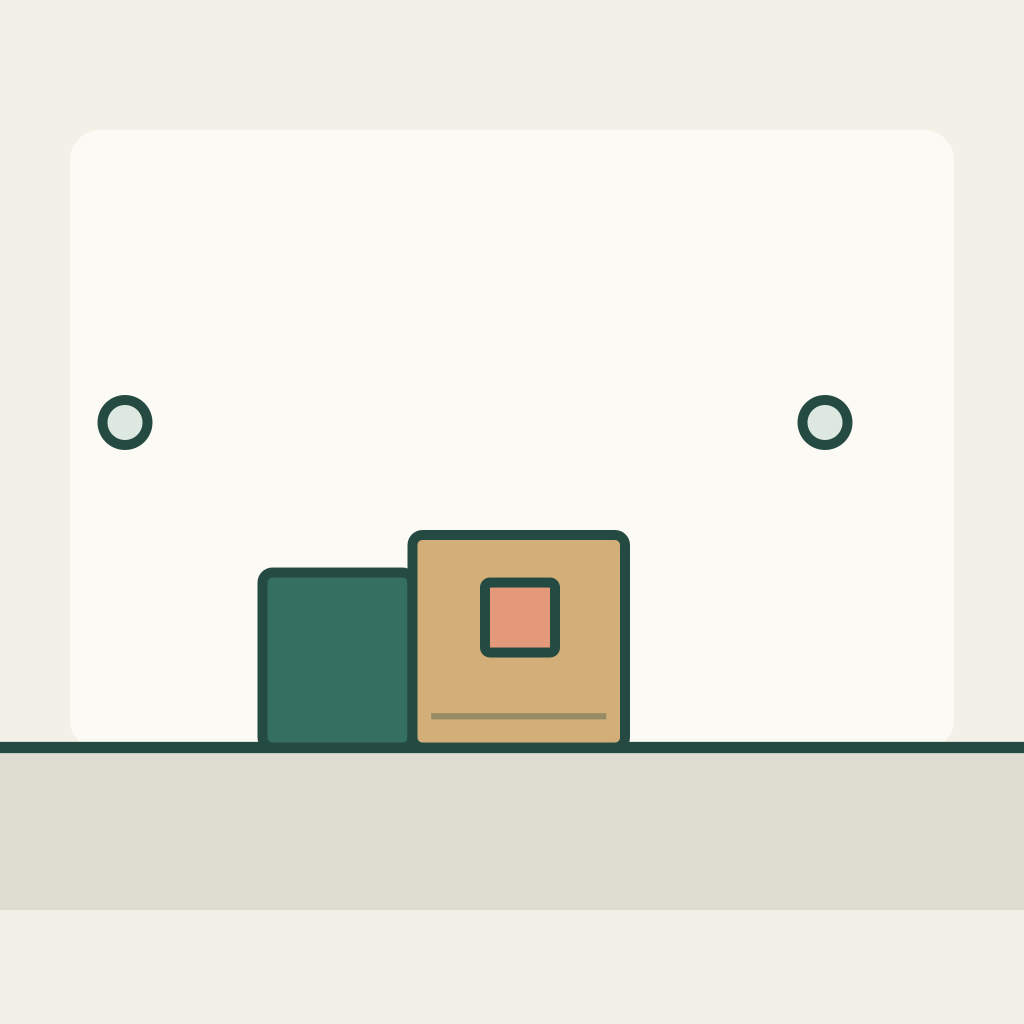
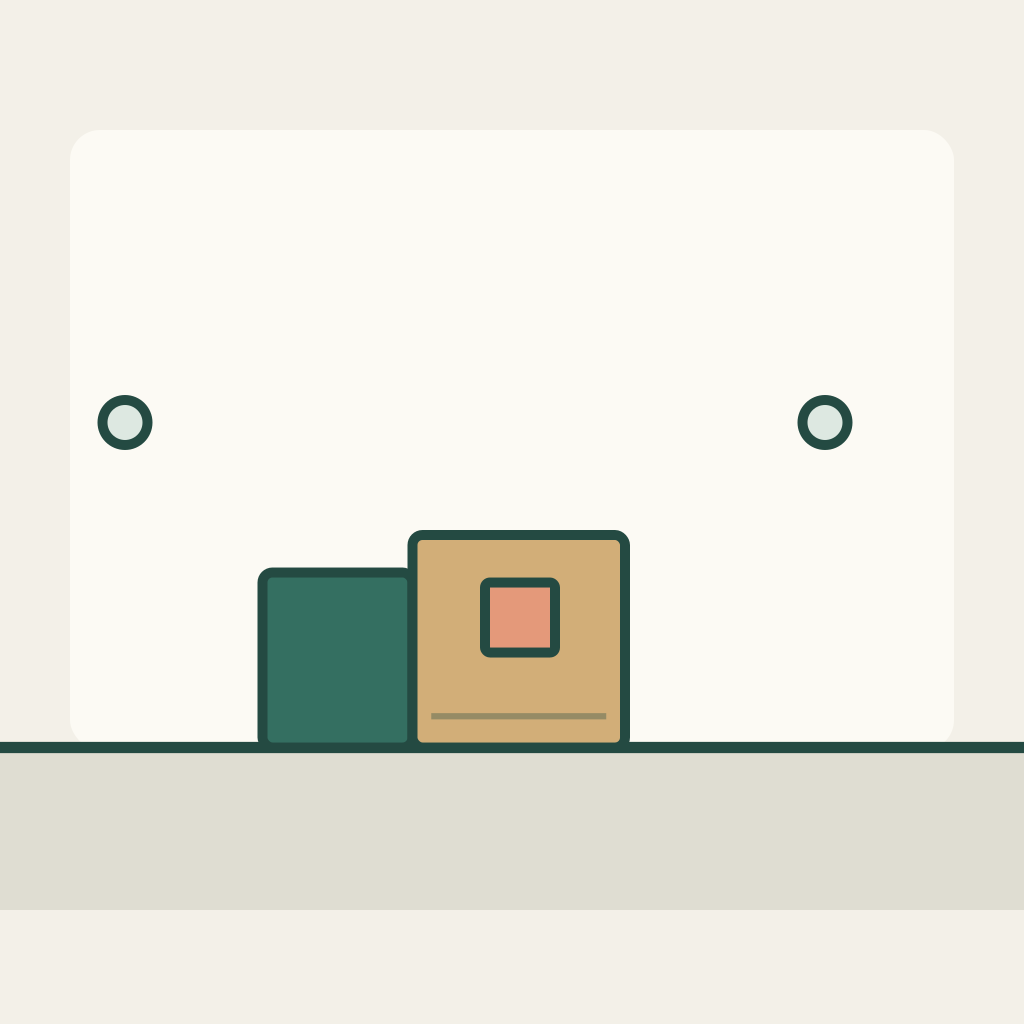
S01 is the medium starting view: an ochre block with a coral inset sits on a horizontal support, and the teal pusher already touches its left face. S02 is a separate closer first frame, staged later in that same rightward push. The two drawings share a world layout but have different camera crops. Download each full-frame PNG separately. Neither is a storyboard grid, an ending-frame constraint, or a sample H3 result. The small fixed background marks are orientation clues, not tracking calibration.
Preserve the selected visual relationship
The ochre block and teal pusher move together while their contact remains readable. The support and background marks remain fixed within each shot. The coral inset distinguishes the block from its pusher. S01 begins at world center x=455; S02 is authored at x=575 with a closer camera transform recorded in pose-landmarks.json. These are drawing coordinates, not model-control coordinates. Do not require identical screen pixels across a change of crop.
Prepare each single-shot task manually
First prepare S01 alone. Keep its output untrimmed so an editor can choose a frame during the push. Then start a new manual task from the separate S02 input and its own prompt. The default generator link and copyable payload refer only to S01. Do not upload both PNGs into one reference list or describe that as a two-shot edit. If no compatible action phase appears in both actual results, record that mismatch rather than concealing it with a flash.
Use the current MiniMax H3 base image-to-video workflow. In the presently documented controls, enable Add end frame to expose First Frame, upload only the current shot PNG there, and leave Last Frame empty. This method does not use Fast, which requires paired inputs. Recheck the actual controls and credit estimate before a manual submission. Files do not upload or submit themselves. SVGs and geometry/role sheets stay local as design notes. No duration, resolution, automatic editing or exact endpoint guarantee is implied.
Download the complete practice kit
Use the shot-specific original prompts
S01 — Medium view: begin the push (default draft only)
Start from this original medium-view illustration. Keep a locked side camera and the same ochre block with its coral inset. The teal pusher is already touching the left face. Move the pusher and block slowly together toward screen right along the fixed horizontal support. Preserve readable contact, rigid shapes and the existing background marks. Do not reverse, lift the block, detach the pusher, change the camera crop or cut to another view. Continue the small push, then hold the same arrangement. This is one source shot; a separate closer shot will be prepared and edited manually.S02 — Closer view: continue the push
Use this closer first frame as a new independent shot. The same ochre block and coral inset are already farther along the rightward push. Keep the teal pusher in contact with the block left face and continue a small slow movement toward screen right on the fixed support. Preserve the tighter crop, object identities and rigid contact. Do not restart from the earlier wide-shot position, reverse direction, add a transition or transform one object into the other. End with contact intact and a short still hold. A human editor will choose compatible action phases from the two separate clips.Each later prompt belongs to a new manual task with its own PNG. The single default button cannot generate, assemble or validate the whole sequence.
Inspect real frames and record uncertainty
After generating actual clips, compare the last retained S01 frame, the first retained S02 frame and neighboring frames. Use the local pose sheet to name the block, pusher, support and direction. Record clip filenames and the cut timestamps in the blank sheet. Leave all observations blank until those clips exist; the intended coordinate map is not a pass result.
- Both selected shots retain the same ochre block, coral inset and teal pusher roles.
- Movement continues toward screen right across the chosen cut; no hidden reversal explains the join.
- The push remains in a compatible action phase on both sides, with contact and support readable.
- The edit is a visible hard cut between two source clips, with no morph, flash or dissolve hiding a mismatch.
Blank acceptance sheet · Blank edit and shot log
Repair one mismatch without changing the task
If the block reverses direction, first simplify the motion instruction in the affected shot; do not mirror a character-marked image to disguise the reversal. If the pusher detaches or passes through the block, replace that take before choosing a cut. If both takes have a valid contact but different speeds, move the edit point or shorten a retained segment in an editor. If the crop makes the support impossible to recognize, keep the wider framing. None of these repairs requires a dissolving transition.
Deliver the edit with its limits
The deliverable is a pair of independently generated source clips, a manually chosen hard cut during the same rightward action, and a filled cut-review sheet. Here only the original inputs, prompts and blank preparation files are supplied; no generation or edit has been executed.
This differs from silent unboxing, whose shots describe separate actions, and from shot-manifest file binding, which checks file identity and order. The extra decision here is visual: whether the same contact-led push can be read through a change in camera scale. It does not establish frame-accurate provider continuity or automatic editing.
Related files
- c05-S01-first-frame-png
- c05-S02-first-frame-png
- c05-README-en-md
- c05-README-zh-md
- c05-RIGHTS-REVIEW-txt
- c05-S01-first-frame-svg
- c05-S02-first-frame-svg
- c05-acceptance-blank-csv
- c05-edit-log-blank-csv
- c05-package-files-json
- c05-pose-landmarks-json
- c05-practice-kit-zip
- c05-prompt-S01-en-txt
- c05-prompt-S01-zh-txt
- c05-prompt-S02-en-txt
- c05-prompt-S02-zh-txt
- c05-task-definition-json