先選擇工作流程
概念探索用純文字,鎖定身份與產品外形用圖片,控制時序用影片,控制節奏或氛圍用音訊。
一份實用指南:講清 MiniMax H3 提示詞寫法、如何分配多模態參考素材,並用真實的生成結果、參考輸入與提示詞案例做對照。
聯網調研整合
最強的 MiniMax H3 指南都在重複同一件事:先選工作流程,再寫提示詞;每個素材都要有明確職責;描述影片時要寫動作和鏡頭,而不只是寫一張漂亮畫面。
概念探索用純文字,鎖定身份與產品外形用圖片,控制時序用影片,控制節奏或氛圍用音訊。
複雜影片先寫時長、畫面比例、鏡頭數量和順序,再補充電影化細節。
明確寫出「圖片 1 鎖定身份」「影片 1 控制動作」或「音訊 1 控制節奏」,不要讓參考素材的職責含糊不清。
結果偏離預期時,每次只修改身份、動作、鏡頭或約束中的一項;小幅調整更容易判斷效果。
01 通用技巧
MiniMax H3 對自然語言理解很強,但短影片仍然需要明確導演指令。每條提示詞都可以從下面這些可控部件開始搭。
明確影片中需要始終清楚可辨的人物、產品、地點或物體。
先給主體一個清晰動作,只有動作發生變化時再補充時間安排。
說明實際場景、天氣、道具、背景運動和空間層次。
描述鏡頭質感、調色、光線、紋理、類型和製作水準。
使用推進、環繞、固定機位、手持、跟拍、升降或微距等電影鏡頭術語。
補充環境聲、對白、音樂氛圍、旁白、字幕或音效出現時機。
案例庫
每個案例都按內頁指南的方式組織:先看生成結果,再看參考輸入,最後給出可改寫的提示詞。
02
2.1 標語/標題文字 / 2.2 字幕 / 2.3 對話氣泡
2.1 標語/標題文字
在產品故事的最後一個節拍加入短標題卡或標語。文字要簡短,並準確說明出現時間。
公式
[文字內容] + [出現時機] + [位置] + [文字樣式]

Create a 15-second premium food commercial. Show a disappointed customer, a quick flashback of hand-made craft, then a warm close-up bite. At the final 2 seconds, blur the background and place bold gold text in the center: "REAL BREAD. REAL CRAFT." Keep the text large, readable, and stable.
控制重點
2.2 字幕
旁白簡短、視覺順序已按投影片或節拍整理時,字幕效果最好。
公式
[旁白台詞] + [字幕位置] + [同步時機] + [投影片順序]


Use the four uploaded slides in order. Generate a calm male voiceover, one short sentence per slide, at normal speaking speed. Add clean white subtitles at the bottom of the frame, synchronized with each spoken sentence. Keep the slide design readable and avoid extra decorative text.
控制重點
2.3 對話氣泡
對話氣泡適合風格化廣告、社群短片和動漫風場景,讓文字成為美術設計的一部分。
公式
[角色] 說「[台詞]」 + [氣泡位置] + [鏡頭順序]


Create a high-energy 1990s pop-anime snack commercial. Use Image 1 for the package style and Image 2 for the color palette. Add comic speech bubbles near the characters: "So crunchy!" and "One more!" The bubbles should pop in with a bounce effect, remain readable, then exit before the final product shot.
控制重點
03
3.1 多角度主體參考 / 3.2 多圖參考
3.1 多角度主體參考
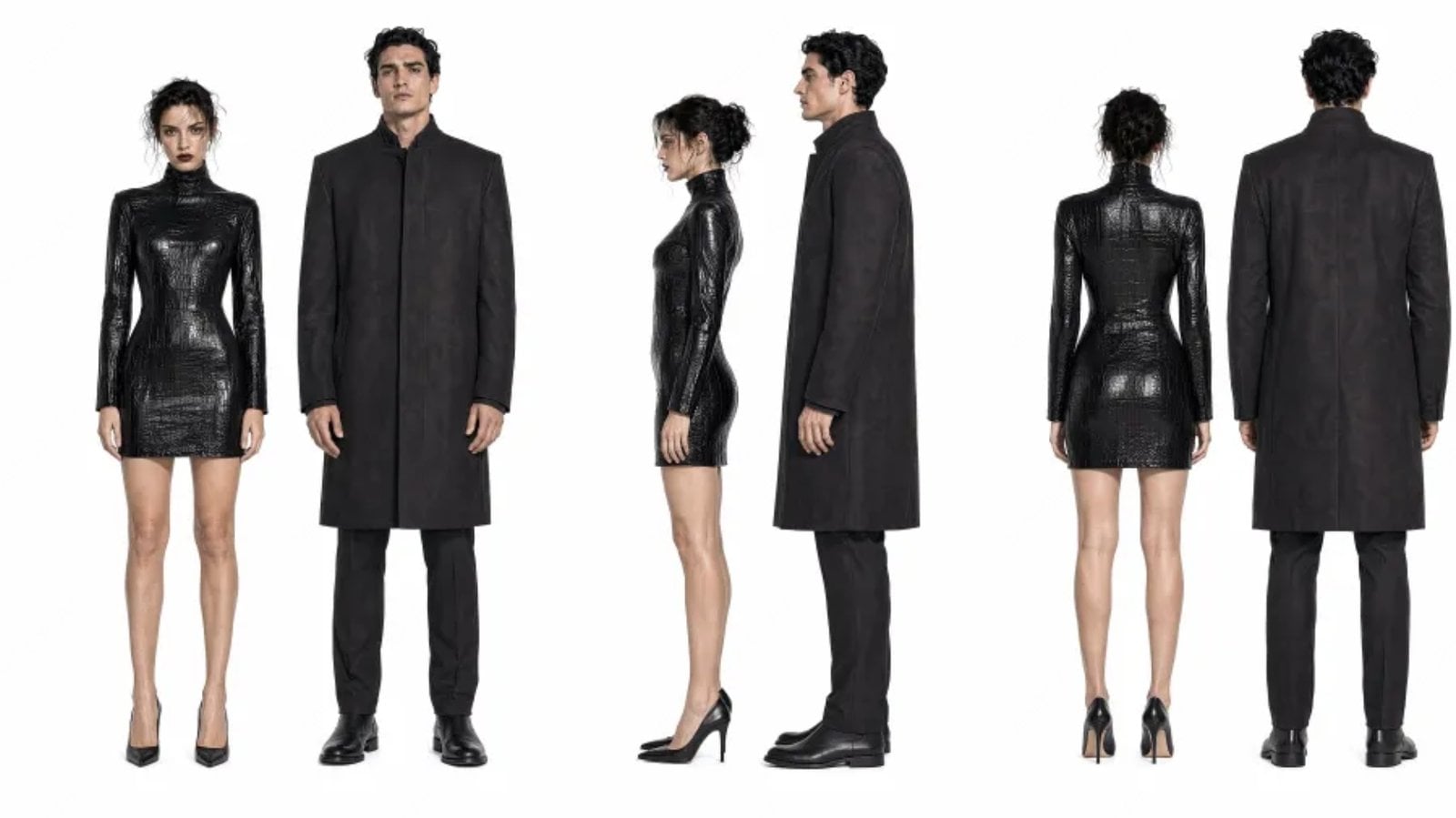
鏡頭運動過程中需要保持輪廓、材質和側面細節穩定時,使用多張產品參考圖。
公式
提取[圖片 N 中的主體] + 生成[場景] + 保持[特徵]穩定


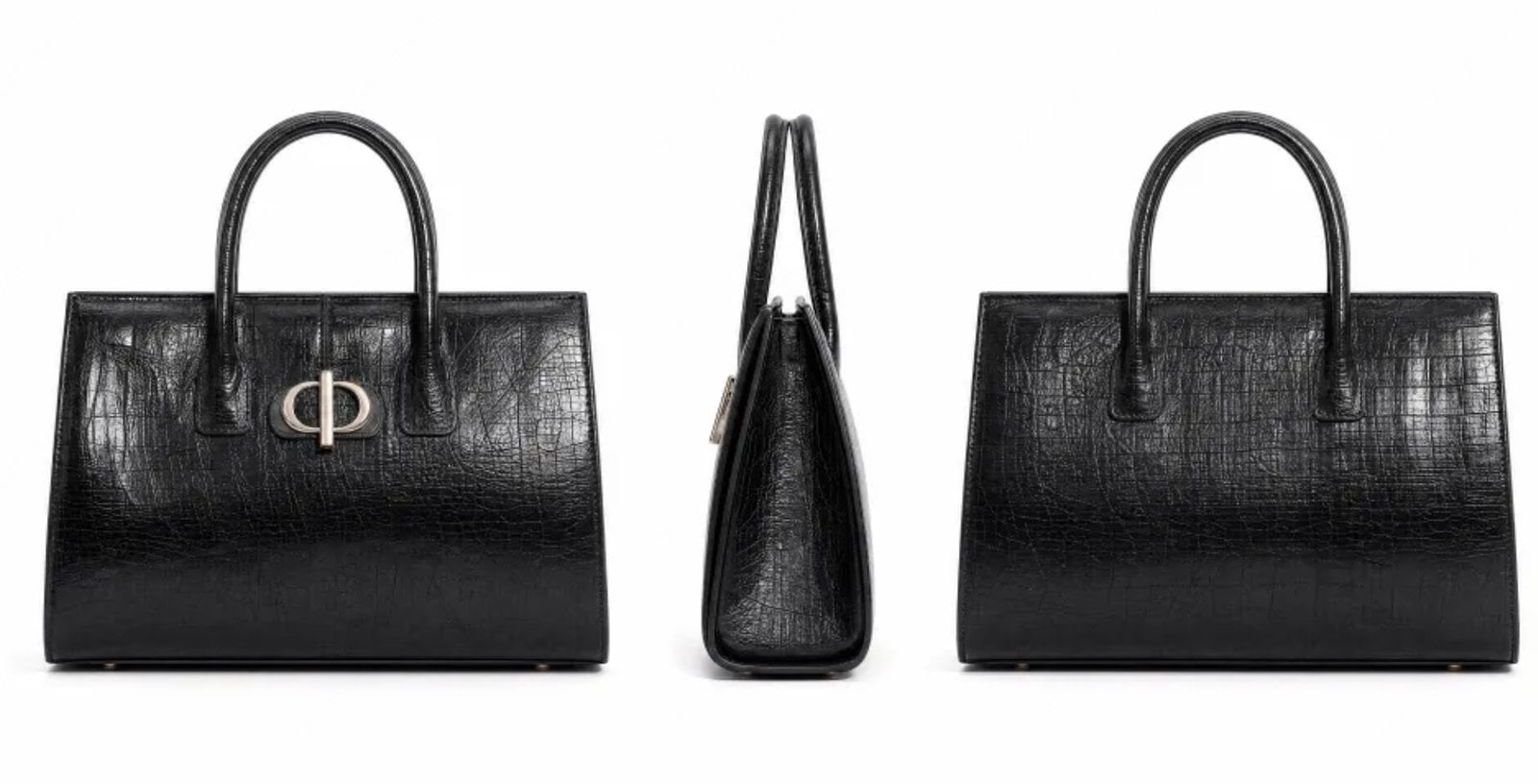
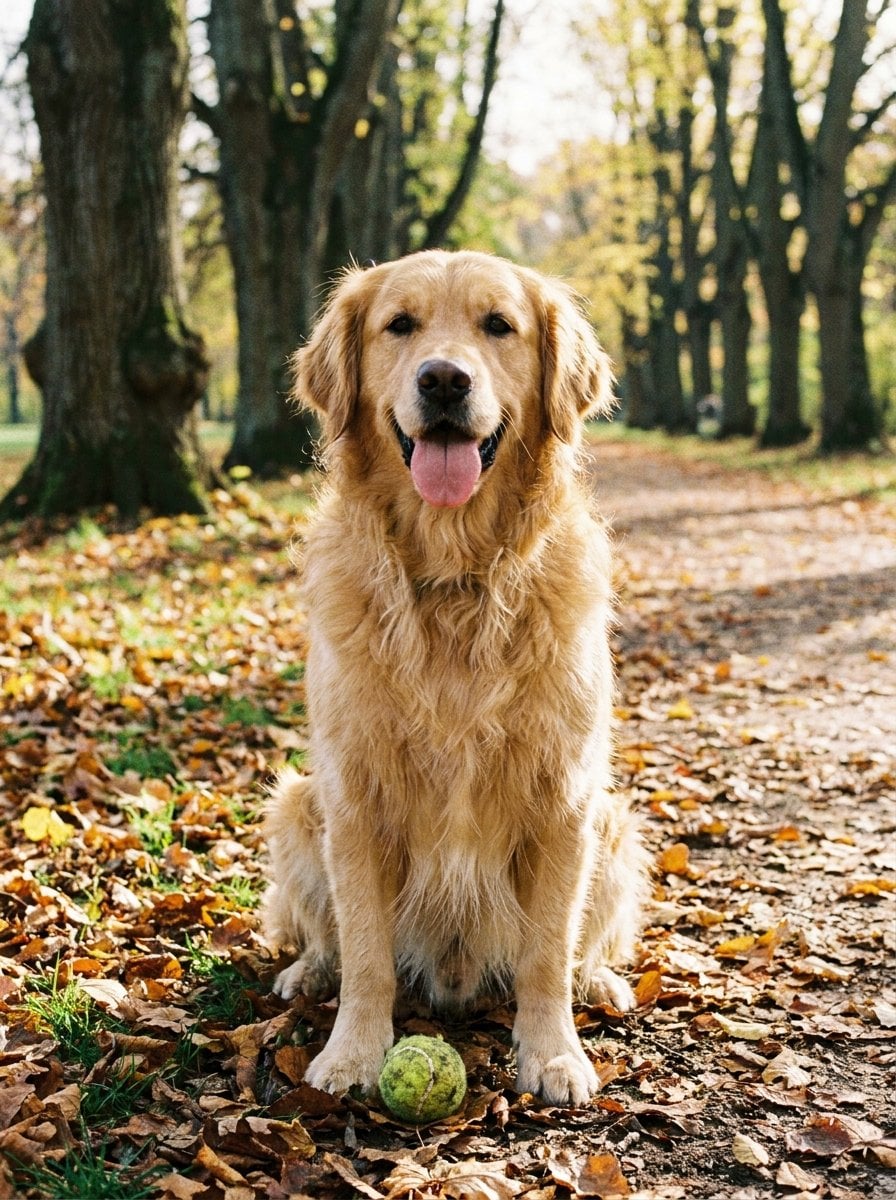
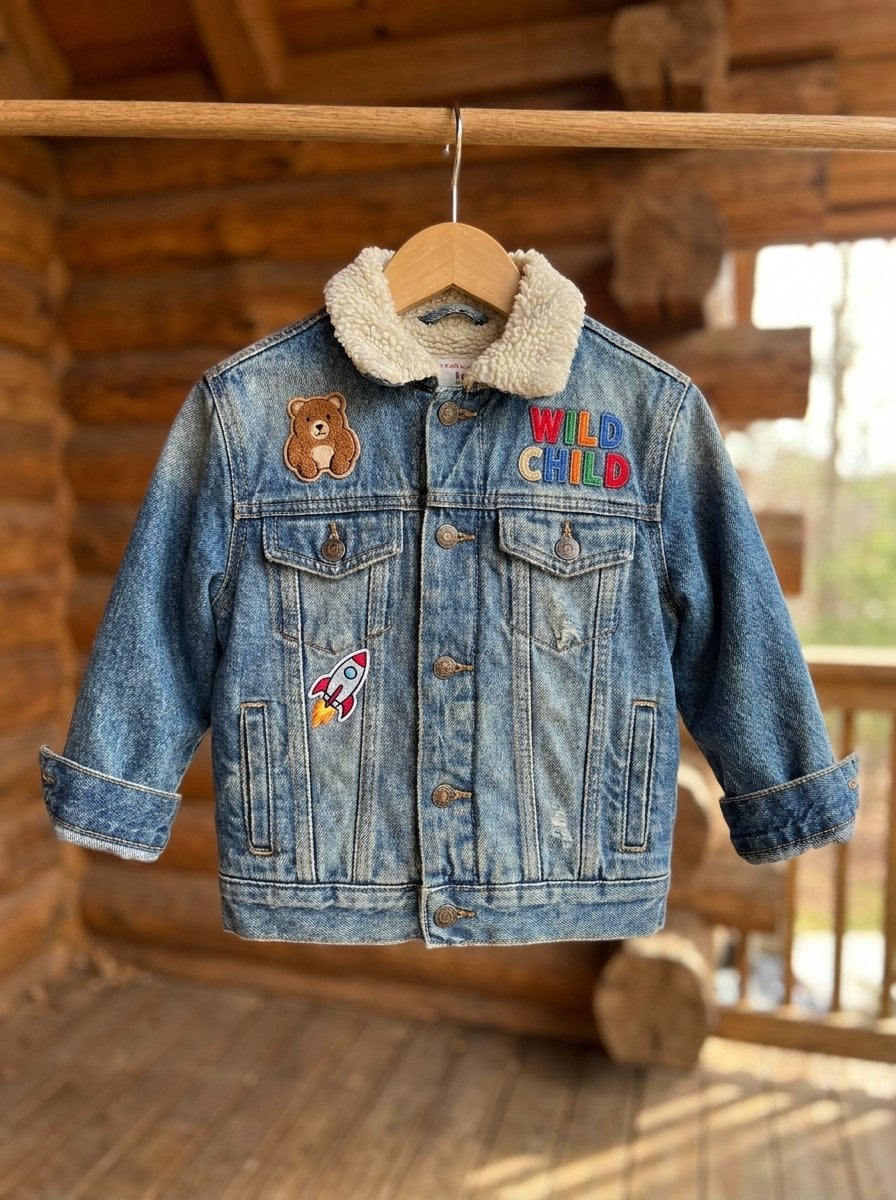
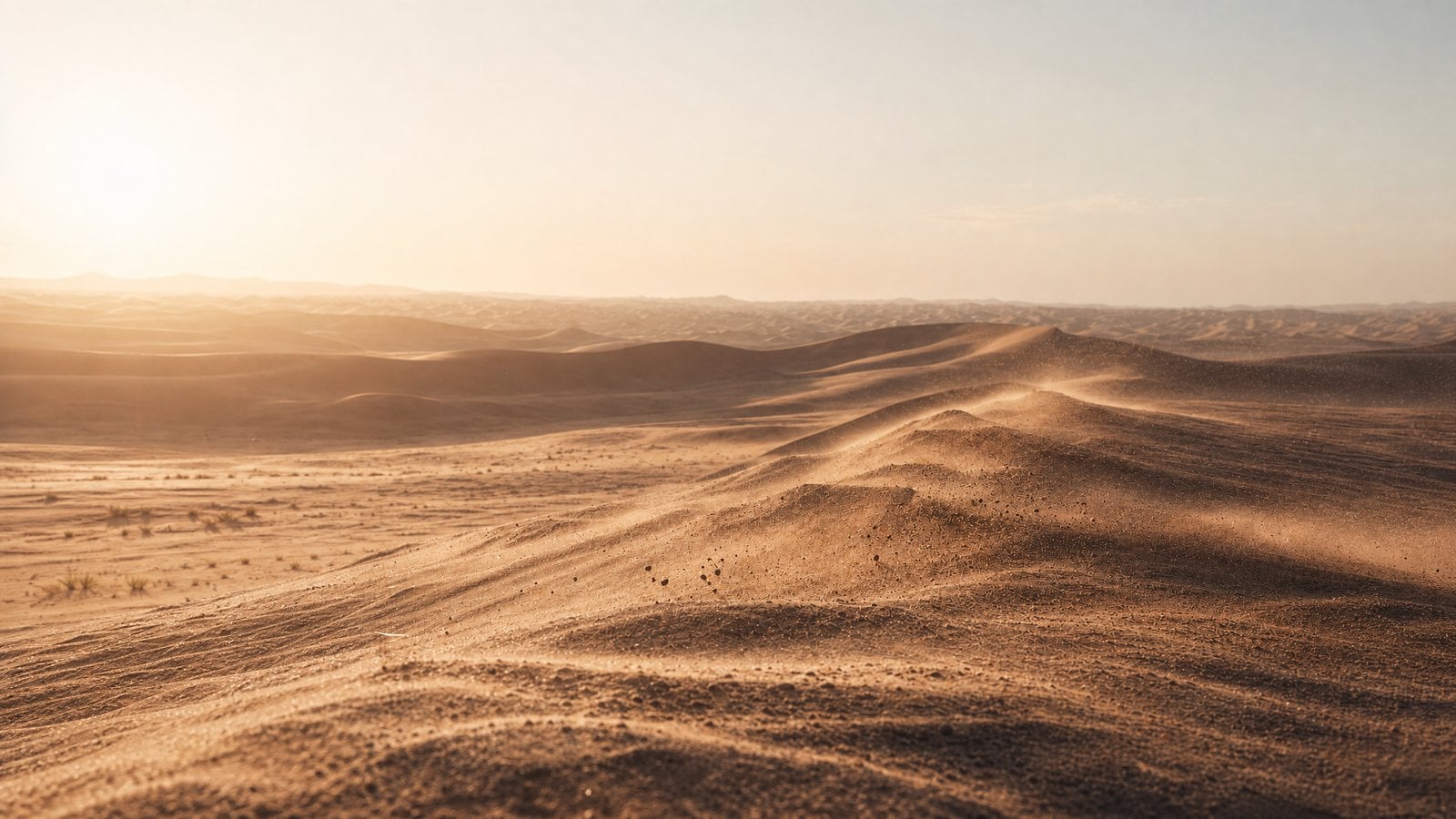
Use Image 1, Image 2, and Image 3 as product references. Preserve the core silhouette, color, reflective material, and front details. Place the object on a clean studio surface, then use a slow 180-degree orbit to reveal front, side, and rear details without changing the design.
控制重點
3.1 多角度主體參考
只要提示詞明確保護原始佈局,靜態室內圖就能生成裝修、燈光變化或空間佈置過程。
公式
參考[圖片 1 場景] + 改變[狀態] + 保持[佈局]穩定

Use Image 1 as the room layout reference. Generate a time-lapse from raw concrete interior to a finished warm living room. Keep wall positions, window placement, and camera angle consistent. Add furniture, soft lighting, and a final light-switch moment where the room turns on.
控制重點
3.1 多角度主體參考
提示詞分別說明臉部、服裝、情緒和動作時,身份參考效果最好。
公式
參考[圖片 N 中的人物] + 生成[場景] + 保持身份一致


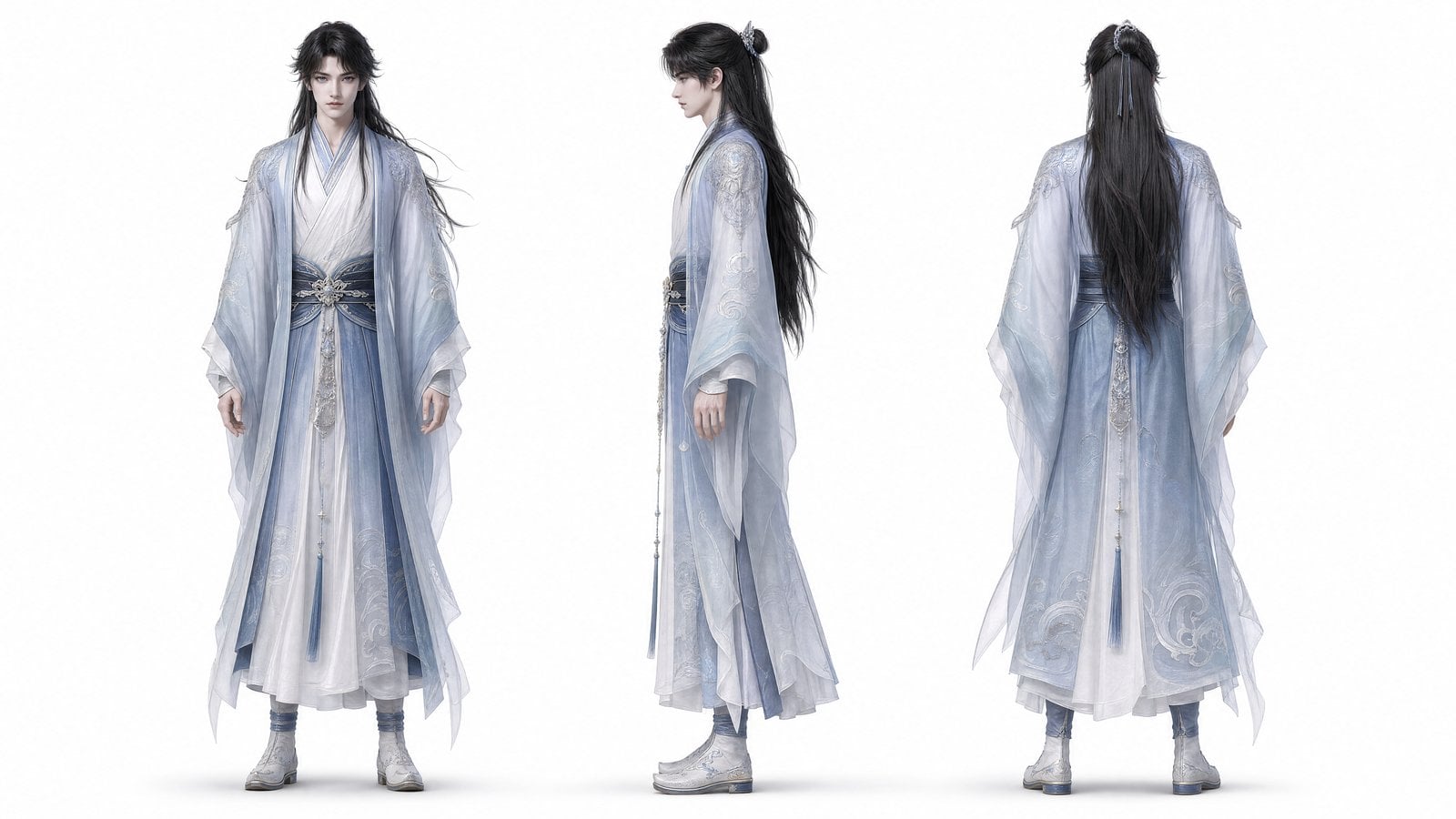
Use Image 1 for the character identity, face shape, hair, and wardrobe. Use Image 2 for the dim library mood. Start with a close-up of the character reading alone, then slowly pull back as papers move and a glowing doorway appears. Keep the character consistent while the scene changes.
控制重點
3.2 多圖參考
多圖序列要為每張圖片分配一個敘事節拍,並描述連接各畫面的情緒弧線。
公式
依照[圖片順序] + 生成[故事節拍] + 保持[風格]


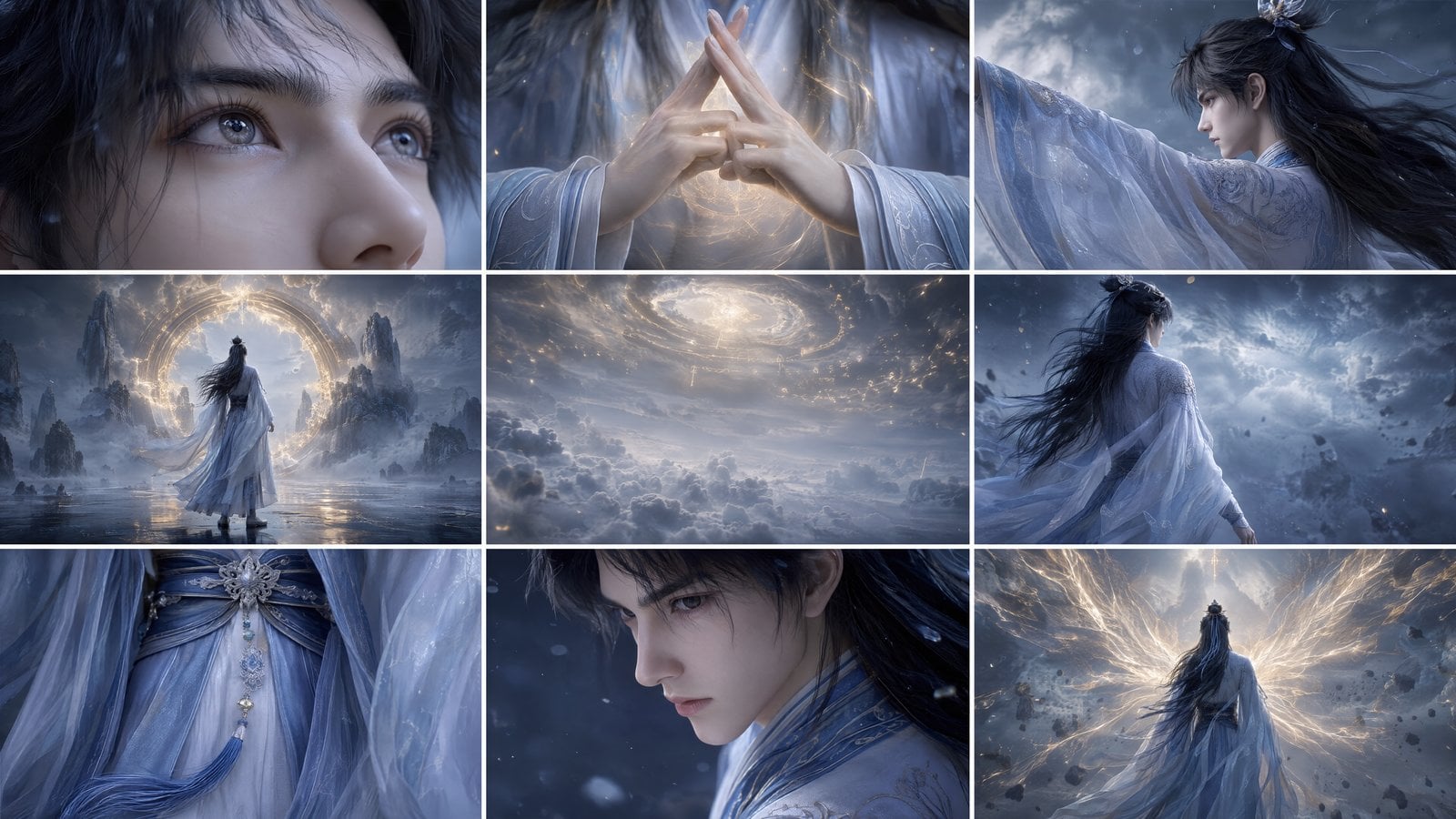
Follow Images 1-3 as a storyboard sequence. Create a nostalgic flashback montage on 35mm film: first a warm memory, then a quiet window pause, then an intimate interior detail. Use soft grain, dreamlike bokeh, warm highlights, and gentle English background music. Keep cuts rhythmic but readable.
控制重點
04
4.1 動作參考 / 4.2 鏡頭運動參考 / 4.3 特效參考
4.1 動作參考
重點在於時序、身體動作、走位或追逐節奏時,應使用影片參考。
公式
參考[影片 1 的動作] + 生成[新場景] + 保持動作細節


Use Video 1 only for running rhythm, camera distance, and obstacle timing. Use Image 1 for character identity. Generate a dusk market chase in one continuous shot: close behind the character, side-track through the crowd, then push forward as the character glances back. Add footsteps, crowd ambience, and distant shouts.
控制重點
4.2 鏡頭運動參考
當鏡頭運動本身就是重點時,可參考長鏡頭、推進、第一視角、360 度環拍或手持節奏。
公式
參考[影片 1 的鏡頭運動] + 生成[新主體] + 保持鏡頭路徑


Reference the camera path from Video 1: a back-following steadicam move through changing light zones. Generate a modern city walk from a warm cafe interior to a busy street and then into a subway stairwell. Keep the lighting transition smooth and do not cut away from the main subject.
控制重點
4.3 特效參考
特效參考有助於控制粒子、發光、能量軌跡、組裝動作和視覺變形的時機。
公式
參考[影片 1 的特效] + 套用於[圖片 1 的主體] + 保持運動軌跡


Use Video 1 for the blue energy trajectory, particle timing, and armor assembly rhythm. Use Image 1 for the character design. Generate a close-up transformation scene: glowing runes appear, energy spreads across the face and arm, black armor plates assemble, then the final hero pose locks in smoke.
控制重點
05
5.1 新增/移除/修改元素 / 5.2 影片延長 / 5.3 首尾銜接
5.1 新增/移除/修改元素
編輯提示詞要聚焦單一目標。明確要移除或替換的元素,並保護動作、構圖和光線。
公式
從[影片 1]中移除[元素] + 保持[其他所有內容]不變

Remove all visible production mistakes from Video 1, including stray tools, tape marks, and unwanted gear. Keep the actors, hand motion, camera movement, room lighting, and timing unchanged. Do not introduce new props or change the original composition.
控制重點
5.2 影片延長
新動作自然承接原片最後的動作、鏡頭角度和基調時,延長效果最好。
公式
向前/向後延長[影片 1] + [新內容描述]

Generate content after Video 1. Continue the existing camera track and classical painting style. The main rider moves toward the blooming tree, picks two orange flowers, dismounts, and presents the flowers to the person waiting ahead. Preserve the original music mood and color palette.
控制重點
5.3 首尾銜接
首尾輸入之間有明確的變形橋樑時銜接效果最好,例如顏色、光線、建築或主體姿勢。
公式
[影片 1] + [轉場] + 連接到[影片 2] + [轉場邏輯]


Connect Video 1 to Video 2 in 8 seconds. Start at the ancient pyramid scene, keep the robot centered, then transform sand, stone, and amber light into a clean white future corridor. The robot design remains consistent while the environment morphs smoothly from old world to sci-fi interior.
控制重點
使用主體、動作、環境、美學、鏡頭和音訊。複雜影片要在開頭補充時長、比例和鏡頭順序。
當身份、產品形狀、服裝、布局、首幀或視覺風格必須穩定時,使用影像參考。
當時序、動作節奏、鏡頭路徑、手勢或特效軌跡比源素材外觀更重要時,使用影片參考。
目前工作台支援最多 9 張影像、3 個影片和 3 個音訊檔案,影片和音訊時長限制見上方設定。