Task template
MiniMax H3 two-gear prompt: opposite rotation with fixed centers
Use an original schematic gear pair to request a small linked turn. Inspect opposite direction, stable centers and the meshing region without claiming engineering accuracy.
MiniMax-H3 · image-to-video · Original task method; generation has not been independently verified.
Start generating video →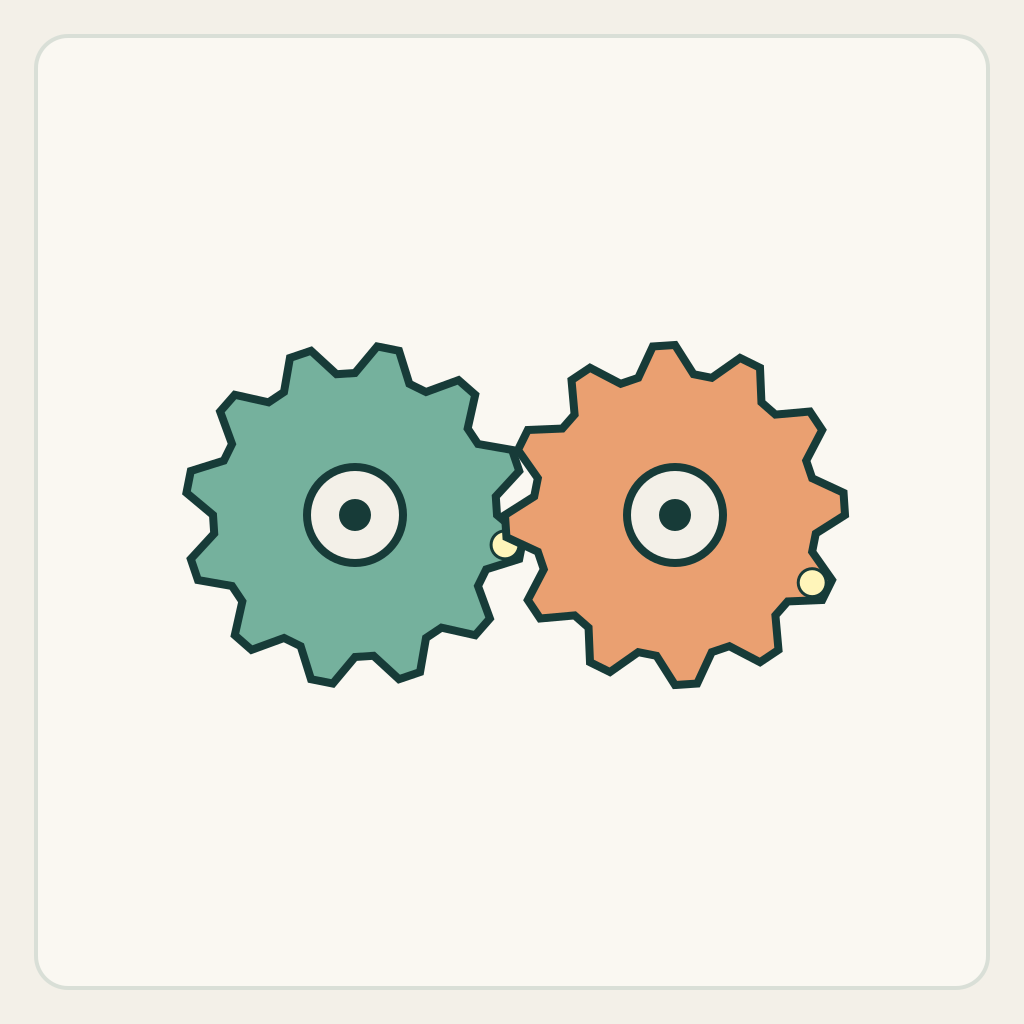
MiniMax H3 two-gear prompt: opposite rotation with fixed centers
Rotate two visible schematic gears in opposite directions while their centers stay fixed. The useful task is a relationship between moving parts, not a single object spinning in place.
Original illustrated practice input; method not independently tested. No H3 generation or model output is supplied. A result, if you later generate one, still needs the checks below.
!Original illustrated practice input, not a model result
Read the starting input
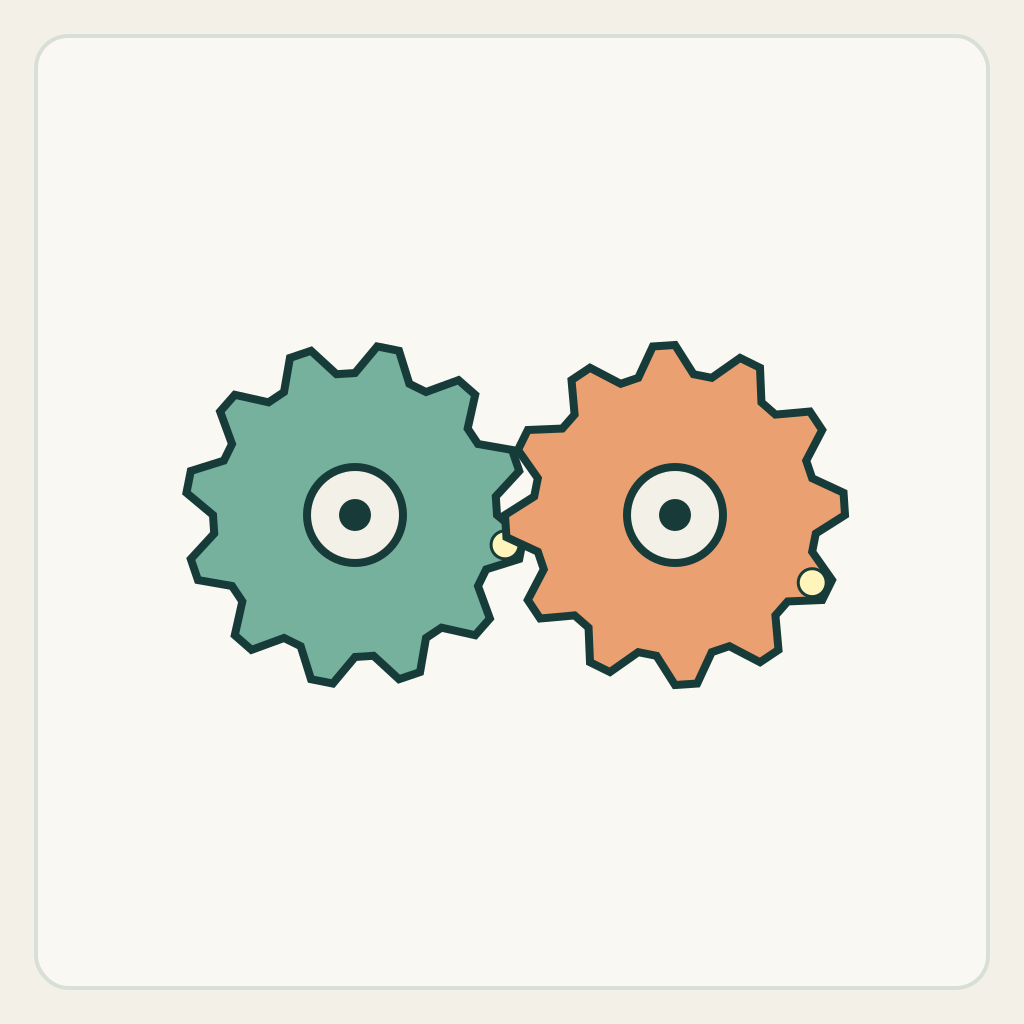
The first-frame drawing has two equal-size toothed wheels with one marked tooth on each and a visible central axle. Their teeth alternate in a narrow meeting region. This is an original visual schematic, not a CAD model or a standard gear profile.
Keep both axle centers fixed. Track the two colored teeth separately and watch where the wheels meet; a convincing spinning texture is not enough if the teeth merge or the centers drift.
Set up the current generator
Select MiniMax H3 base in image-to-video. Enable Add end frame so the current interface exposes the First Frame slot. Upload only first-frame.png to First Frame and leave Last Frame empty. This is not the Fast workflow: Fast requires both frames. Select a duration and ratio actually offered by the interface; these notes promise no exact motion timing. Opening a generator does not submit a task. The SVG is a design/inspection source, not an upload instruction.
Download practice kit · PNG first frame · Blank acceptance sheet
Copy the original prompt
Start from the supplied schematic first frame. Fixed frontal camera, fixed axles and background. Turn the left teal gear slowly clockwise through a small angle while the right orange gear turns counterclockwise. Keep the colored tooth marks attached to their original wheels. Maintain two separate round wheels of unchanged size with a readable alternating tooth meeting region; no merging, extra gears, center travel or camera rotation. Stop both wheels together after the small linked turn and hold. Do not require a full revolution or numeric speed ratio.Work through one attempt
- Identify the marked tooth on each wheel and each axle center. Keep the first attempt slow enough that individual teeth remain readable.
- State both directions explicitly; asking for gears to spin can leave their relationship unspecified. Do not add a motor, belt or machine transformation.
- Inspect the approach to the meeting region, the midpoint and the joint stop. Reject a visually energetic result if it creates a single fused wheel or moves the axles.
Inspect the result
Record an observation for each item in the blank sheet. The sheet starts with empty results: none is a pre-existing pass.
- Both axle centers remain at their original positions and each wheel keeps its size.
- The left marked tooth moves clockwise and the right one counterclockwise.
- The meeting region keeps two distinguishable sets of teeth rather than a fused surface.
- Both wheels stop and hold without adding parts.
Change one failure at a time
- Both turn in the same direction: name left and right directions separately and reduce the angle.
- Teeth smear together: slow the action and avoid full-revolution language.
- Centers drift: fix the axles before adding more mechanism detail.
Ending, limits and related tasks
Two separate wheels stop at new tooth-mark angles on their original fixed axles.
The schematic and prompt do not validate involute profiles, clearance, torque transmission, tooth counts or an exact angular ratio.
The watch exercise moves one hand around a fixed center; this task coordinates two separate parts through a shared meeting region.