Steam above a cup: generate the motion, composite the exact mark
A two-layer cup-shot exercise: a stationary cup with thin steam in the generated clip, plus a separate permitted mark applied and checked in editing.
Keep the physical cup and the graphic mark in separate production roles. This original method and illustration have not been independently tested; exact lettering is handled in editing rather than promised by the model.
This page presents an original method and illustrations. The prompt has not been independently tested with the generation model.

This page illustration explains the required composition; prepare your own authorized image with the relationships described below.
Prepare the input
- Prepare your own authorized clean cup image with the rim, front face, handle and contact shadow visible. Leave empty space above the rim and a clear graphic area on the front face.
- Prepare a graphic you own or are permitted to use for editing. You can create an original word mark with your editor’s text tool on a separate transparent layer, or import your permitted graphic. The FIELD example below only illustrates this layer’s role; do not ask the video model to generate its letters.
- Choose a composition with empty space above the rim and a mark area below it. Steam crossing the front face makes a clean overlay harder to inspect.
- Keep the camera and cup stationary for this exercise. If you need a moving shot, plan tracking or compositing separately and verify it in your editor.
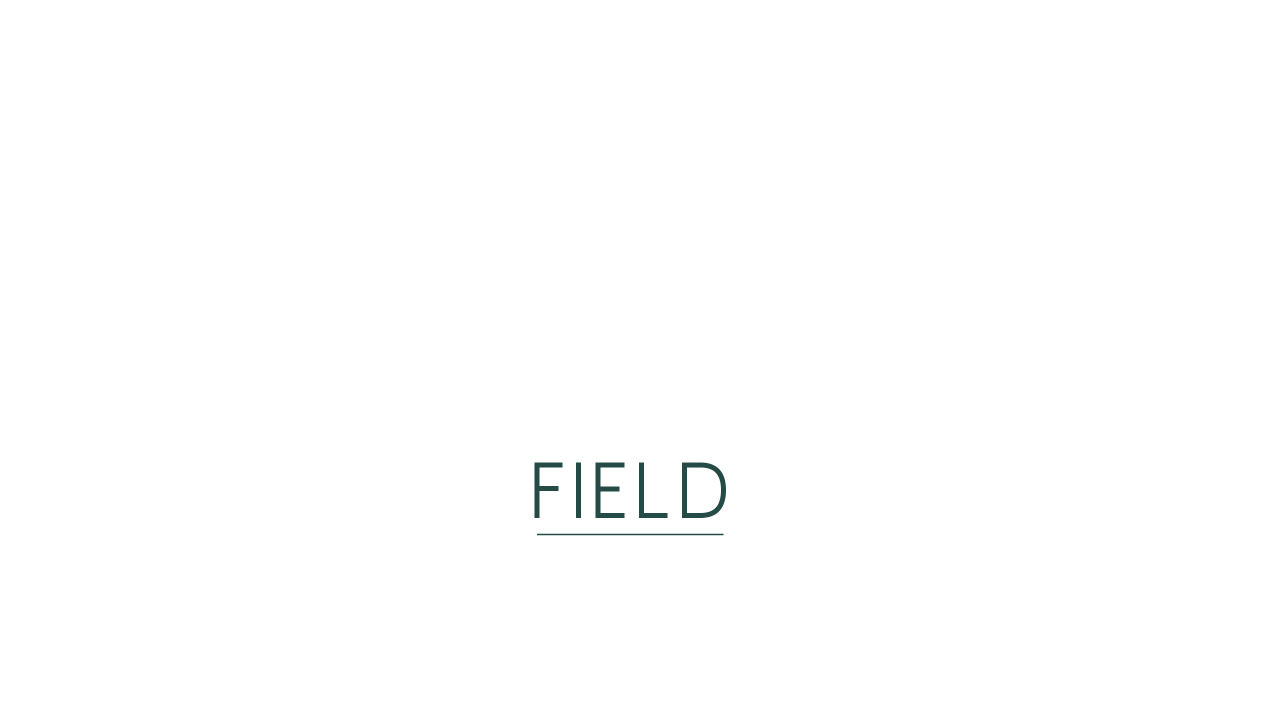
This graphic demonstrates a separate editing layer. Prepare your own permitted graphic for the actual edit.
Open image-to-video and choose MiniMax H3. Enable Add end frame to expose First Frame, upload your prepared image there and leave Last Frame empty. Match the complete prompt below to the objects and colors in your image before submitting. Check the current controls and credit estimate; opening the workspace does not upload or submit a task. Keep annotated page diagrams out of the input slots.
The link carries the original page prompt; adapt it to your prepared image before submitting.
Prompt and procedure
Use the uploaded image as the starting frame. Keep the cup, table and camera stationary. A thin soft stream of steam rises from the drink inside the rim, drifting slightly upward and to one side. Keep the steam above the rim; leave the front face of the cup clear. Preserve the cup silhouette, handle position and contact shadow. The steam stays light and does not turn into smoke or cover the scene. Do not add text, a logo, objects or camera movement.
Start from the clean cup layer
Use your prepared clean cup image, or an authorized image whose existing mark you are permitted to replace in editing. Check the rim and handle before generating. A stationary camera reduces the alignment changes to manage later.
Give steam a bounded region
Request thin steam above the rim, with the front face clear. Make one small drift the only changing element. Avoid mist filling the room, dramatic smoke or several simultaneous streams on the first attempt.
Judge the cup before adding the mark
Inspect the beginning, middle and ending. Confirm that the rim, handle and shadow still match the starting image and that the steam does not erase the front face. Do not use a clean-looking logo as a substitute for these geometry checks.
Composite and inspect the exact graphic
Open the accepted clip in your editor. Add the permitted graphic as a separate layer, align it to the cup face and check any required tracking or mask through the clip. Export a short review version and read the mark at normal viewing size, including where steam passes nearby.
Check the result
Watch the complete actual result, then compare opening, middle and ending against each check below. In your own notes record the timestamp or frame, visible evidence, pass/fail/uncertain judgment and reason. Do not fill results from an illustration; an occluded or unreadable relationship remains uncertain.
- The steam begins inside the rim rather than from the handle, table or graphic.
- The cup silhouette, rim and handle stay recognisable against the first frame.
- The contact shadow and cup base do not move independently.
- The steam remains thin and does not become opaque smoke.
- The front graphic area remains visible without large steam occlusions.
- The composited mark is the intended graphic, with no substituted characters.
- The mark remains aligned throughout the edited export; the first frame alone is not enough to pass this check.
Troubleshooting and ending
Steam grows from the table or cup front
Specify its origin inside the drink, above the rim, and keep the front face clear. Retain the same input so the change can be compared.
The cup deforms as steam thickens
Reduce the steam request to a thin stream and remove cinematic fog or dramatic smoke. Recheck the handle and rim before attempting a graphic overlay.
Generated letters change or become unreadable
Do not extend the prompt with increasingly strict spelling instructions. Use the separate permitted graphic layer in editing and judge the exported result.
The overlay floats away from the cup
Check for cup or camera drift in the underlying clip. Either choose a steadier take or perform appropriate tracking and masking in the editor; the model prompt does not replace compositing alignment.
End on a stable cup with light steam above the rim. Keep the actual input, accepted motion prompt, your permitted graphic layer and the completed checks from this page together, so the next editor can identify which layer owns exact lettering.
Related reading
- Glazed pottery: check the highlight and motif during a small camera shift
- Hinged box opening: move the lid, hold the base in place
- MiniMax H3 knit-unfolding prompt: keep the fabric texture and hand contact readable
- MiniMax H3 page-turn prompt: animate blank pages and add exact text in editing
- Reflective bottle light sweep: keep the bottle still, move the highlight
- MiniMax H3 silent unboxing prompt: plan three beats as three simple shots