The generator shows three adults
Change only the identity-count sentence to one adult whose different views describe the same person; check that a contact-sheet image was not uploaded by mistake.
Task template
Prepare an appearance brief from three coherent views of one fictional adult. The objective is to make each file’s role reviewable; no upload count, automatic contact-sheet parsing or identity guarantee is implied.
Includes original practice inputs and a review checklist. This prompt has not been independently tested with the generation model.
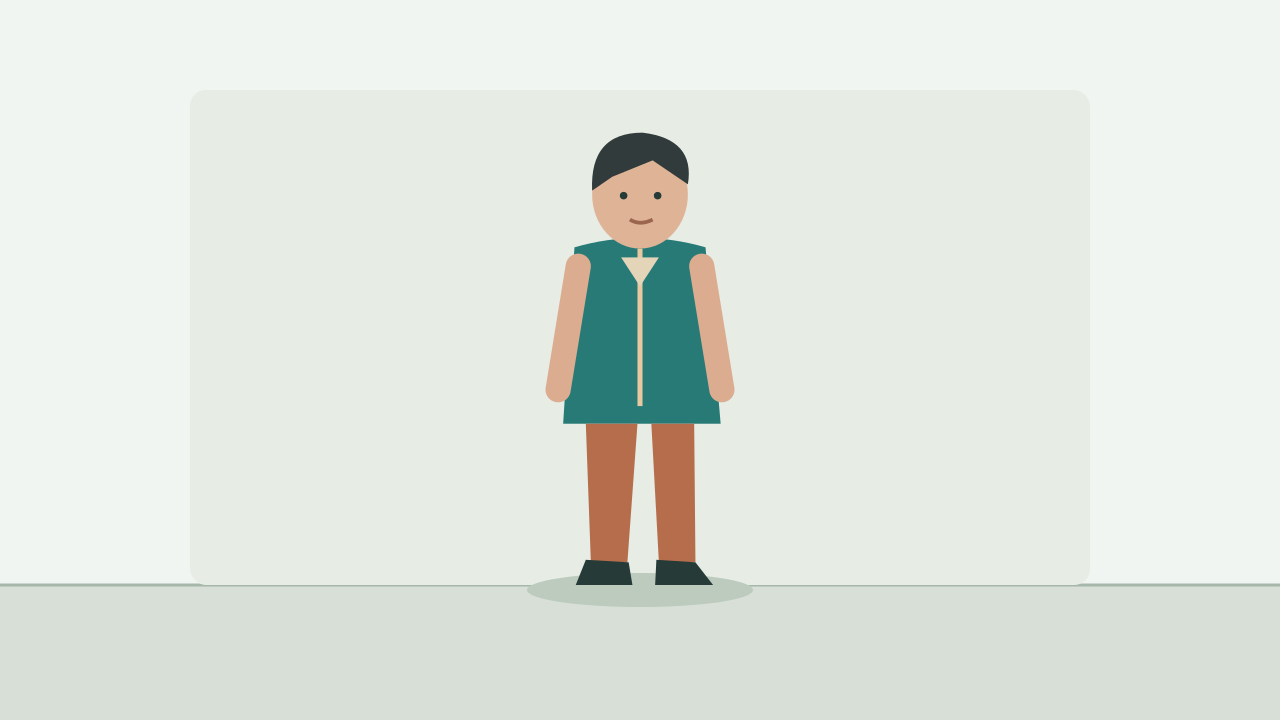
Download the input image below and upload it manually in the generator; the button carries the prompt.
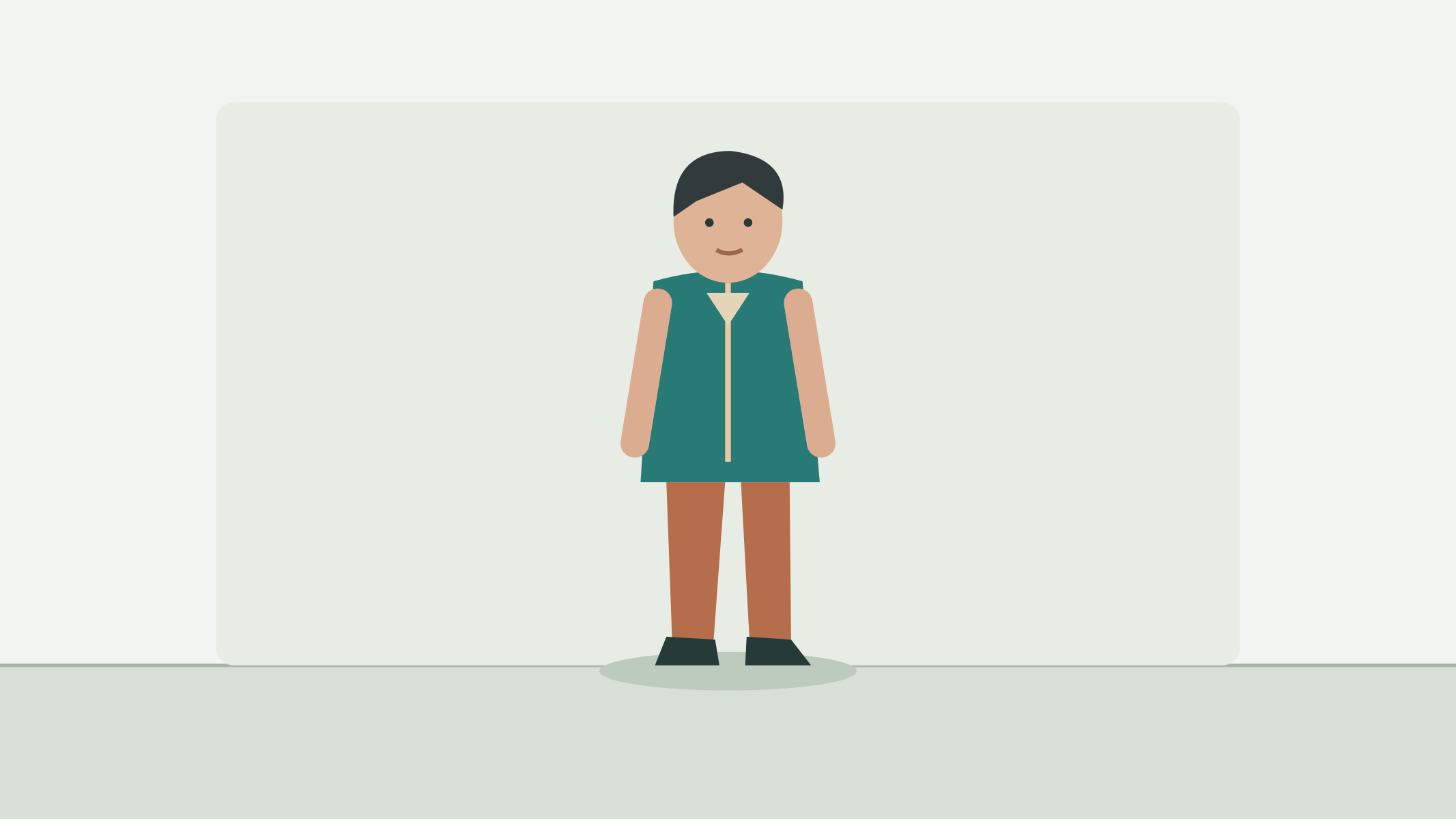
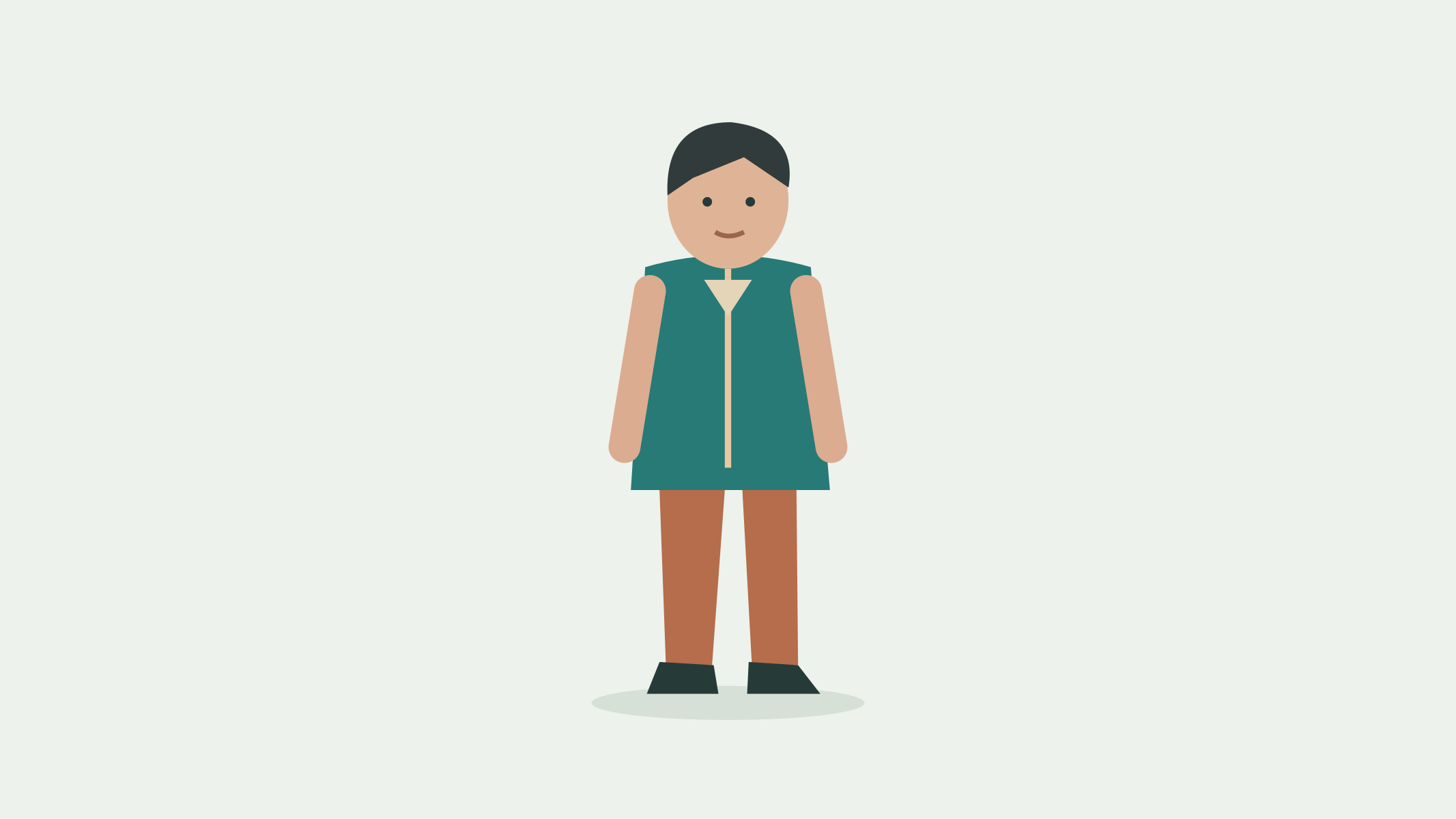
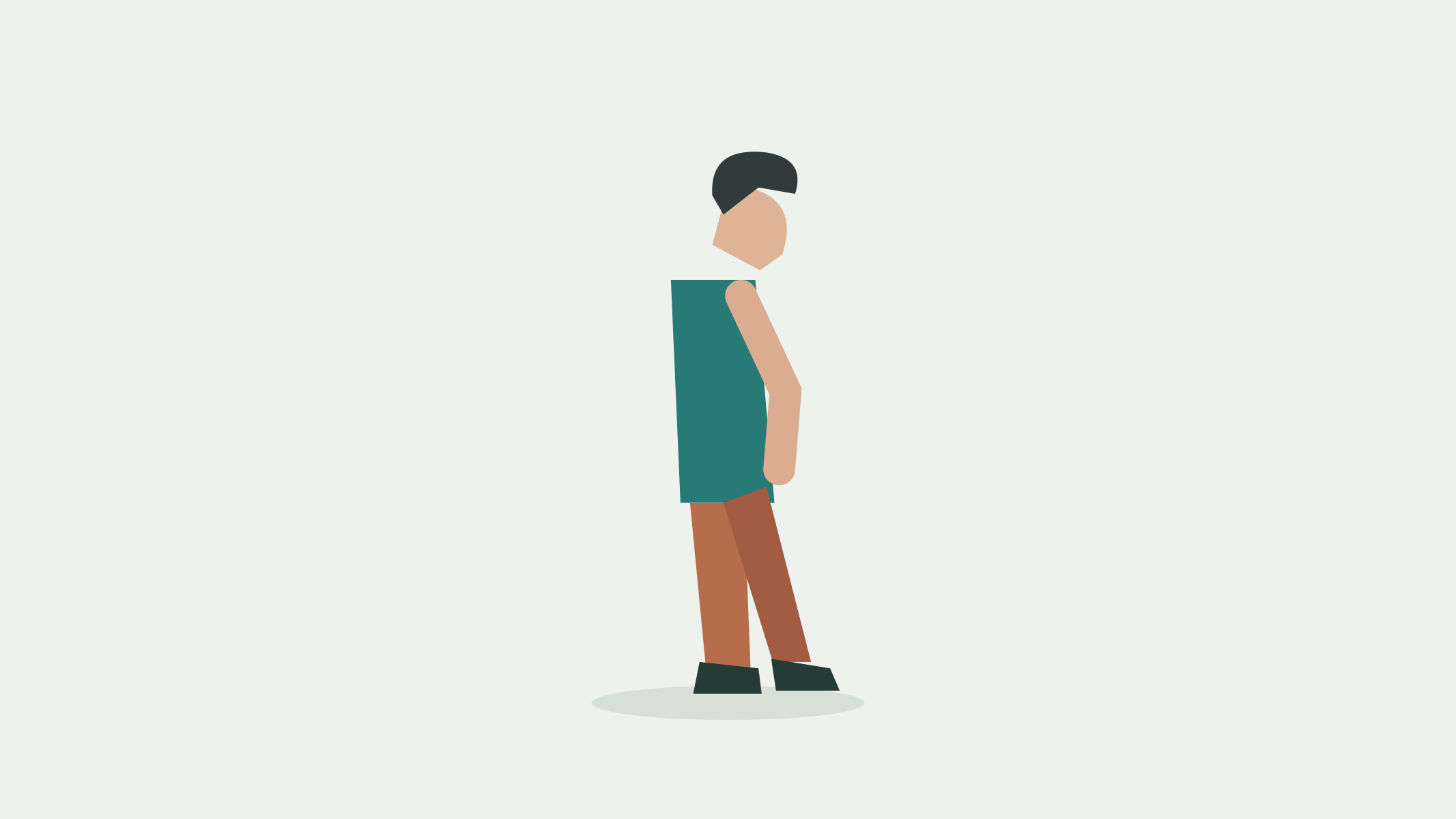
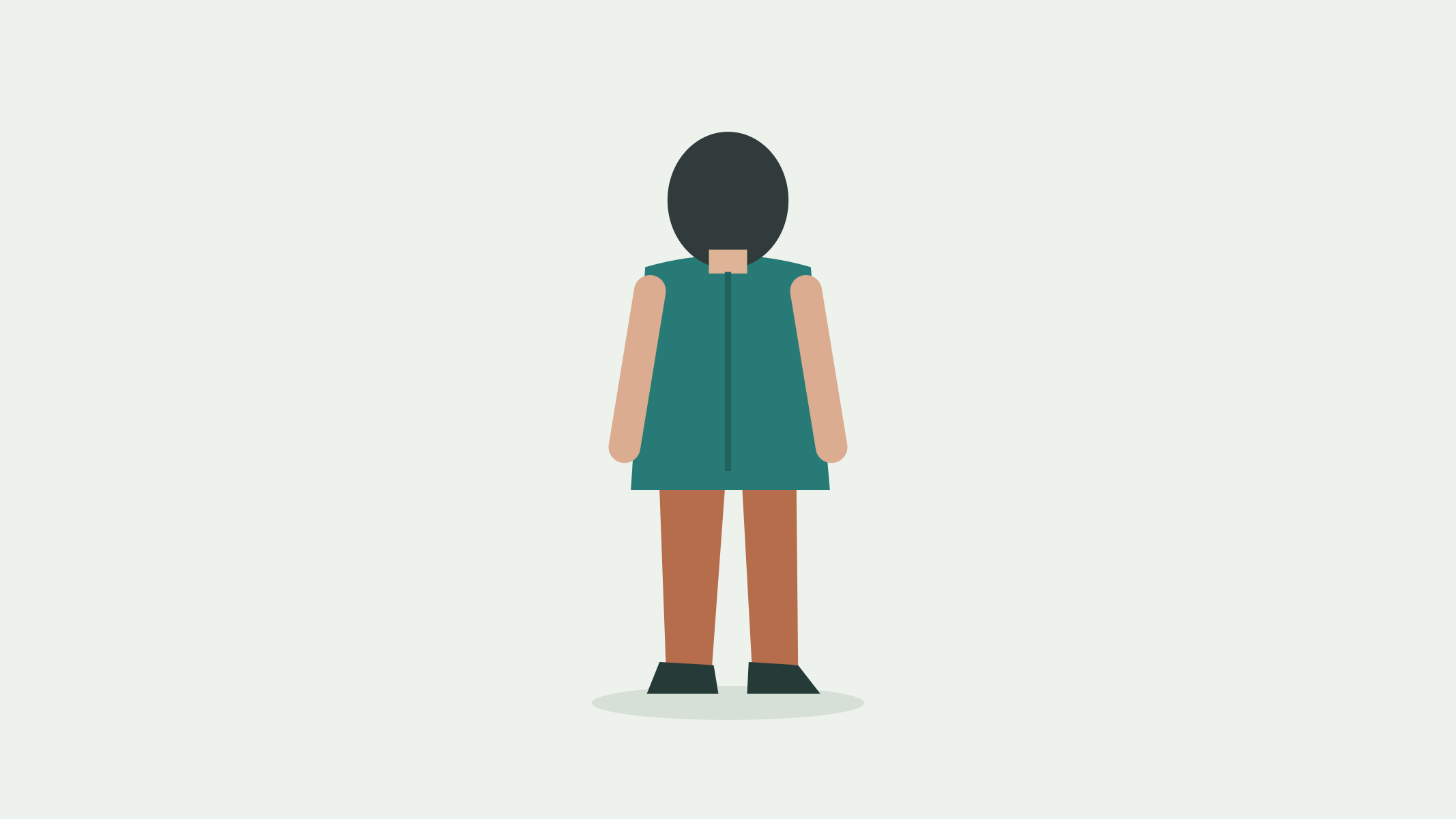
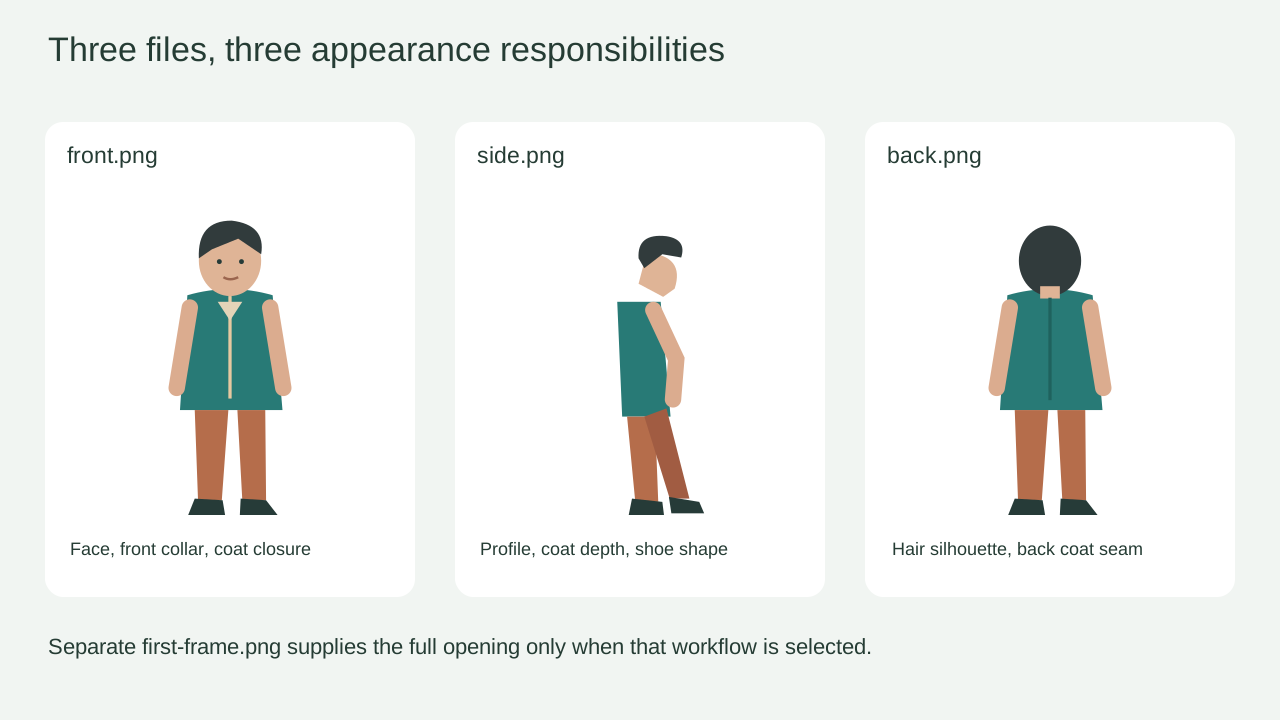
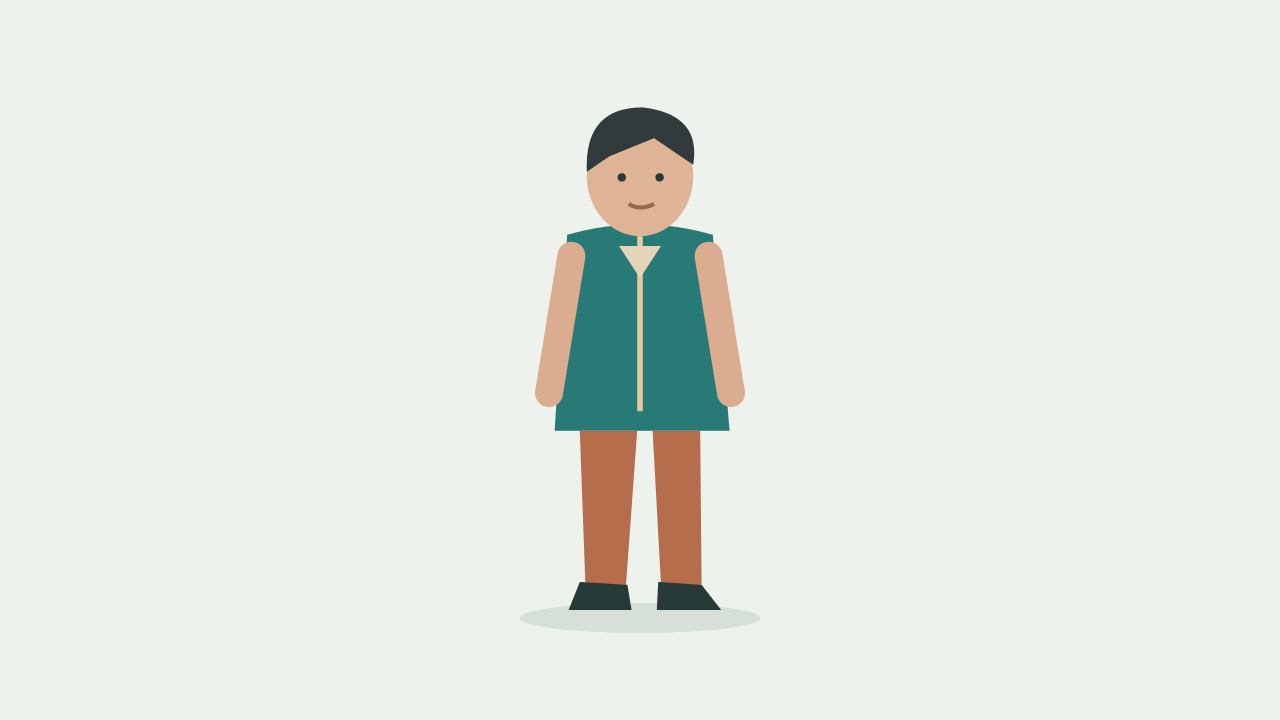
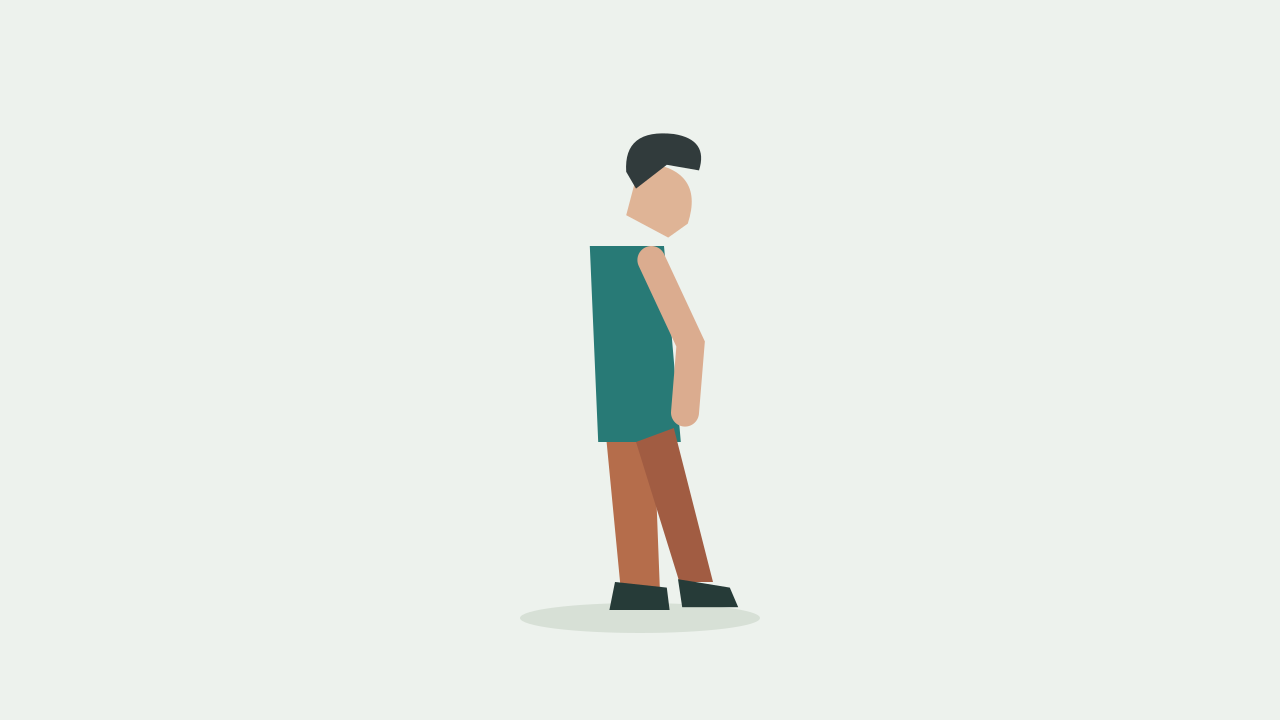
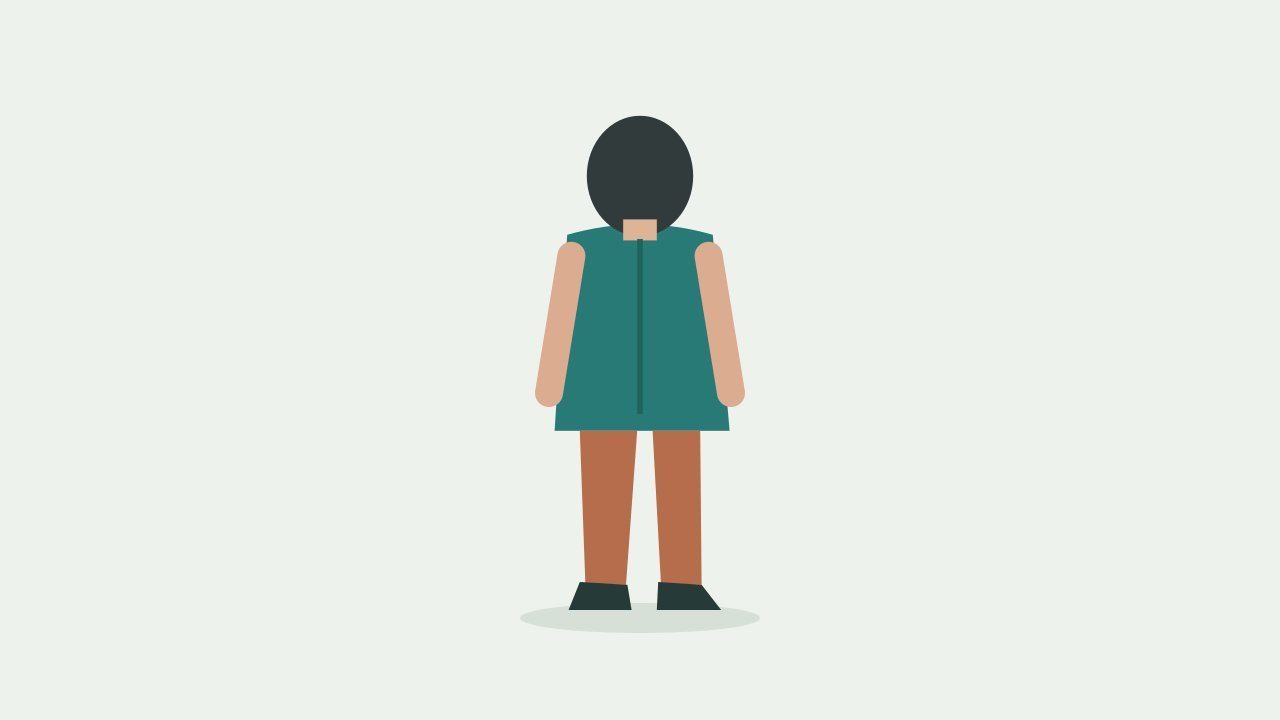
Create a new quiet studio scene with the same fictional adult described by the available uploaded appearance references. The front view supplies visible facial features, short dark hair, the front coat closure and rust trousers. If the side view is available, use it for the profile and coat depth; if the back view is available, use it for the rear hair silhouette and coat seam. Use a plain pale-green setting and a fixed medium-wide camera. The adult starts at a slight three-quarter angle, turns the shoulders gently toward the camera and settles. Keep the teal coat, trousers and hairstyle unchanged. Do not create extra people or show a reference sheet inside the scene.
Compare the front closure, side hem and rear seam before opening a generator. Record that these files depict the same clothing session; an inconsistent input set cannot be repaired by saying “same character.”
Number the accepted files in the actual UI order and adjust the copyable brief to those files. Delete clauses about an unavailable view; textual references do not upload missing material.
Use reference-to-video when requesting a new studio composition from appearance. If the exact supplied scene must be the opening, choose image-to-video and upload the separate first frame according to that mode’s controls.
Compare the changing face silhouette, collar overlap and coat side before the adult settles. Use the back image only for visible rear details; a front-facing shot cannot verify every hidden seam.
Change only the identity-count sentence to one adult whose different views describe the same person; check that a contact-sheet image was not uploaded by mistake.
Correct the file-role map to the accepted slots and remove missing-view clauses. Keep the unaccepted files as offline comparison assets.
Replace only the conflicting reference view or reduce the turn so the uncertain region stays hidden, then inspect the same collar-to-hem transition.
Save the accepted-file map, prompt and feature observations. Keep the three separate files and the readable sheet together; record any untested hidden detail instead of marking full identity consistency as proven.