Back to Prompts
- Video duration:
- 6s
- Video dimensions:
- 1280 × 720
Transitions & edits/Seedance 2.0
Roaring Comic Bear Transformation
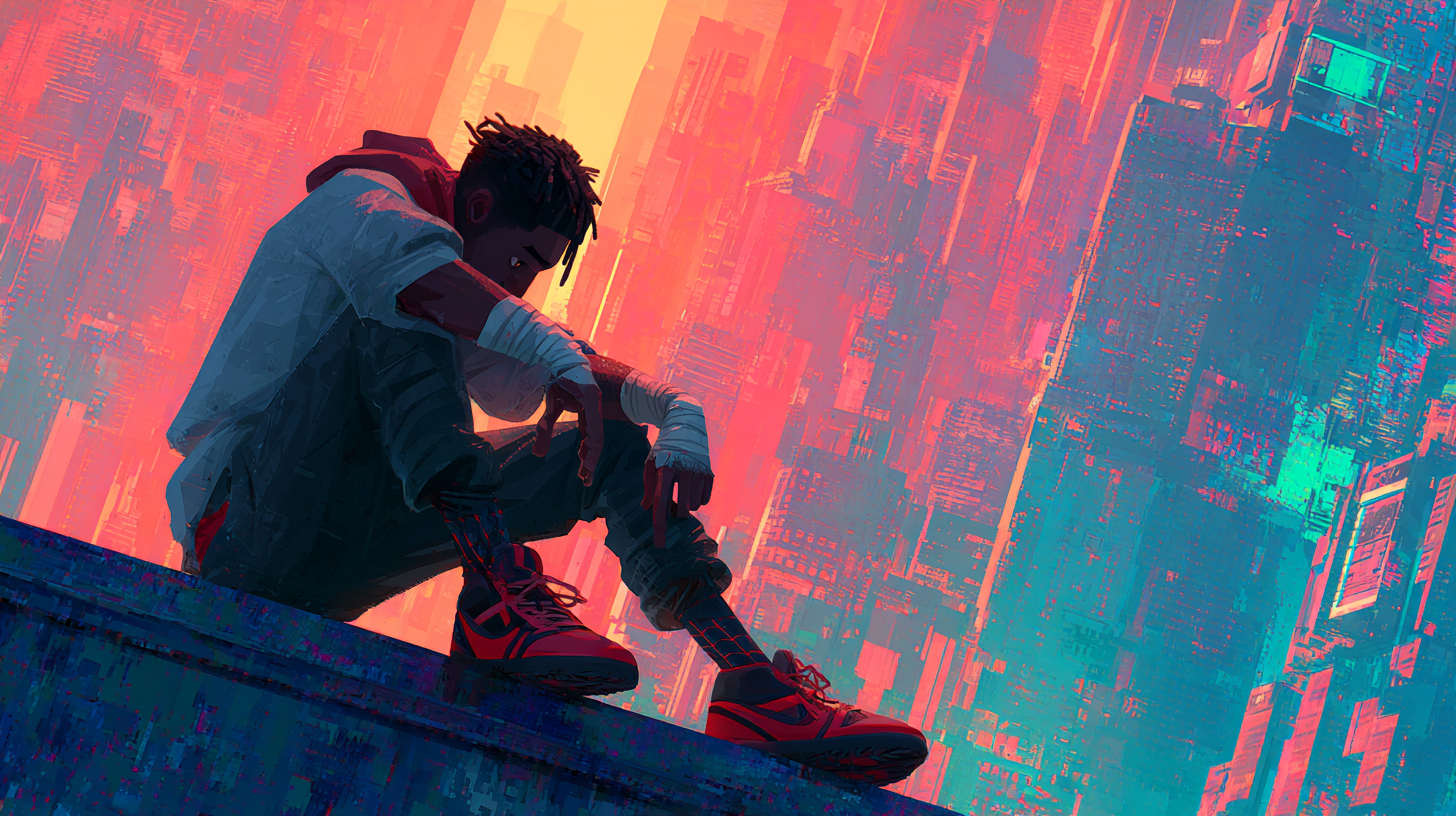
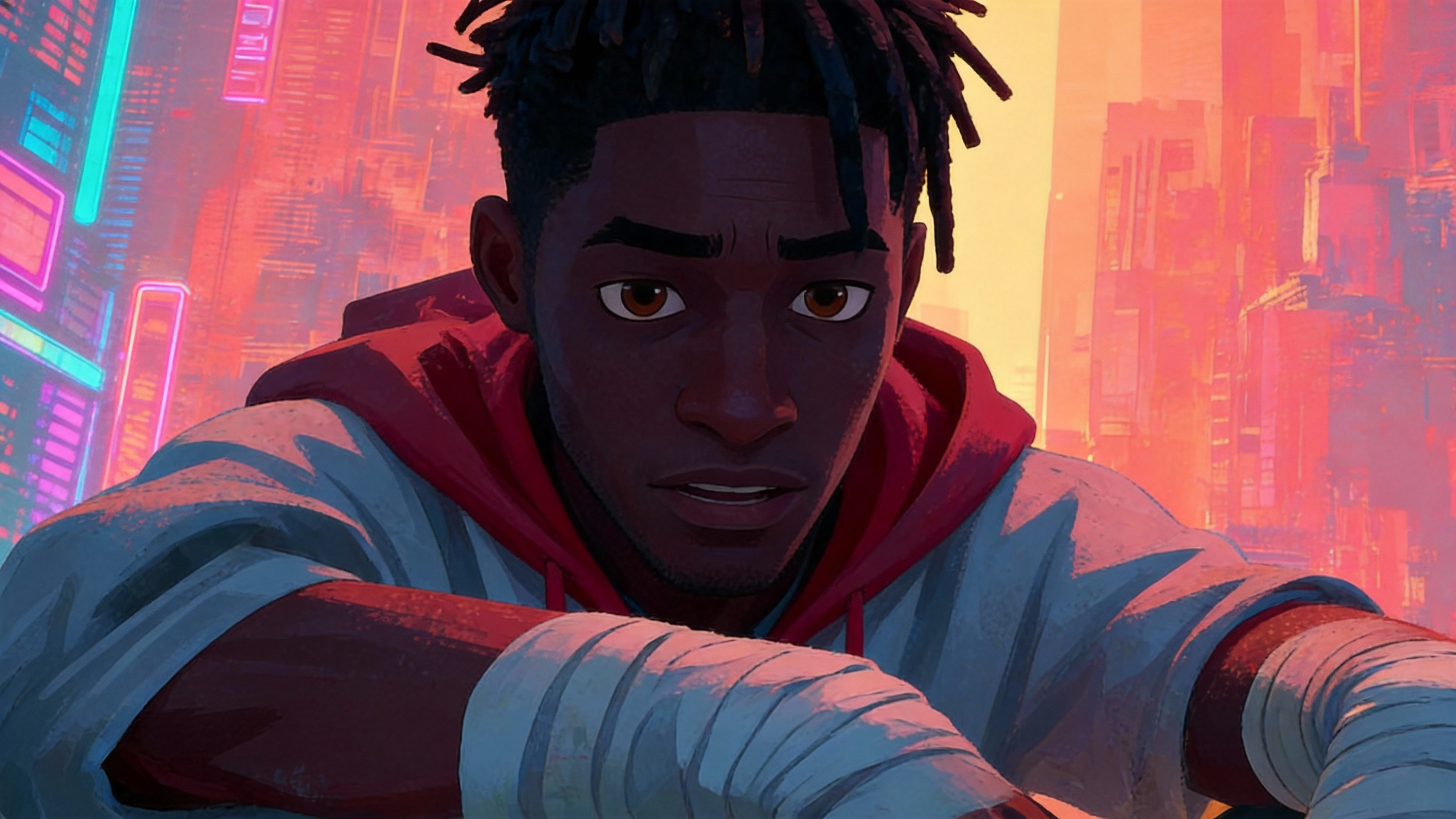
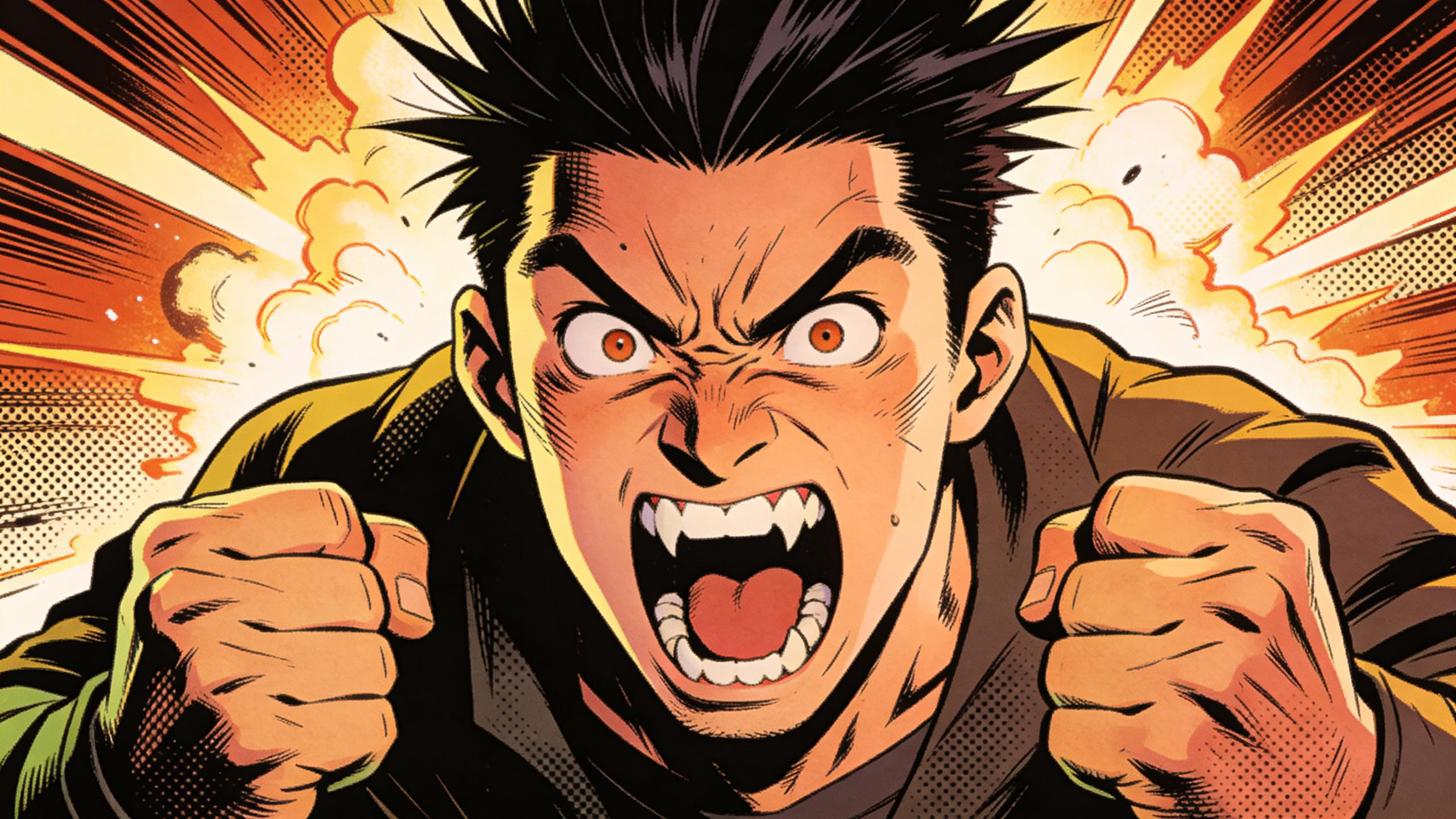
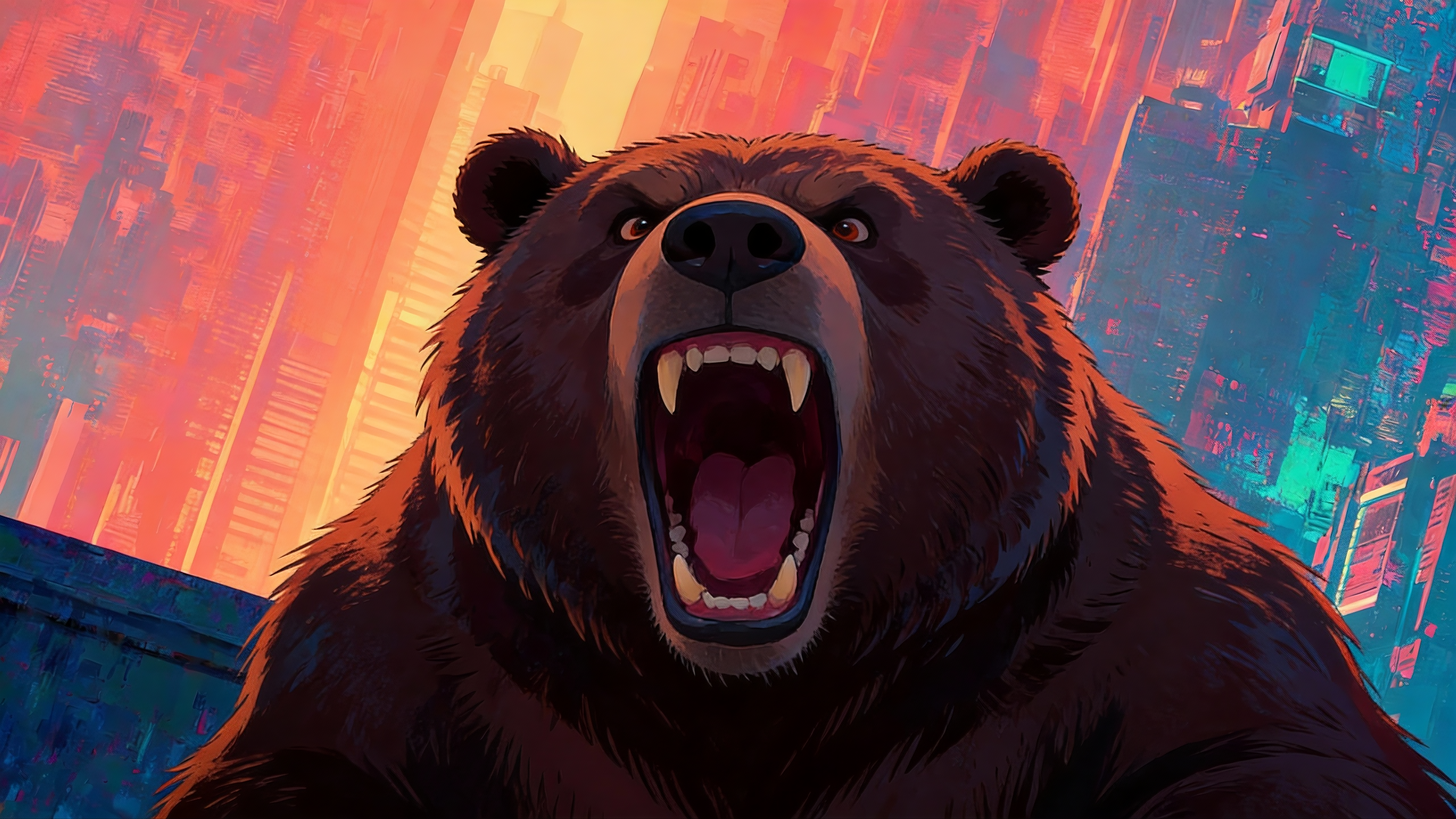
@image-1 is the first frame of the picture. The camera rotates and zooms in. The character suddenly looks up. The character's face looks like @image-2, and starts roaring loudly. T
- Video model
- Seedance 2.0
- Video duration
- 6s
- Aspect ratio
- 16:9
- Generation mode
- Not specified

Prompt
@image-1 is the first frame of the picture. The camera rotates and zooms in. The character suddenly looks up. The character's face looks like @image-2, and starts roaring loudly. The excitement has some comedy color, and the expression looks like @image-3. The character then physically transforms into a bear, refer to @image-4.
Prepare inputs and revise the prompt
- Describe the transition boundary and preserve only the elements you name.
- Replace references with your own authorized inputs and add each listed role. Missing inputs can prevent reproducing the example.
- These are revision and inspection suggestions; the source video is not evidence that the Studio reproduced these changes.