03:00:0050% OFFClaim

Delivery workflow

MiniMax H3 three-product launch: separate shots and an exact editable end card

Prepare three products separately, review each shot, then hand off exact copy through an editing layer. Includes original fictional product art, shot data, reproducible FFmpeg assembly, an actual local MP4 and execution receipt.

Deliver three different shot roles—overview, detail and context—followed by an editable end card. The actual evidence in this package is a local still-frame editing fixture. Model generation has not been executed; the illustrations are not product photographs, and the fixture proves neither H3 quality nor product performance.

Download the full brief
Self-authored fictional-brand product illustrations and editing cards. The MP4 is an actually executed local still-frame assembly with a persistent model-not-executed notice; it is neither real product footage nor an H3-generated result.

01. Inventory the inputs and exact copy

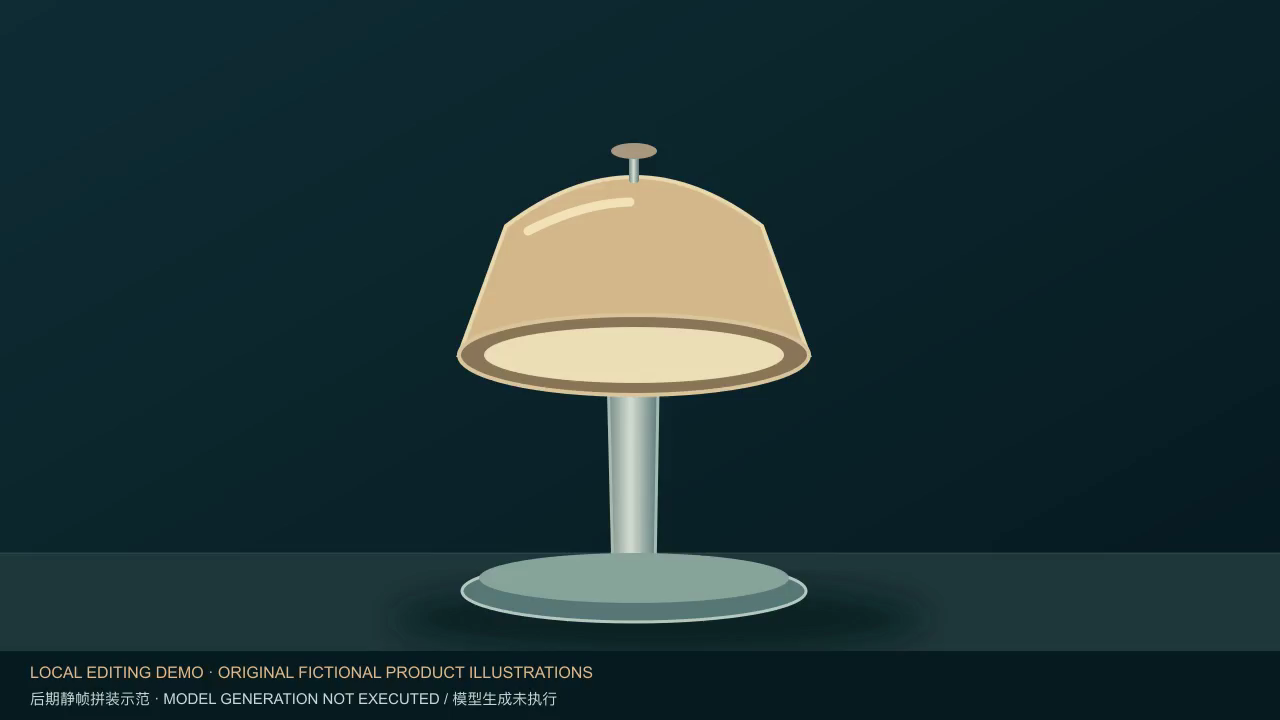
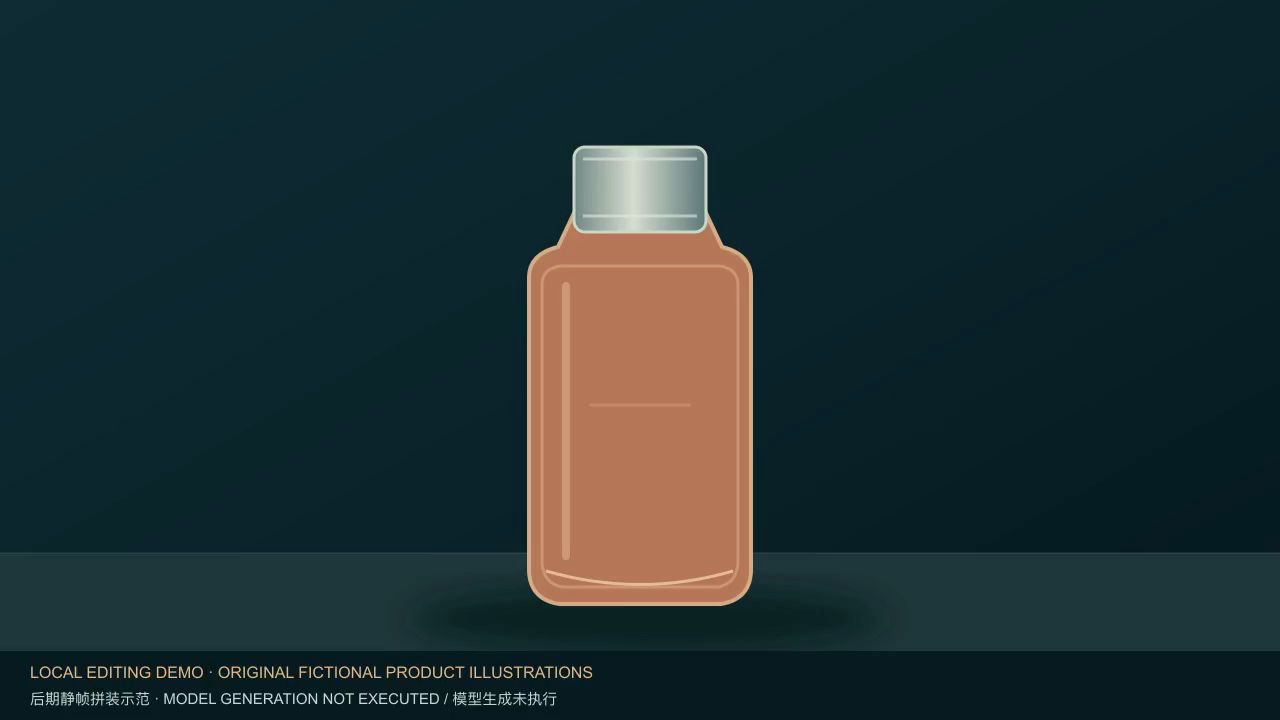
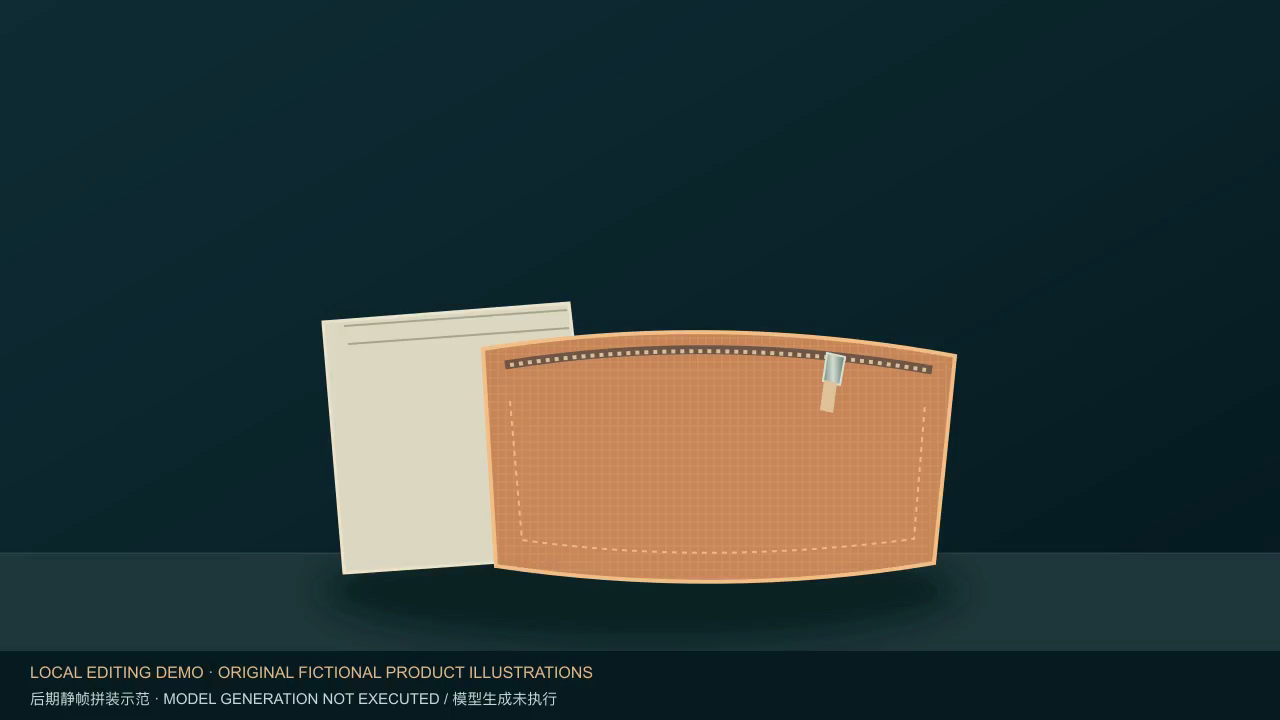
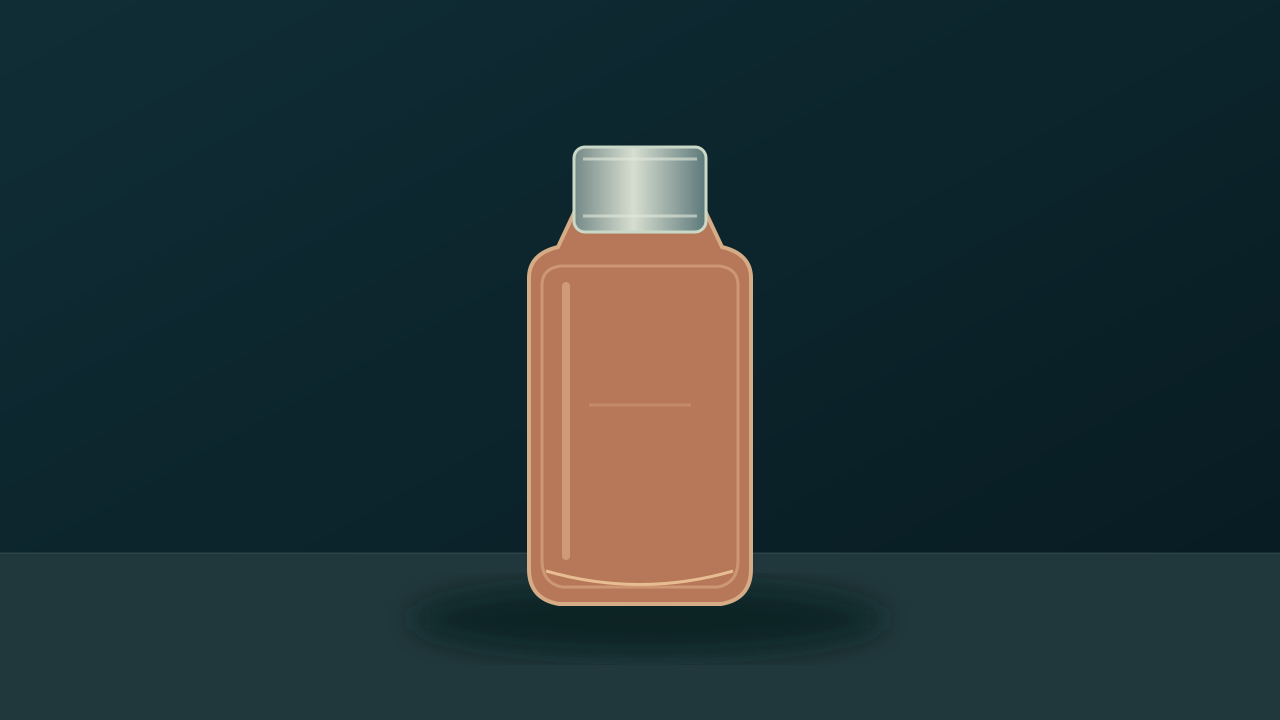
  • Three self-authored fictional ARC collection practice inputs: a desk-lamp overview, bottle detail, and canvas-pouch context. Each includes SVG source and PNG. They teach handoffs and are not a real product catalogue.
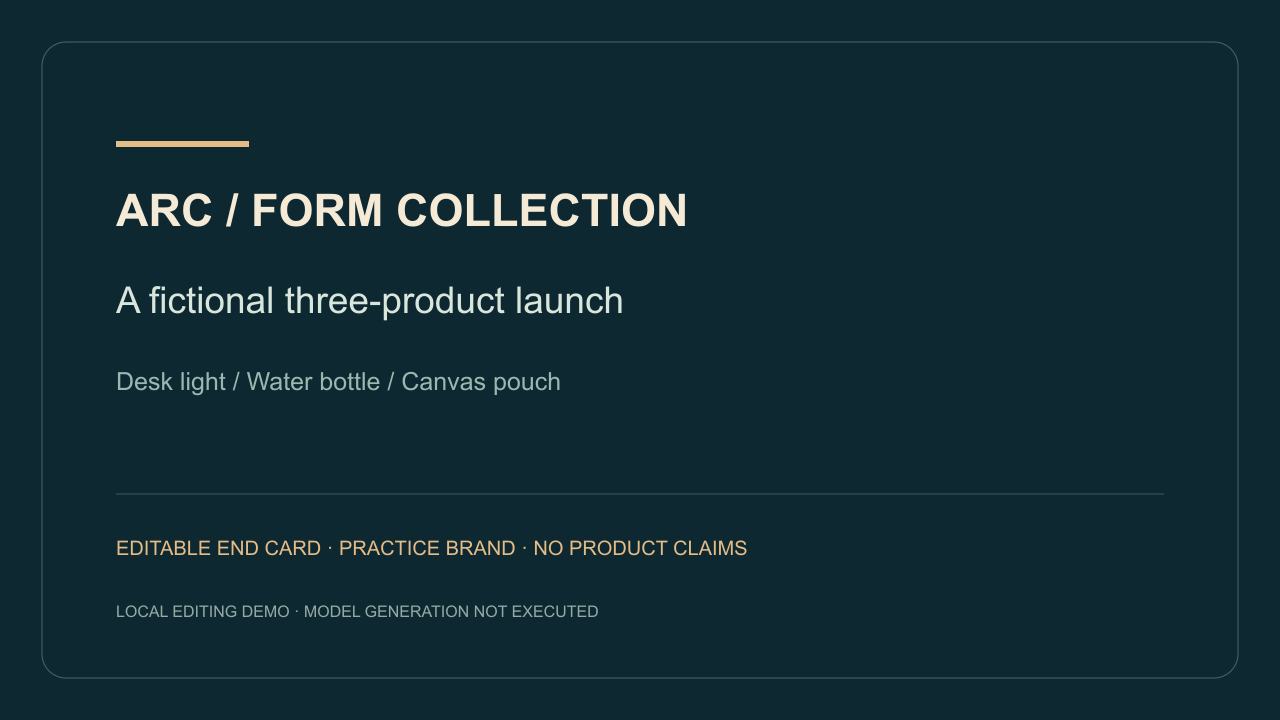
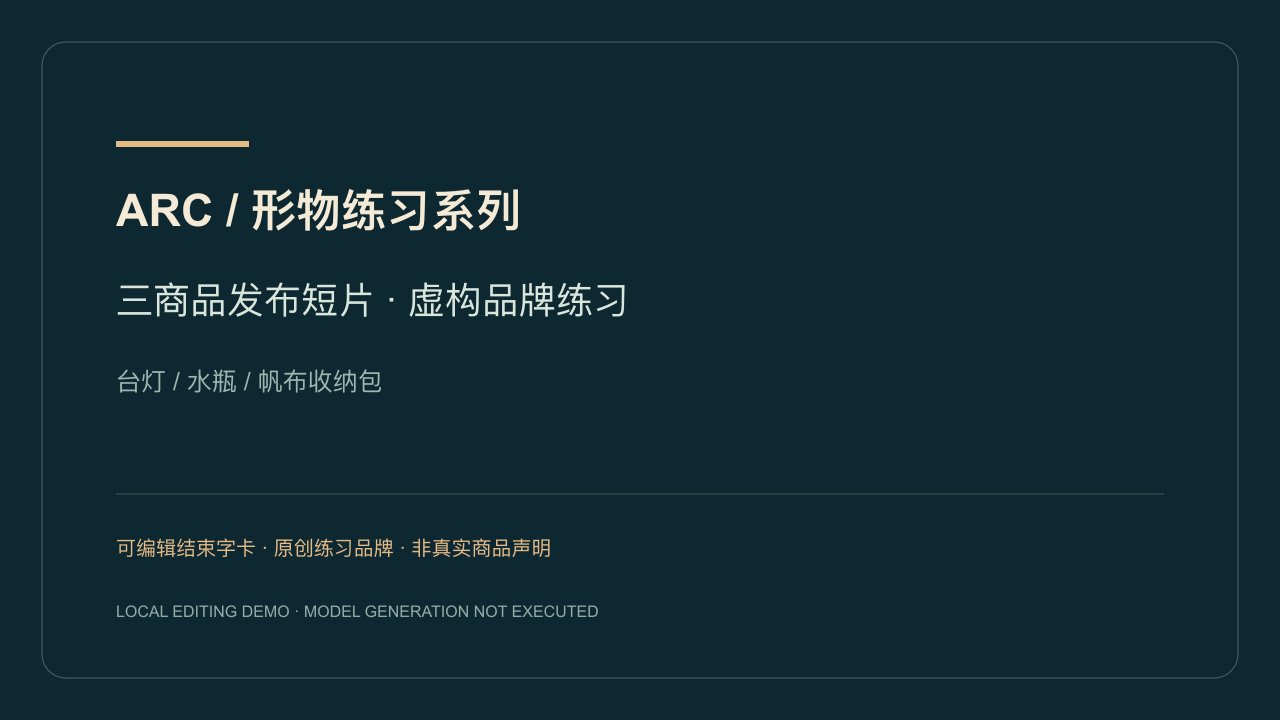
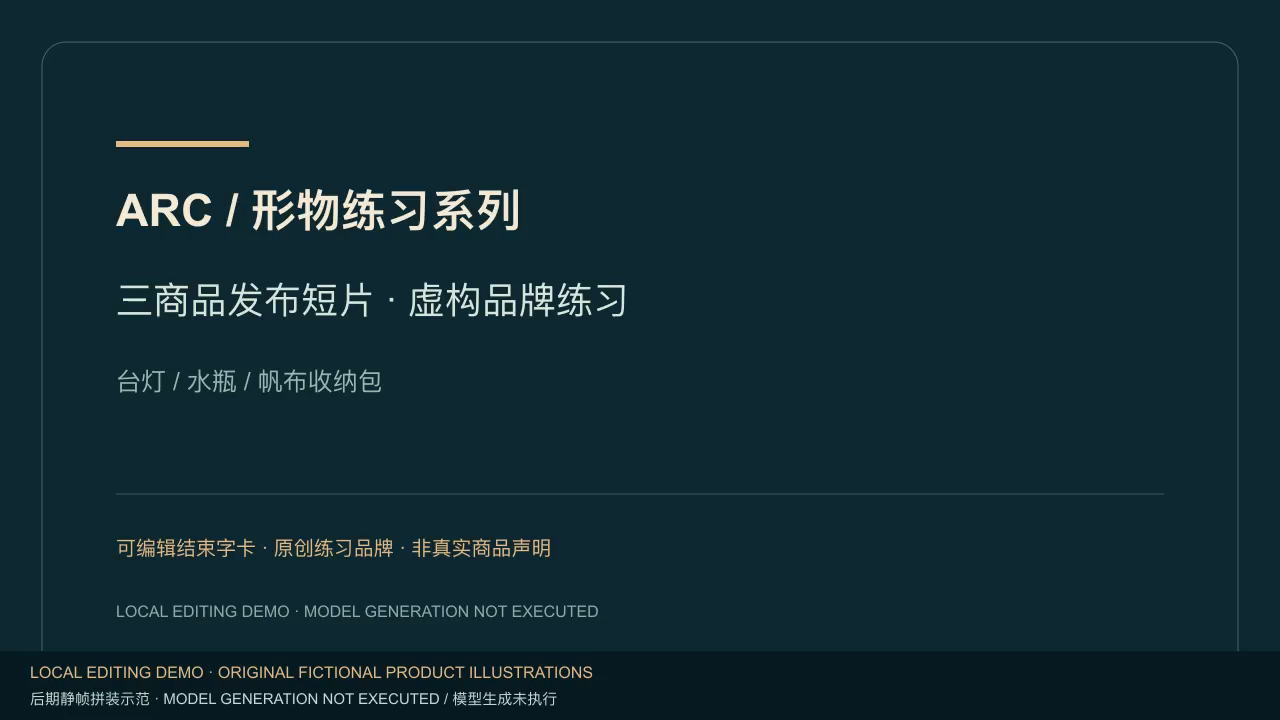
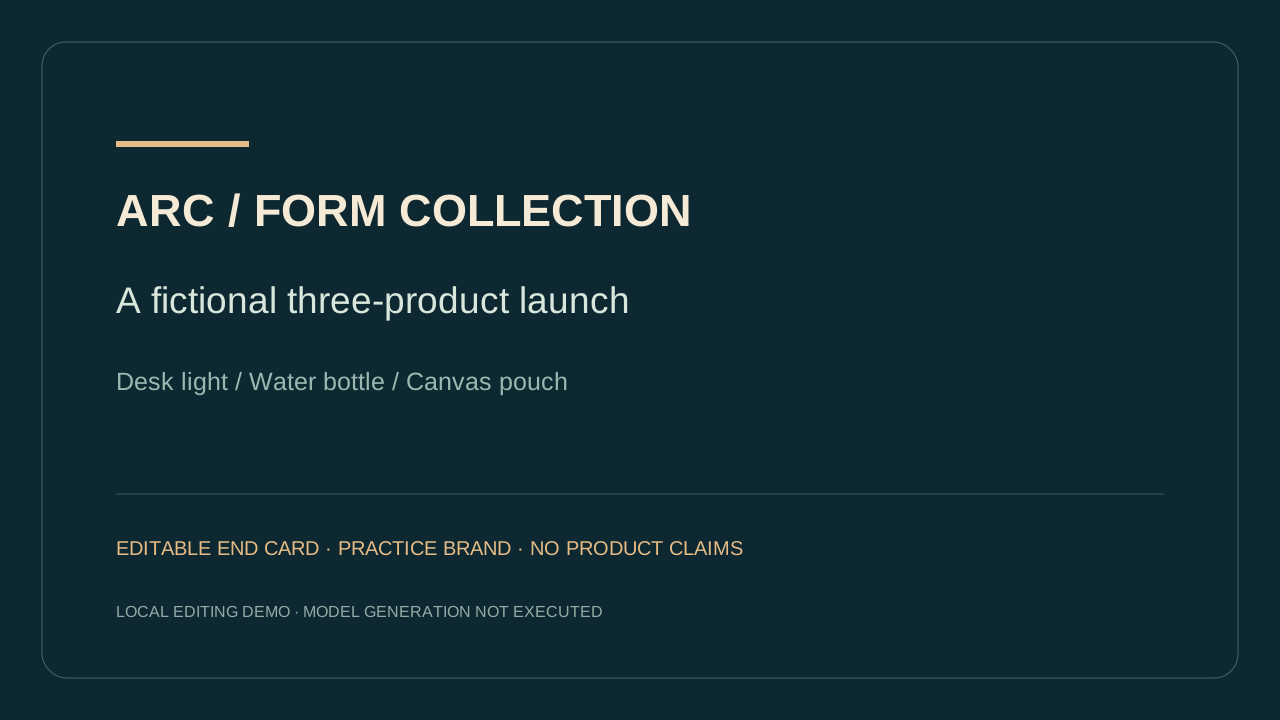
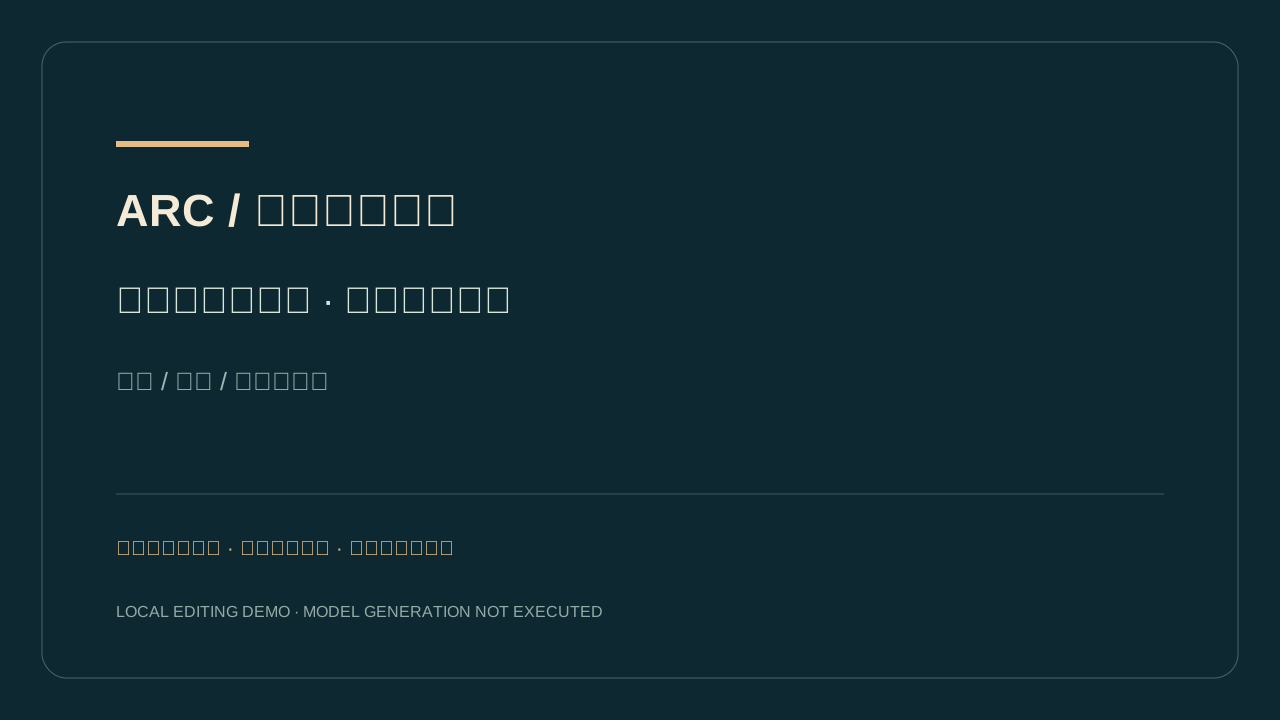
  • English and Chinese editable end-card SVGs and PNGs, a persistent demonstration overlay, shot-list.csv and manifest.json. Exact wording belongs to the end-card file rather than model generation.
  • Local reproduction requires Python 3 and an FFmpeg build supporting libx264. The included PNGs are ready to use; no website dependency installation or model call is needed.
  • For a real launch, obtain authorized material and approved wording for each actual product. When changing an illustration to a photograph, rewrite the prompt style and product details to match that source.
  1. 01.1 Assign different purposes to the three shots

    The lamp shows the full outline; the bottle checks the cap and shoulder connection; the pouch explains the tabletop context. Avoid three identical premium-ad briefs. Retain the three shot IDs so a failed clip can be replaced individually. Deliver: shot-list.csv and three first frames.

  2. 01.2 Separate product sources from exact copy

    Record visible structure, permitted source material and approved wording separately. ARC is an invented practice brand. Before an actual launch, verify the real brand, dates and claims; do not infer dimensions, capacity or performance from art or a model result. Deliver: manifest.json and editable end cards.

02. Prepare and review each separate shot

01-lamp-overview · Show the complete desk-lamp silhouette.

Planned shot prompt; model generation not executed.

Use this original fictional desk-lamp illustration as the first frame. Preserve the illustrated style, shade outline, visible stem and base. The lamp stays still. The camera makes a very small slow push-in while keeping the entire shade and base visible, then settles. Keep lighting steady. Do not add a person, product claims, a label, or new parts.
02-bottle-detail · Inspect the bottle-cap connection and visible shoulder.

Planned shot prompt; model generation not executed.

Use this original fictional bottle illustration as the first frame. Keep the illustrated bottle, cap, camera and base stationary. Only a soft narrow reflection on the bottle changes slightly and then settles. Preserve the visible cap-to-neck connection and shoulder outline. Do not open the cap, infer hidden parts, add a logo or invent product performance.

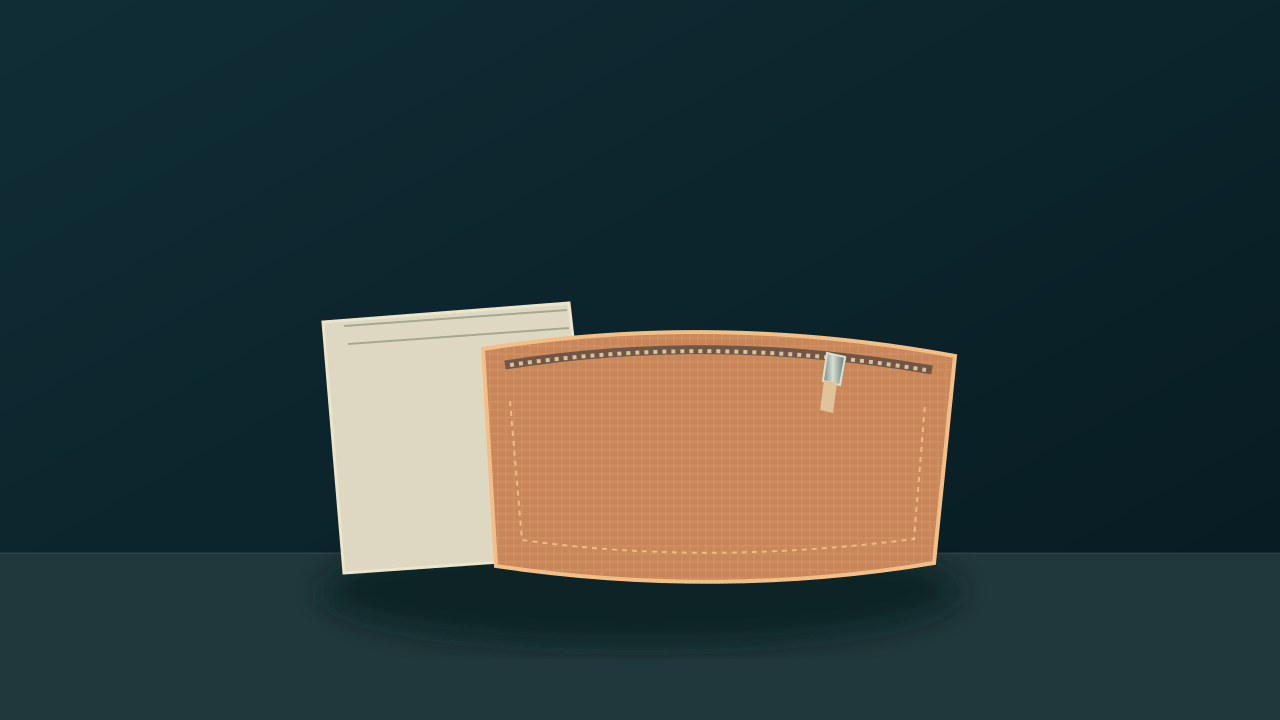
03-pouch-context · Show the pouch beside a notebook without implying size or capacity measurements.

Planned shot prompt; model generation not executed.

Use this original fictional canvas-pouch illustration as the first frame. Hold the same quiet tabletop composition with the pouch and blank notebook still. Preserve the pouch outline, visible zipper and notebook placement. Keep the camera fixed and lighting steady, with a calm held ending. Do not unzip the pouch, add hands, add wording, or claim dimensions, capacity or material performance.

  1. 02.1 Prepare a separate image-to-video task for each product

    If model motion is needed, upload only the matching first frame in each task, use that shot's bilingual brief in manifest.json, and check current controls and cost. These three model tasks have not been run here, and the local fixture cannot replace their review. Deliver later: reviewed 01/02/03-accepted.mp4 files with actual task IDs.

  2. 02.2 Review each shot before the next handoff

    Keep the lamp shade and base visible; inspect the bottle cap-to-neck connection; compare the pouch zipper and notebook placement. Replace a clip that contaminates another product, changes shape or adds a mark. An end card must not hide that defect. Deliver: a per-shot review record or remake decision.

03. Assemble the edit and add the ending card

  1. 03.1 Reproduce the supplied local edit first

    Download the package and run assemble-demo.py with the FFmpeg path and language. It holds three still images and an end card for three seconds each, joins them with hard cuts, and composites the demonstration label throughout, without audio. This 12-second fixture contains neither simulated camera motion nor model outputs. Deliver: assembled-demo.mp4, four keyframes and execution-receipt.json.

  2. 03.2 Hand reviewed clips into the real edit

    For an actual project, replace the stills with your three reviewed clips, set timing and transitions from the brief, and add the edited, approved end card. The fixture's three-second segments and 1280×720 at 24 fps are reproduction settings, not model parameters or universal release requirements. Deliver: the real edit project and export version.

Read the local editing execution receipt

04. Inspect the final export and hand it off

  1. 04.1 Read the card and check sequence and sound

    Play the actual export from start to end. Check overview, detail, context and end-card order against the shot list. Read every word at normal viewing size; inspect missing glyphs, clipping and margins. If delivery should be silent, inspect tracks and listen to the exported file. Deliver: completed export-checklist.csv.

  2. 04.2 Hand off facts and the scope of the evidence

    Provide source files, approved copy, accepted clip IDs, editing settings and final files. The fixture receipt proves that this local still edit decodes fully, lasts 12 seconds and has 288 frames; it does not prove model quality or actual product information. Deliver: material inventory, final export and the actual execution receipt.

Final export checks

  • The three shot purposes match their own source IDs; one product does not morph into another as a transition.
  • Practice artwork, actual product sources and model results are labelled separately; no illustration is described as real footage or a tested model result.
  • Any actual model clips have their own task records and reviews. The supplied fixture explicitly records that the model stage was not executed.
  • The end-card wording comes from editable SVG and is verified in the actual export, rather than trusted to generated typography.
  • The local fixture follows overview, detail, context and end card: four three-second segments, 12 seconds and 288 frames.
  • The local fixture is 1280×720, 24 fps, H.264, fully decodable and without audio; a real release is checked against its own format brief.
  • The demonstration disclosure is visible throughout; static assembly is not presented as model-generated video.
  • Real product shape errors return to shot review; accurate text cannot substitute for a product-authenticity check.
The second shot contains the first product.
Separate the three generation tasks, uploaded source lists and filenames. Supply only the matching first frame and check output ownership before editing. Do not use morphing to hide contamination.
Overview, detail and context all communicate the same thing.
Return to the shot purposes: complete shape, visible structure, then a setting. Similar framing does not automatically require regeneration; first check whether each shot conveys different information.
Chinese characters are missing or end-card wording is clipped.
Use a font containing the required glyphs, adjust the SVG layout and export a new PNG. Inspect the ending keyframe and then the full video. A wording change requires a new card export.
The generated product changes shape although the end card is accurate.
Review structure and wording separately. Replace the incorrect shot and retain approved copy; correct wording is not evidence of correct product geometry.
assemble-demo.py cannot find FFmpeg or a PNG.
Pass the actual executable with --ffmpeg and keep the extracted package intact. After SVG edits, export same-named PNGs again. The script does not install tools or contact a paid service.
The exported MP4 does not decode or has the wrong duration.
Read the real execution error and stream-and-decode-report.txt, then compare the four PNGs with the manifest. Retry in a new output folder; do not rename a failed file or manually invent a passing receipt.

This delivery is a reproducible still-frame editing fixture. A real launch still needs authorized product material, independent shot reviews and correct commercial copy. Keep shot naming and copy sources so only the failing part has to be replaced.

Files and evidence

Explore production checks and handoffs