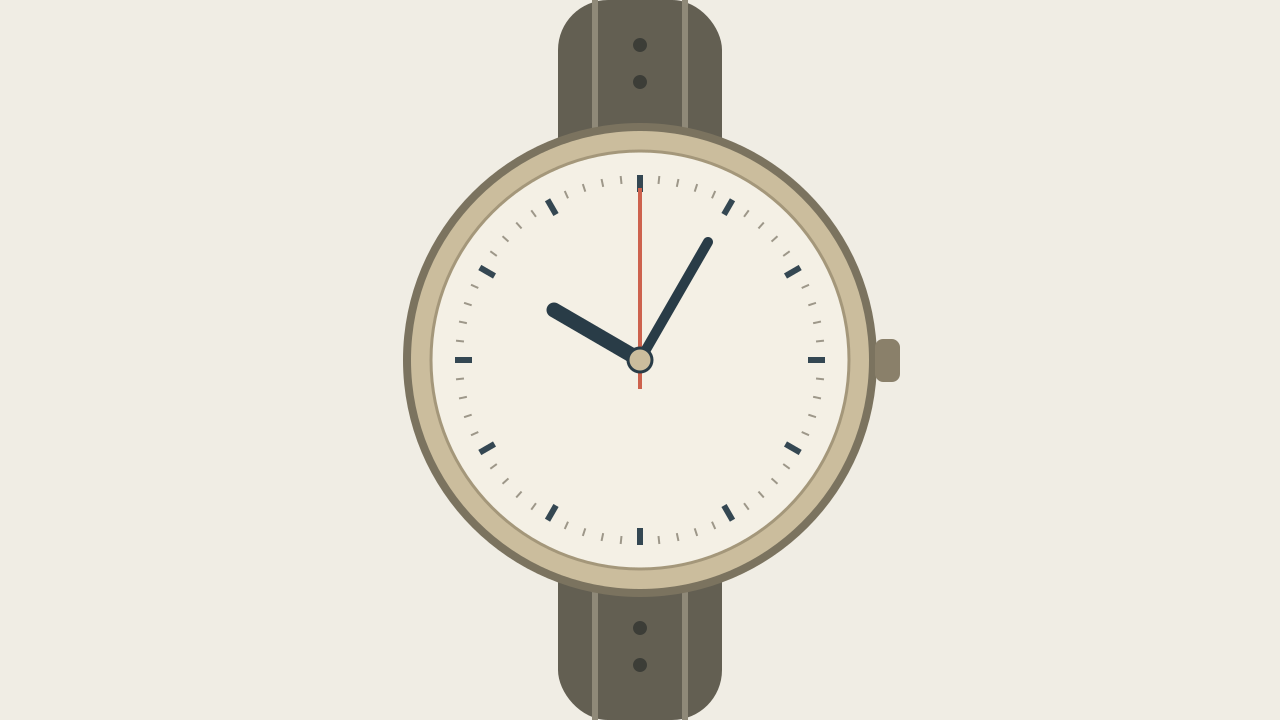
The second hand sweeps continuously
Change only the ending sentence to one tick followed by a hold; remove sweep, time-lapse and loop wording.
Task template
Describe a single clockwise second-hand tick and a settled ending. This is a visual continuity exercise with original art, not a tested H3 result or a demonstration of timekeeping accuracy.
Includes original practice inputs and a review checklist. This prompt has not been independently tested with the generation model.
Download the input image below and upload it manually in the generator; the button carries the prompt.
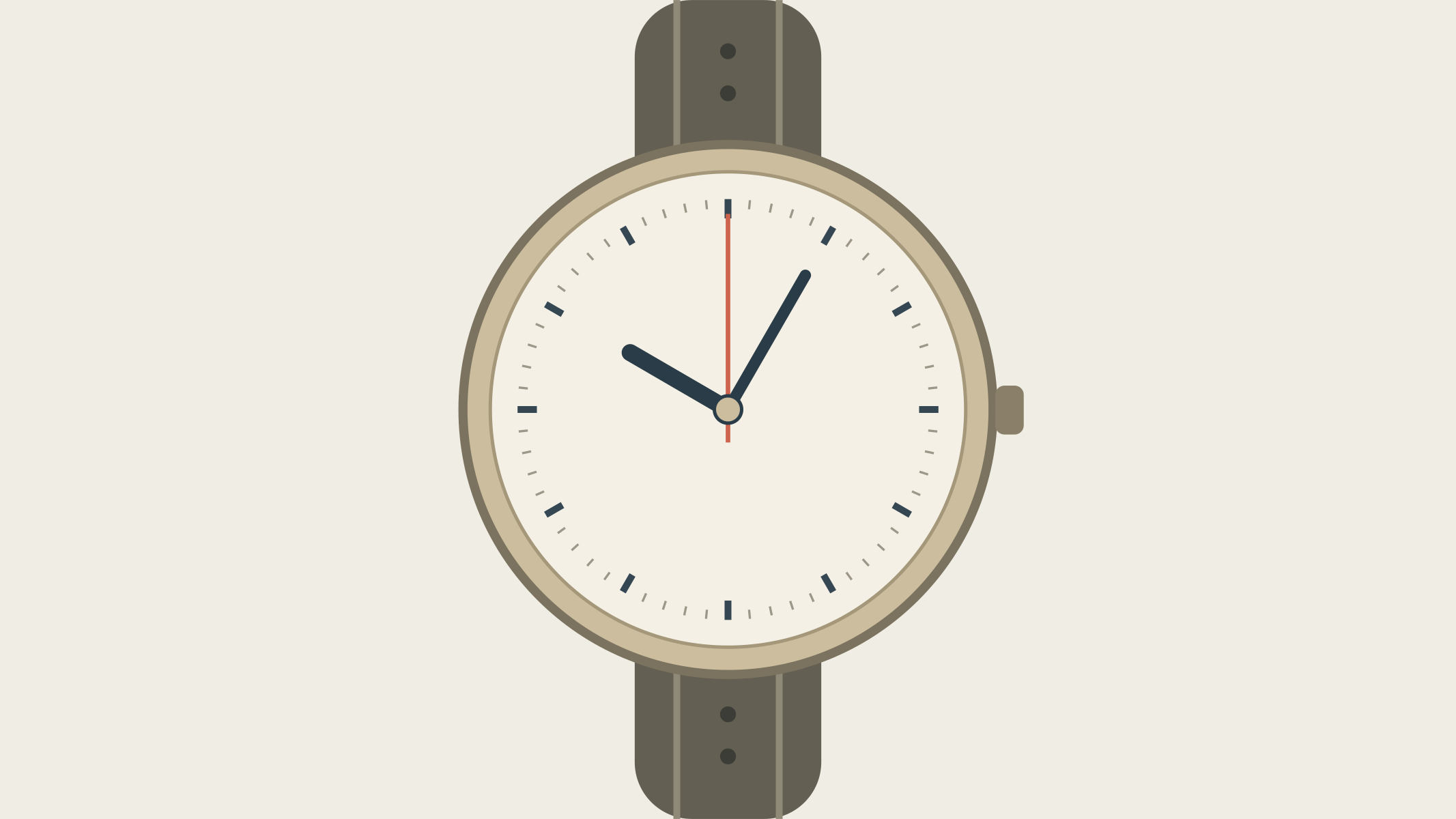
Start with the uploaded face-on watch. The watch case, strap, dial printing and all dial indices remain still. The dark hour and minute hands remain in their starting positions. Only the thin coral second hand makes one small clockwise tick from its starting index to the next adjacent small index, rotating as one straight piece about the center pin. It then holds at that next index for the rest of the shot. Keep its length, color and center connection consistent. Fixed camera, fixed light, no zoom, no sweeping rotation, no repeated ticks, no added numbers.
Confirm that the coral hand can be distinguished from the dark hands at the start. If the hands overlap heavily, choose a clearer start rather than asking the prompt to infer which one should move.
Name the next clockwise small index as the ending. Do not combine one tick with continuous time-lapse or a looping clock, which describes a different behavior.
Inspect whether the second hand remains attached at the same center pin. Then follow its tip to the neighboring mark; a bending or translating hand is not a rotational tick.
Compare indices at the top, right and bottom, plus the two dark hands. If print or static hands change, keep the action but simplify the dial source or composite the fixed face in finishing.
Change only the ending sentence to one tick followed by a hold; remove sweep, time-lapse and loop wording.
Change the role assignment to identify the coral second hand and name both dark hands as fixed; keep the requested tick amount.
Reduce only the motion amplitude and inspect the central pin again; reject a translated or curved hand.
Replace only the source with a simpler graphic dial for the exercise. For exact real printing, preserve the face in post or choose captured footage.
End on the next small index and keep a settled view long enough to compare the static dial. Record the observed step count; do not label the clip an accurate clock simulation.