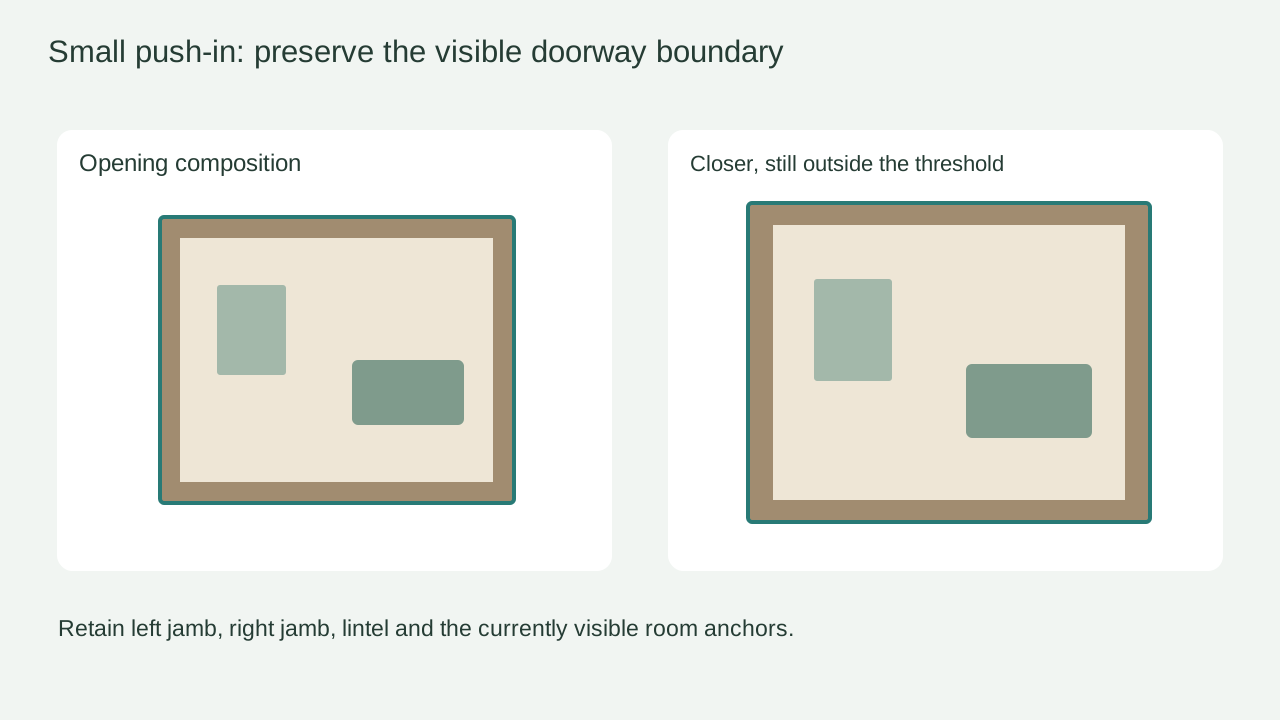
The camera enters a new room
Reduce only the forward move and restate the retained jambs as the ending limit. Keep the original view instead of describing invented room contents.
Task template
Move slightly closer in the existing viewing direction, stopping outside the threshold while the doorway and visible room anchors remain available for comparison. This is a bounded atmosphere shot, not a property walkthrough.
Includes original practice inputs and a review checklist. This prompt has not been independently tested with the generation model.
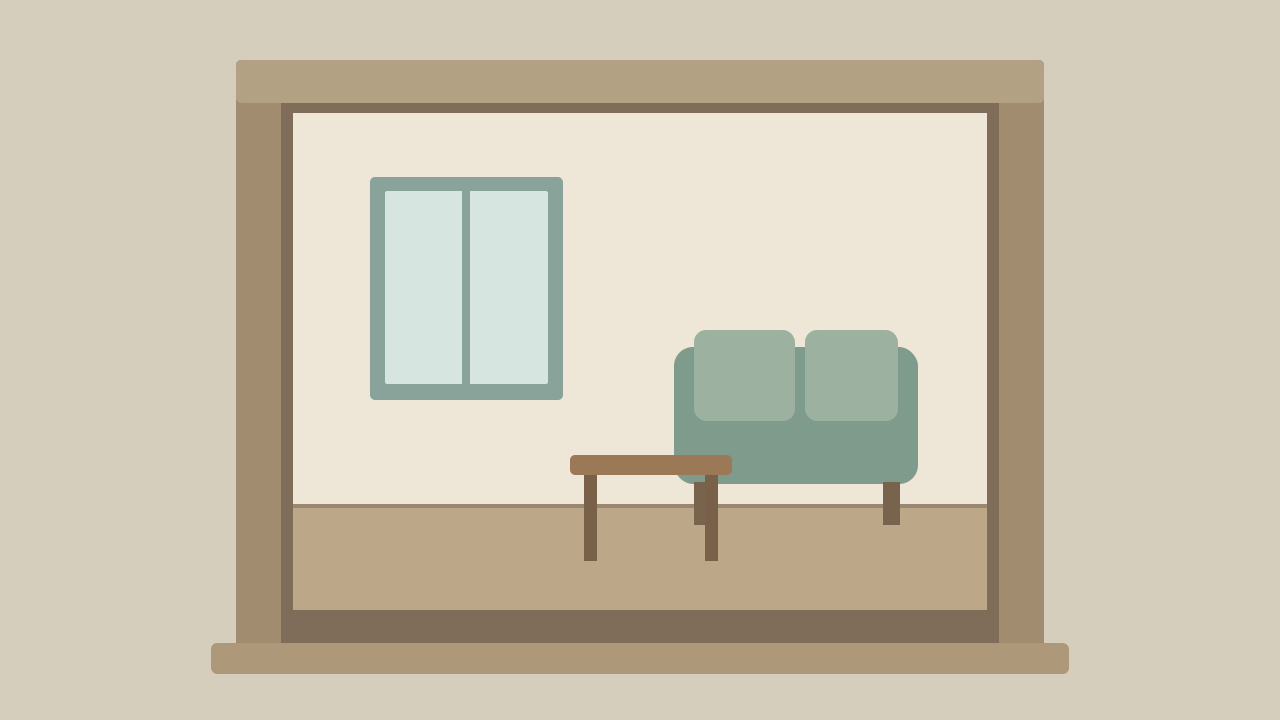
Download the input image below and upload it manually in the generator; the button carries the prompt.
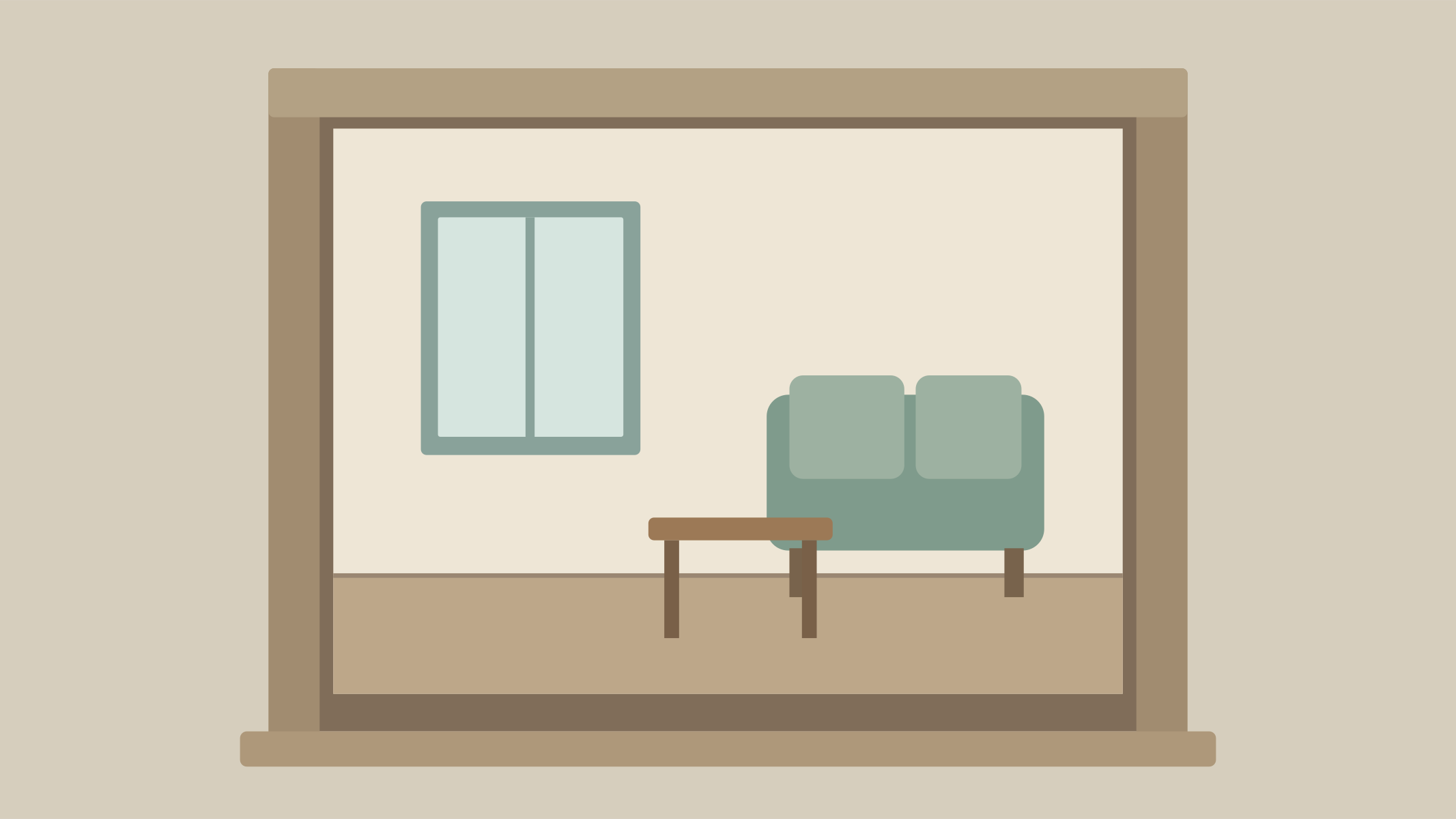
Use the uploaded doorway view as the first frame. Move the camera forward only a small distance along its current viewing direction and stop before crossing the doorway threshold. Retain the left jamb, right jamb and lintel inside the frame, together with the currently visible window and sofa. Keep the doorway, walls, floor and furniture in their existing relationships. Do not turn into a corridor, pass through the opening, reveal a new room or add unseen furnishings. End on a slightly closer view of the same visible space, with a quiet steady pause.
Identify the inner edges of both jambs and the lintel. These are the stop-condition references, not just decoration around the room.
Use a slightly closer composition that still contains the doorway and the window-sofa relationship. If the desired ending removes the jambs, shorten the move before generating.
Watch for the camera crossing the threshold, wall edges sliding apart or the sofa passing through a table. A plausible final crop can hide a broken spatial transition.
List surfaces or objects that become visible. Keep the shot within information already supplied; if a real adjoining space must be shown, obtain its actual footage or images as a different task.
Reduce only the forward move and restate the retained jambs as the ending limit. Keep the original view instead of describing invented room contents.
Shorten only the ending crop until both jambs remain visible. Recheck the full move, since a late crop can remove the reference unexpectedly.
Keep only the original visible anchors and remove expansive phrases such as a full tour. If the input is too dark to support the requested view, replace it with a clearer actual entrance image.
Finish outside the threshold with the same room in view. Save the retained-boundary check; do not describe newly generated surfaces as verified parts of a real property.