The entire landscape pans left
Change only the camera-and-ground clause to fixed framing and stationary ground. Recheck the tree before adjusting cloud speed.
Task template
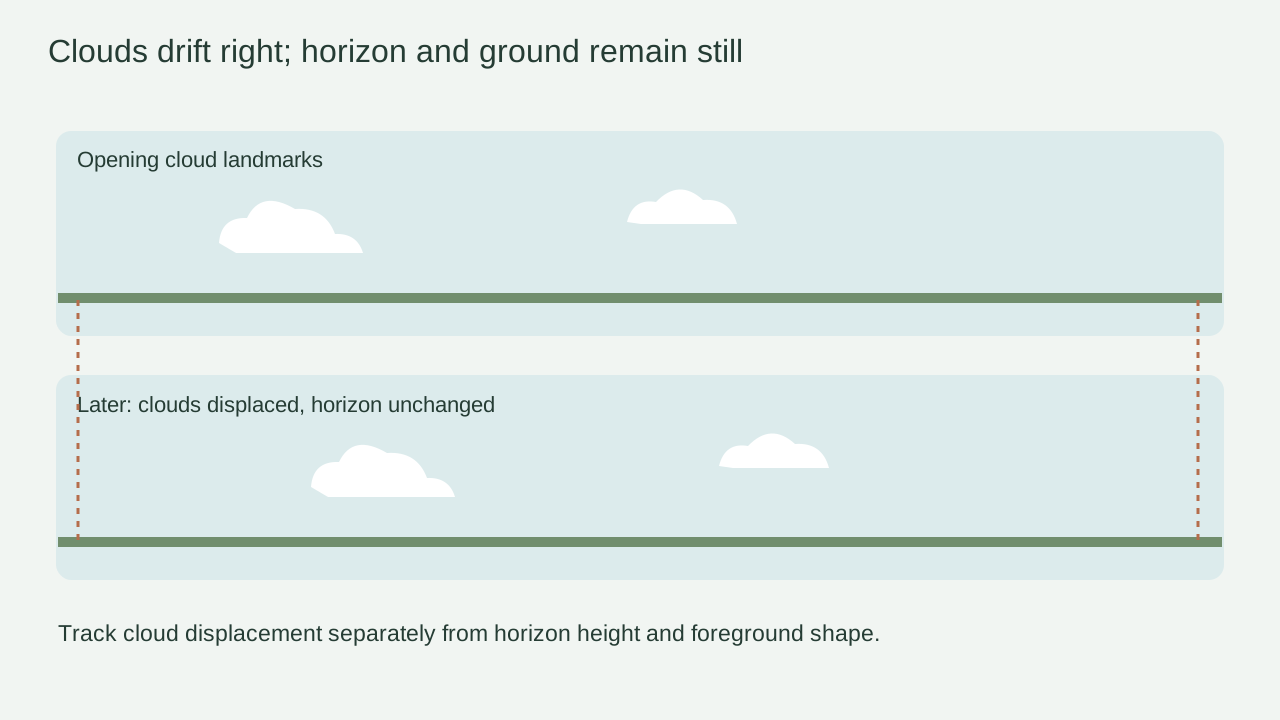
Move the visible clouds slowly toward frame right while the horizon, low hills and foreground tree remain fixed. The exercise keeps ordinary daytime lighting; it does not depict measured weather or promise a seamless sky loop.
Includes original practice inputs and a review checklist. This prompt has not been independently tested with the generation model.
Download the input image below and upload it manually in the generator; the button carries the prompt.

Use the uploaded landscape as the first frame. The visible cloud groups drift slowly toward frame right across the daytime sky, with only soft natural changes along their edges. Keep the horizon at the same height, and keep the low hill outlines, foreground tree and ground completely still. The camera stays fixed without a pan, tilt or zoom. Daylight and ground shadows remain steady; do not introduce sunrise, sunset, birds or a new weather event. End with the same view and the clouds still drifting gently in the same direction.
Mark one cloud group for displacement and record the horizon and tree as fixed. A single changing cloud shape cannot by itself establish direction.
Keep the camera fixed and ask only clouds to travel right. If the tree also slides left, the clip may be panning rather than preserving the required ground layer.
Pause in the middle to compare cloud-group position and the hill contour. Allow soft cloud-edge evolution, but reject a horizon that rises, melts or bends with the sky.
Check that drift direction persists to the last interval and that exposure remains daytime. Save the final visible displacement without claiming a start-to-end loop join.
Change only the camera-and-ground clause to fixed framing and stationary ground. Recheck the tree before adjusting cloud speed.
Strengthen only the rightward translation request and choose one identifiable cloud group for review; do not add time-lapse language.
Remove only time-of-day progression words and keep steady daytime lighting. Inspect the ground illumination as well as sky color.
End on the unchanged landscape with continuing cloud drift. Keep cloud displacement and fixed-ground checks separate; a usable loop or a real weather claim requires evidence beyond this practice draft.